Extreme Landings Pro Mod Apk 3.8.7 (All Aircraft Unlocked, All Missions Unlocked, Flight Simulator Mode)
RORTOS APK

| Name | Extreme Landings Pro |
|---|---|
| Publisher | RORTOS |
| Version | 3.8.7 |
| Size | 484MB |
| Requires | Android 5.0 |
| Get it on | Google Play ↗ |
| Category | Simulation |
| Downloads | 563 |
| Price | FREE 35.99 USD |
| Rating |
★
★
★
★
★
0/5
(0)
|
| Author | |
| Updated |
Extreme Landings Pro has no coins, no gems, and nothing to grind, so every listing that sells you “unlimited money” is describing a game that does not exist.
The Extreme Landings Pro mod apk is searched for one honest reason, which is to unlock the content that sits behind the game’s paywall. Extreme Landings Pro is RORTOS’s emergency-landing simulator, a paid and mostly offline title where the friction is locked missions and aircraft rather than a currency grind. As of mid-2026 the Italian studio still ships new planes to it, so it pays to know what you actually buy and what a mod actually flips before you install anything.
- What Extreme Landings Pro actually simulates, and why it feels punishing
- How the Career scenarios and named missions are built
- The cockpit depth: manual gear, engine start, and fuel jettison
- Is the flight model and stall system realistic?
- How the ILS and instrument approach really behave
- The aircraft roster and why every plane flies differently
- Land Now mode, fault levels, and the global leaderboard
- The paywall: what is free, what is paid, and where the grind hides
- What the Extreme Landings Pro mod apk actually changes
- Where I land on Extreme Landings Pro
What Extreme Landings Pro actually simulates, and why it feels punishing
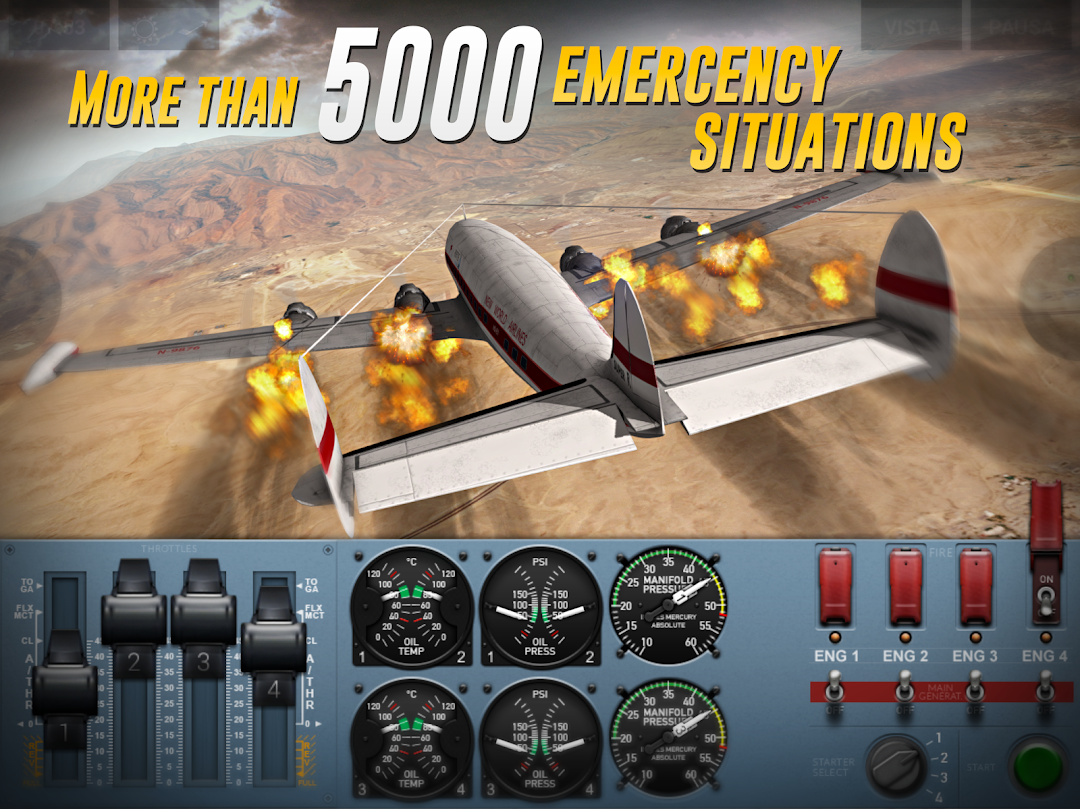
Extreme Landings Pro is not a free-roam flight sim. Its whole design pushes you into emergencies inspired by real incidents, then asks you to save the aircraft. The developer counts over 5,000 possible situations across 36 missions and 216 challenges, and the difficulty comes from managing failures under time pressure, not from scenery.
Here is the part the store page hides. Several reviewers who fly for a living argue the mission mix leans too hard on “Hit the Spot” and “Soft Landing” tasks, and too light on real instrument flying like holds, missed approaches, and VOR or NDB approaches in bad weather. So the sim nails the drama of a crippled jet, yet a working pilot will notice it drills the same two or three landing setups more often than a real line career ever would. That is my main structural gripe with the campaign.
How the Career scenarios and named missions are built
Career mode is a ladder of standalone stories, each modeled on a real dramatic event rather than a single continuous plot. The named scenarios run from FIRST FLIGHT and BAD STATE through STORM, CRITICAL, EXTREME CHALLENGE, SONIC BANG, HEAVY LOAD, BUSINESS JET, and OLD GLORY, and you scroll them to the end to find the later ones.
The insider point is which threat actually kills you. The community and the sim’s own weather system single out the microburst, a sudden downdraft that yanks the aircraft toward the ground with almost no warning during approach. New players lose the plane there because they fight altitude with pitch when the correct answer is power and, if the checklist allows, a fuel jettison to lighten the airframe. Reading which failure a scenario is really testing matters more than raw stick skill.
The cockpit depth: manual gear, engine start, and fuel jettison
This is where Extreme Landings Pro earns its reputation. You start each engine individually, run the APU, balance and jettison fuel with real consumption, and deploy landing gear through a manual unlocking system when a fault jams it. Reversers, spoilers, flaps, and rudder are all under your control, so a bad approach is your fault and not the game’s.
One quirk long-time players document is worth knowing. Reverse thrust normally only engages once the gear touches the runway, but on the supersonic R-145S the reverse can fire mid-flight, which no real airliner and no other plane in the game allows. It is a small physics loophole, and it tells you the flight model is hand-tuned per aircraft rather than governed by one universal rule. Details like that never appear on any mod download page.
Is the flight model and stall system realistic?
Extreme Landings Pro models a genuinely heavy jet, and that is the feature veteran flight-sim pilots praise most. Slow the aircraft too far and it stalls, backed by a low-speed alarm, with real weight and drag that make a four-engine widebody feel deliberate on final. This is closer to Newtonian handling than the arcade sims where a crash is just a text label.
It is not flawless, and the flaw is specific. Pilots in the reviews report the descent behavior against angle of attack feels off, so around 150 knots you often still need to pitch the nose down to descend when the real aircraft would settle differently. Players have also asked for a stick-shaker vibration as a pre-stall cue, which the game still does not give you. So the physics are impressively strict, yet the descent geometry and stall feedback are the two places where the illusion cracks.
How the ILS and instrument approach really behave
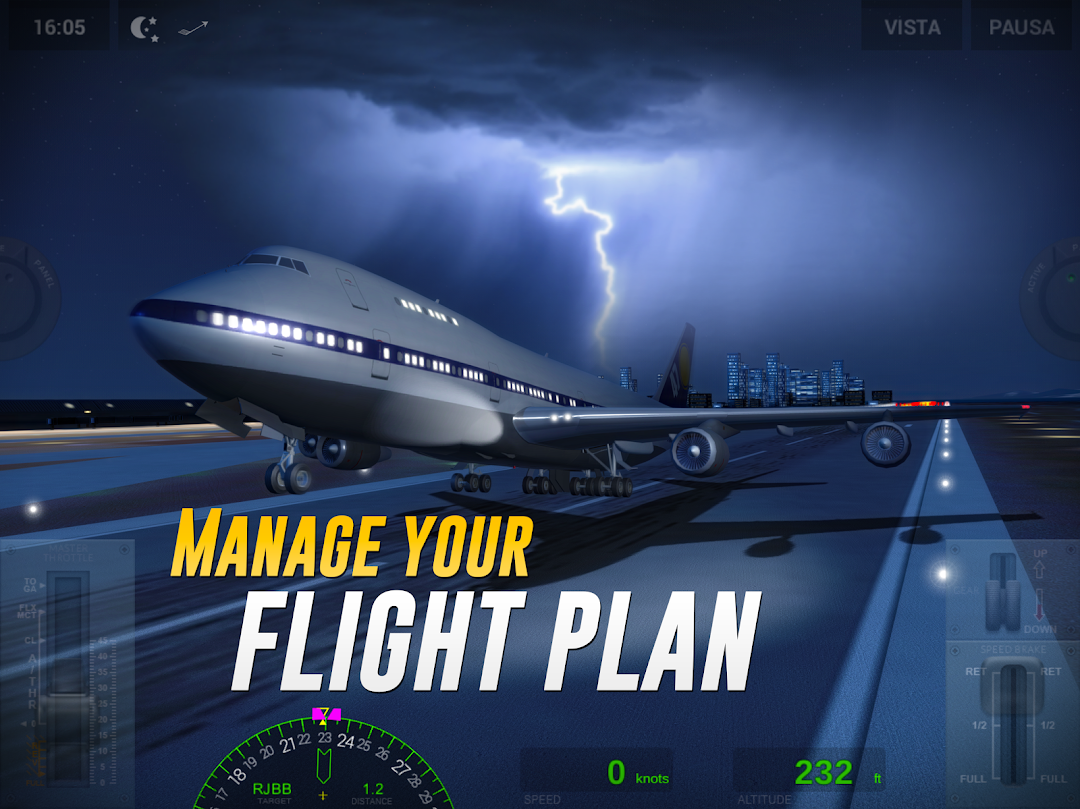
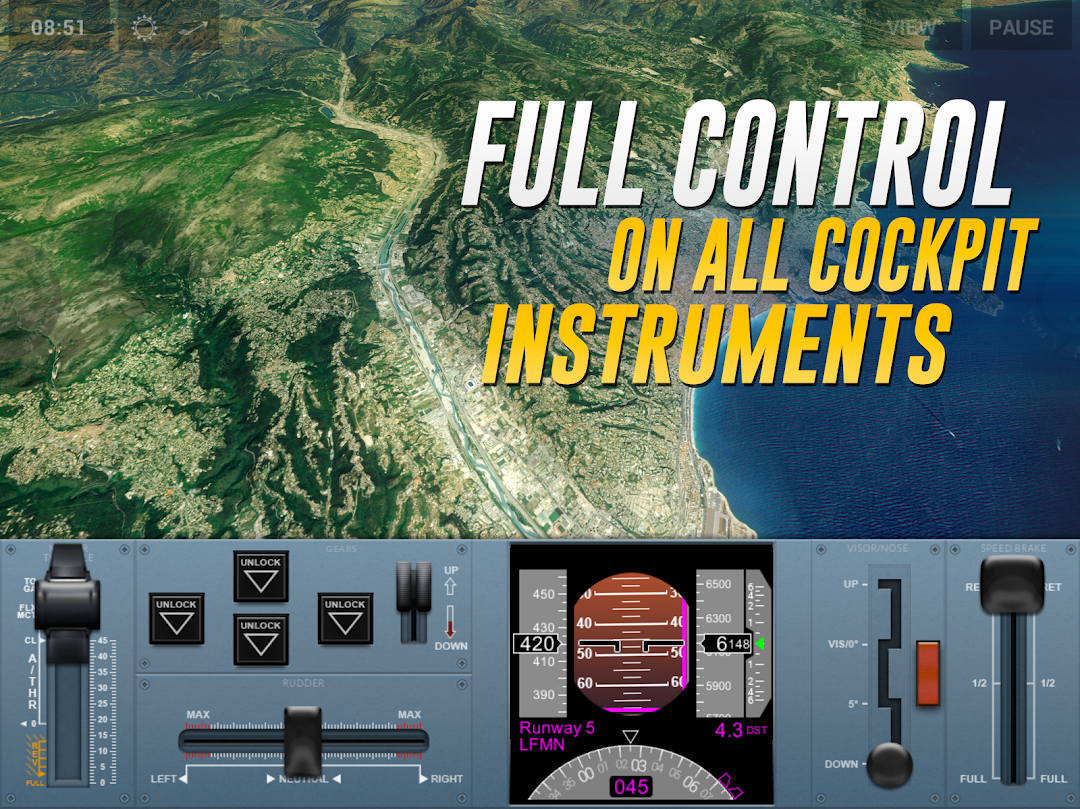
Extreme Landings Pro ships a full instrument stack, including ILS, a Primary Flight Display, a Navigation Display, autopilot for speed, route, altitude, and vertical speed, and a weather radar for microburst, ice, and wind. For a mobile title this is unusually complete, and it is the reason the sim attracts real aviators rather than casual players.
The detail that separates people who have flown the ILS from people who have only read the store page is the minimum callout. The game announces “minimum” at 300 feet, while a real CAT I precision approach calls it at 200 feet, so the trained ear notices the number is off. It is a minor deviation, but it shows the ILS is a convincing prop rather than a certified procedure, which is exactly the kind of thing that matters if you bought this app to practice.
The aircraft roster and why every plane flies differently
The fleet spans roughly eighteen aircraft, from a widebody four-engine jet and a supersonic airliner to a heavy cargo lifter, a business jet, an old propeller Constellation, a double-deck superjumbo, a Dreamliner, and even a B-52 bomber. Only one plane is unlocked from the start, and the rest are gated behind purchases, which is the single biggest driver of mod interest.
What the listings never tell you is how much the handling changes between them. Most airframes approach around 120 to 130 knots, but the A340-style R-344P comes in near 160 knots, so a technique that lands one jet cleanly will float or drop another. The old Constellation even uses an analog panel instead of the glass cockpit the modern jets share. If you plan to unlock everything, know that you are relearning speeds and instruments plane by plane, not just changing a skin.
Land Now mode, fault levels, and the global leaderboard
Land Now is the quick-fix mode, dropping you into a fast landing with a random aircraft, random weather, and one of five fault levels, then scoring the result. Six of the game’s challenges feed global competitions, so your best runs sit on a worldwide leaderboard through Game Center or Google Play Games.
This is the part that quietly complicates any mod decision. Because those competition scores are ranked against real players, a modified build that hands you unlocked aircraft and perfect conditions can get flagged or rejected on the boards, and there is no satisfaction in topping a table you did not earn. For pure single-player practice the leaderboard is ignorable, but for anyone who cares about the competitive side, it is the one system where a mod actively works against you.
The paywall: what is free, what is paid, and where the grind hides
Extreme Landings Pro is a paid app, and Pro buyers still meet in-app purchases for extra scenarios, aircraft, HD airports, and the separate Flight Simulator free-flight mode. The free Extreme Landings edition is stingier, giving only 6 of the 36 missions, 18 of the 216 challenges, 4 of the 20 HD airports, and a single plane, with everything else for sale.
Two friction points push people toward mods more than the price does. Progress from the free version does not carry into Pro, so many players discover they must start from scratch even while signed into the same account. And full flights on the world map run close to real time, roughly an hour with your device awake, because the time-skip is limited. So the real cost of this game is not only money, it is the restart and the long, unskippable legs that the store copy never mentions.
What the Extreme Landings Pro mod apk actually changes
Strip away the copy-paste marketing and the honest feature list is short. A working Extreme Landings Pro mod apk flips the local unlock flags for all aircraft, all 36 missions and 216 challenges, all 20 HD airports, and the Flight Simulator free-flight mode, and it may strip ads, though the Pro edition is already ad-free so that line is meaningless here.
Ignore the pages promising “unlimited money,” “infinite fuel,” or “no maintenance costs.” There is no currency in this game to inflate, fuel management is a core mechanic rather than a wallet, and maintenance costs belong to RORTOS’s airline sim, not to this one, so that claim was borrowed from a different title. What is true is that these unlocks are stored on your device rather than checked by a server, so on this offline architecture a clean mod can hold its unlocks instead of being reset the way a live online game would reset them.
The trade-offs are real. A full build is 500 MB or more, and pulling an obb file that size from a random mirror is the most common way people invite malware. A sideloaded package will not auto-update, so you miss the new aircraft the studio still adds. Your progress may not sync to Game Center or Google Play, which risks the exact save wipe players already complain about, and competition scores from a modded install can be flagged. The account-ban risk is lower than in an always-online game because so much of this sim runs offline, but you do forfeit the legitimate purchase tied to your account, and that is the quiet cost most listings skip.
If you would rather compare safer, checked builds before trusting a random mirror, the modlmh homepage is a sensible place to start.
Where I land on Extreme Landings Pro
Extreme Landings Pro is the rare mobile sim that flies like real weight, and its emergency scenarios still deliver a jolt that arcade titles cannot fake, even with a dated mission mix and a few physics quirks in descent and stall feedback. It is built for aviation enthusiasts who want strict handling, not for casual players who expect free flying out of the box. If you value the leaderboards, updates, and a save that follows you across devices, buy the Pro version and treat the paywall as the price of a real cockpit. If you only want to explore every aircraft and airport in solo practice and you accept the malware and no-sync risks, a mod will open those doors, but I would keep it far away from any account you care about.
Mở Khóa Tất Cả
Install the official, unmodified build straight from Google Play.
Android emulator to run EXTREME LANDINGS PRO APK smoothly on PC.
Choose the source that fits your device
Extreme Landings Pro
Original build on Google Play · Android
GET ↗
Play on PC with LDPlayer
Android emulator · supports Extreme Landings Pro · Windows
GET ↗