Download Fill The Fridge Mod Apk 73.0.1 (No Ads, Unlimited Coins, Unlocked Items)
Rollic Games APK
| Name | Fill The Fridge |
|---|---|
| Publisher | Rollic Games |
| Version | 73.0.1 |
| Size | 111MB |
| Requires | Android 4.4 |
| Get it on | Google Play ↗ |
| Category | Simulation |
| Downloads | 520 |
| Price | FREE |
| Rating |
★
★
★
★
★
0/5
(0)
|
| Author | |
| Updated |
Most Fill The Fridge mod apk pages promise you Unlimited Gems, Diamonds, and God Mode, yet this game has never had a single gem, diamond, or health bar to hack in the first place.
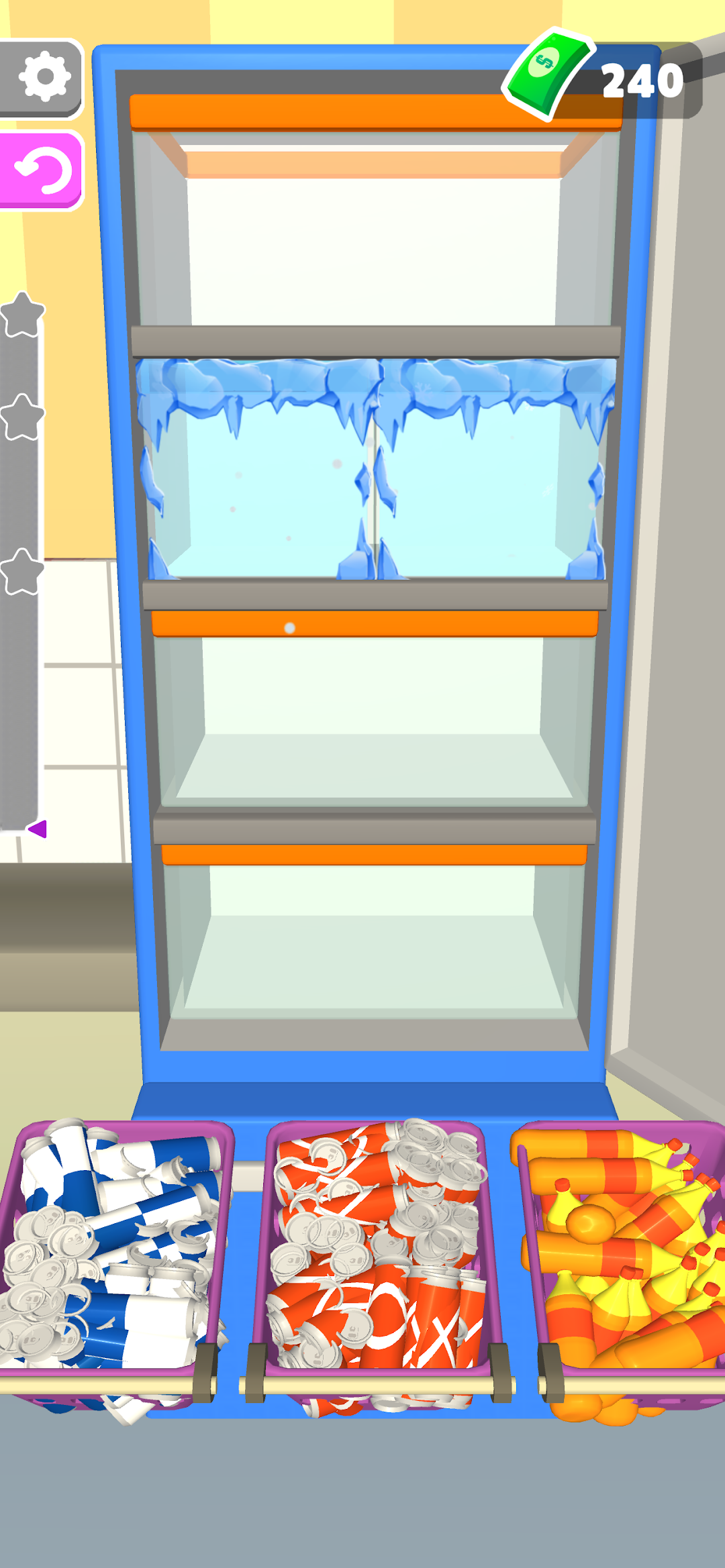
Fill The Fridge is a casual sorting puzzle from Rollic Games where you empty shopping baskets into a cramped refrigerator and try to fit every item without wasting space. The Fill The Fridge mod apk is the modified build that players hunt for, and almost always for one reason: the ads. I want to be straight with you about what that mod actually changes, what it cannot touch, and why a large share of the download pages ranking above this one describe features that do not exist in this game at all. Once you understand how the game is built, you will know exactly which version is worth installing and which “unlimited everything” listing is a copied template you should close immediately.
- What Fill The Fridge really is, and why a mod exists at all
- What do those “Unlimited Gems and God Mode” mods actually give you?
- What does money actually do in Fill The Fridge?
- Fill The Fridge mod apk: what the ad-free version genuinely changes
- Why are there so many ads, and does paying to remove them work?
- How to play Fill The Fridge without ads for free
- Which ad-free option should you actually pick?
- Is the browser version a real alternative?
- Is Fill The Fridge mod apk safe to download?
- Can you get banned for using a Fill The Fridge mod?
- How to install the Fill The Fridge mod apk safely
- Tips to actually fit everything in the fridge
- My verdict on the Fill The Fridge mod apk
What Fill The Fridge really is, and why a mod exists at all
Fill The Fridge was released by Rollic Games on February 6, 2022, for both Android and iOS. Rollic is a Turkish studio owned by Zynga, and the game runs on the package name com.GybeGames.FillTheFridgeTest. It sits at around 4.2 stars on Google Play and has collected more than 441,000 ratings on the App Store as of December 2025, so this is a genuinely popular title, not an obscure clone.
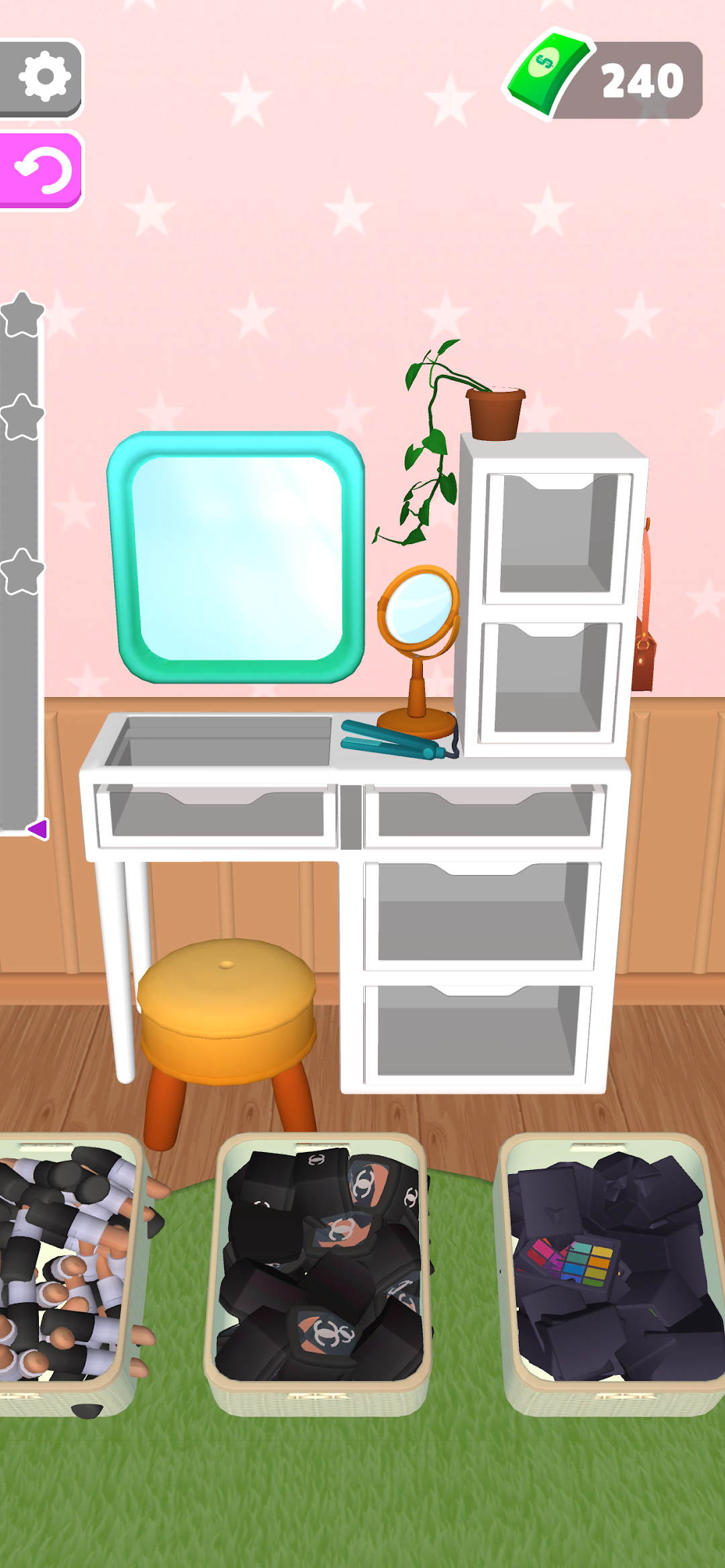
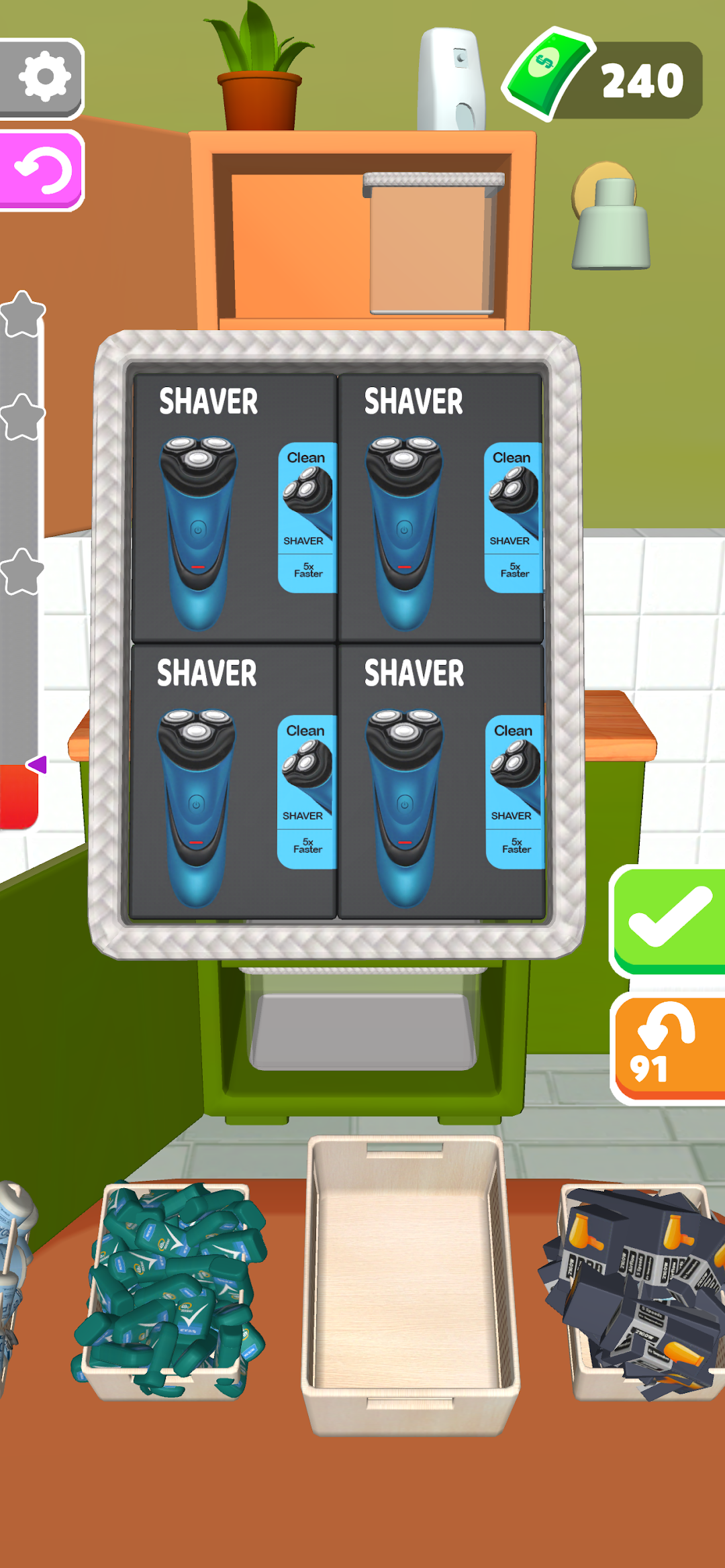
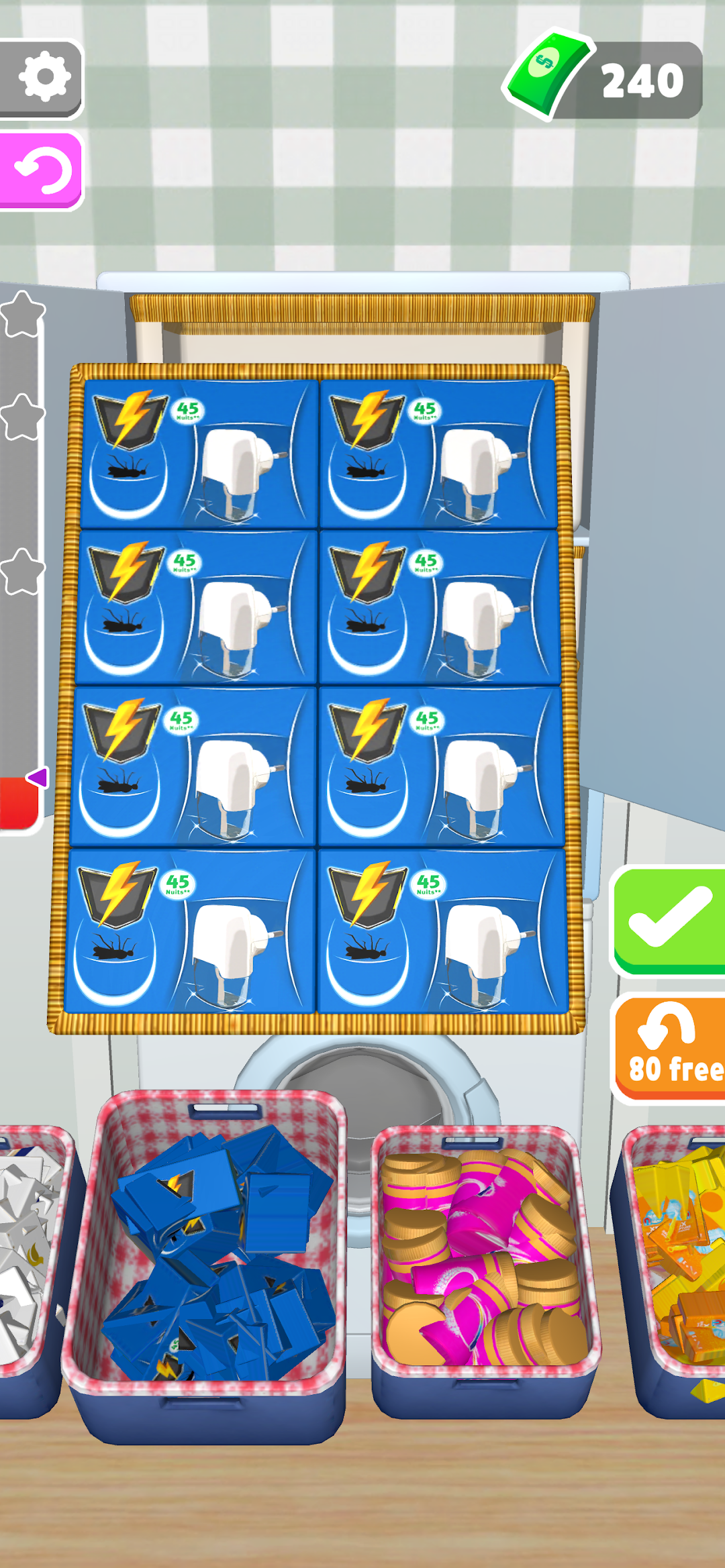
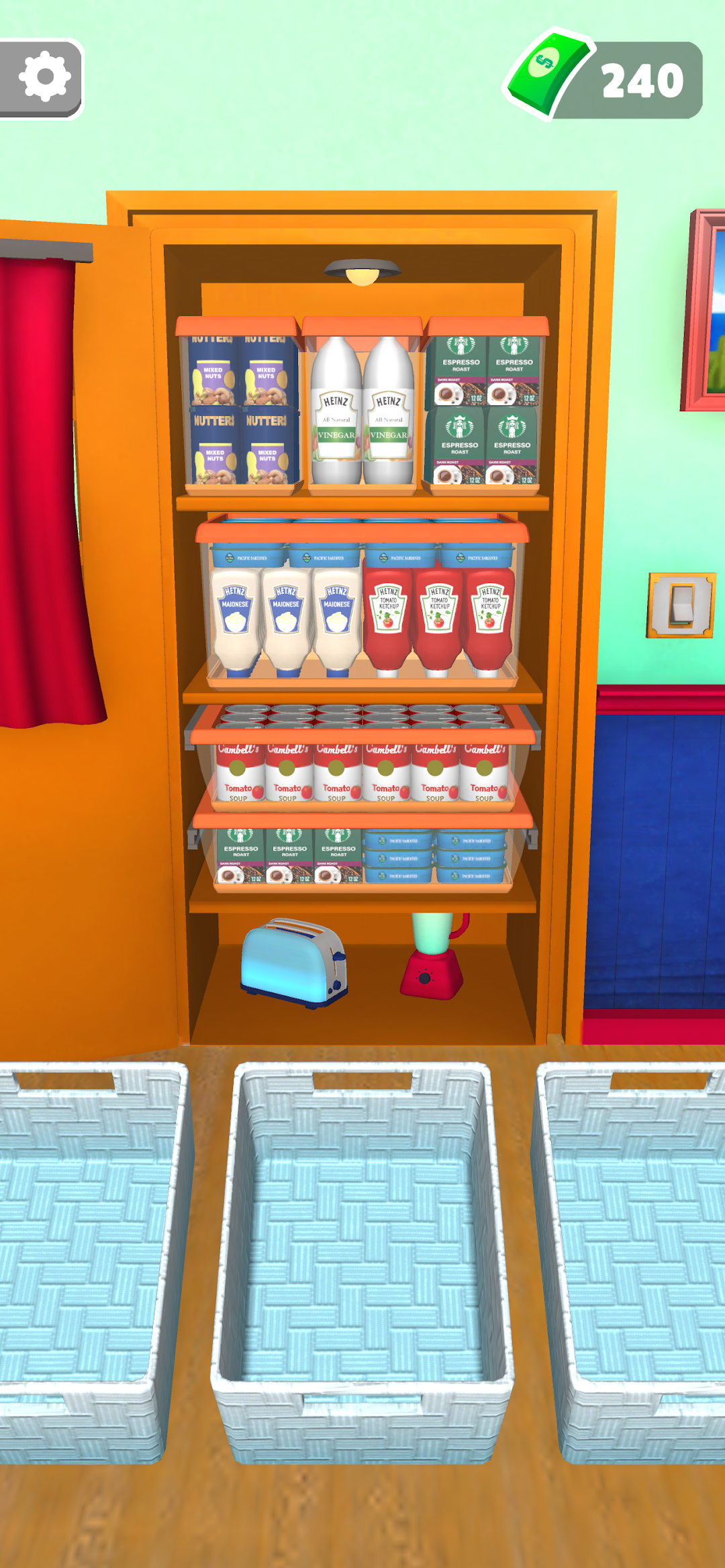
The loop is simple. Each level gives you baskets full of groceries such as milk cartons, juice bottles, eggs, jars, and snacks. You tap an item, then tap a spot on the fridge shelves, and the item drops into place. Fit everything in and the level clears. The catch is that the fridge always feels one item too small, so the puzzle is really about planning space before you commit.
The game itself is free and pleasant. The problem, and the entire reason a mod market exists around it, is the advertising. Players report an interstitial ad after almost every action, sometimes several ads to finish a single level. That single frustration is what sends people searching for a Fill The Fridge mod apk in the first place, so it makes sense to judge any mod mainly by whether it fixes that.
What do those “Unlimited Gems and God Mode” mods actually give you?
Nothing, because those features are not in the game. Fill The Fridge has no gems, no diamonds, no God Mode, no damage multiplier, and no vehicles or garages. Any mod listing that promises them is a generic template copied from an action or racing game, then relabeled. Treat that listing as an instant red flag, not a feature set.
I point this out first because it tells you how to filter the search results. When a page for a quiet fridge puzzle advertises “Currency Never Decrease,” “High Damage,” or “Unlock All Vehicles,” the uploader clearly did not open the game. That same carelessness is exactly the kind you do not want in someone who is repackaging an APK you plan to install. The only currencies and systems Fill The Fridge actually contains are in-game coins, cosmetic items, and the ad flow. A mod can only ever touch those three things, so those three things are the only claims worth reading.
What does money actually do in Fill The Fridge?
Coins in Fill The Fridge are a minor convenience currency, not a power source. You earn them by clearing levels, and you spend them mostly to undo or remove an item you placed badly. Some builds also let you spend coins on extra retries and on cosmetic items. Because the game is pure spatial planning, having infinite coins changes very little.
This matters for the “Unlimited Money” and “unlimited coins” mods that people ask about. Yes, that feature is real and it works, since coins are stored on your device in a single-player game. But it does not solve the puzzle for you. You still have to fit the bottles and jars yourself. What unlimited coins really buys you is freedom to remove and re-place items without penalty, which removes a small annoyance rather than the main one. If you are choosing a mod for the coins alone, you are optimizing the least important part of the game.
Fill The Fridge mod apk: what the ad-free version genuinely changes
Here is the honest short list of what a working Fill The Fridge mod apk can deliver, framed by how each one interacts with the way this specific game is built.
No Ads (the real reason to bother). The ads in Fill The Fridge are client-side interstitials triggered by the app itself. A mod that strips or blocks the ad SDK calls removes the interruptions cleanly, because there is no server checking whether you watched. This is the one feature that changes your experience in a meaningful way, and it is what “Ad-Free” and “No Ads” builds are actually selling.
Unlimited Coins. As covered above, this is genuine but low-impact. It lets you remove misplaced items freely and buy cosmetics without grinding. Useful, not transformative.
Unlocked cosmetic items. The game unlocks new grocery types and a small set of customization options as you progress. A mod can hand you these from the start. The customization pool in Fill The Fridge is thin, so this is a nice-to-have rather than a headline.
Notice what is missing from that list: no gems, no God Mode, no auto-solver. A mod cannot arrange the fridge for you, and no honest mod claims to. If a build promises to “auto-complete levels,” it is either lying or bundling something you do not want.
Why are there so many ads, and does paying to remove them work?
The ad volume is a deliberate monetization choice, and the official paid removal has a troubling reputation. Fill The Fridge shows ads after nearly every placement because ad impressions are the main revenue for a free casual title. Rollic does sell an in-app “No Ads” upgrade for a few dollars, but a striking number of players report on both stores that ads kept appearing even after the purchase went through.
I have read through a lot of those reviews, and the pattern is consistent enough to take seriously. People describe paying roughly five dollars, seeing the “remove ads” button disappear, and still being served forced ads to finish levels. Whether that is a bug, a rewarded-ad exception, or something else, the practical takeaway is the same: the official paywall is the exact promise that players feel burned by, and that broken trust is the single biggest driver of mod demand for this game. That context is missing from almost every download page, and it is the honest reason people look for another route.
How to play Fill The Fridge without ads for free
You can cut most of the ads without installing anything, because the ads need a network connection to load. On many builds, turning on Airplane Mode before you open the game stops interstitials from serving, since the app cannot fetch an ad with no connection. This is the free, zero-risk alternative that a lot of players and short-video creators quietly rely on.
- Close Fill The Fridge fully so it is not running in the background.
- Turn on Airplane Mode from your phone’s quick settings.
- Open the game and play as normal. Most ad slots will simply fail to load and skip.
- Turn the connection back on only when you want to sync or claim an online reward.
One honest caveat: some newer builds detect the missing connection and block play until you reconnect, specifically to force the ad through. Reviewers have described exactly this behavior, where the game demands WiFi after a few levels. If your version does that, the trick will not help, and that is usually the point where people give up and look at a mod instead. Try Airplane Mode first, because it costs you nothing and carries none of the risk that comes with a downloaded APK.
If you would rather browse safe, clearly labeled mod builds for other games instead of gambling on a random upload, you can start from our homepage.
Which ad-free option should you actually pick?
Because there are several ways to escape the ads, here is a compact comparison so you can match the method to how much risk you are willing to take.
| Method | Removes ads? | Cost | Main risk | Survives updates? |
|---|---|---|---|---|
| Official free app | No | Free | Heavy interruptions | Yes |
| Official “No Ads” purchase | Often not, per reviews | Around $5 | Paying and still seeing ads | Yes, if it works |
| Ad-free mod apk | Yes, client-side | Free | Malware in bad uploads | No, breaks on each update |
| Airplane Mode trick | Yes on many builds | Free | Some builds block offline play | Depends on the build |
| Browser version | Far fewer ads | Free | Different, unofficial port | Yes |
Is the browser version a real alternative?
Yes, and it is worth knowing about. A WebGL browser port of Fill The Fridge runs on sites like CrazyGames, and it plays in your browser with no install and far fewer interruptions than the mobile app. This is a separate port rather than the Rollic mobile game, so your mobile progress does not carry over, and the level content can differ.
For a lot of people this is the cleanest fix. You get the same drag-and-drop fridge puzzle, you skip the 249 MB download, and you avoid the entire mod question. If your only goal is to organize a fridge in peace for a few minutes, open the browser version before you install anything at all.
Is Fill The Fridge mod apk safe to download?
The game itself is safe. The risk lives entirely in where you get a modified file. A mod apk is the original game repackaged by a stranger, and that stranger can insert anything into the build before re-signing it. Since the mod’s whole job here is to disable ad calls, you are trusting an unknown editor with app-level permissions on your phone.
Two things make Fill The Fridge lower-stakes than many other titles, and one thing keeps it risky. On the low-risk side, this is a single-player game with local progress, so there is no linked account balance for a bad file to drain, and the file is easy to replace if it misbehaves. On the risky side, the current build is around 249 MB as of the latest version, which is a large payload to trust from an anonymous host, and repackaged casual games are a common vehicle for hidden adware or trackers. Stick to well-known hosts, be suspicious of any page listing gems and God Mode, and scan the file before you open it.
Can you get banned for using a Fill The Fridge mod?
No, because there is nothing to ban you from. Fill The Fridge is single-player with no competitive leaderboard, no anti-cheat server, and no online economy tied to a login. Your levels and coins live on your device. There is no matchmaking system that can detect a modified balance and lock you out.
The realistic consequences are smaller and technical. Google Play Protect may flag or block the install because it comes from outside the Play Store, and a modded build will usually stop working after the next official update, forcing you to find a fresh file. Neither of those is an account ban. If someone tells you a Fill The Fridge coin mod will get your account suspended, they are describing a risk this game’s design simply does not have.
How to install the Fill The Fridge mod apk safely
If you have weighed the alternatives and still want the ad-free mod, install it the standard sideloading way and lock the permission back down afterward. Do not follow any guide that asks you to root your phone or disable your security suite entirely for a casual puzzle.
- Open Settings, go to Security or Apps, and allow installation from unknown sources for the browser or file manager you will use.
- Download the mod apk from a host you trust, and prefer builds that clearly match the game with realistic features rather than gems and God Mode.
- Optionally scan the file with a mobile antivirus before opening it.
- Tap the file to install. If Play Protect warns you, that warning is expected for any off-store APK, and it is your cue to be sure of the source.
- Turn the unknown-sources permission back off once the install finishes, so nothing else can use it later.
If a level or the whole app crashes on first launch after installing, that is common with modded casual games. Reopening the app once usually clears it. If ads still appear, the mod did not patch the current build, and you are better off deleting it and using Airplane Mode or the browser version instead.
Tips to actually fit everything in the fridge
No mod solves the puzzle, so real progress comes from a few habits. The core problem in Fill The Fridge is that the fridge feels smaller than the pile of groceries, and space runs out when you place items in the order the baskets hand them to you.
Start with the largest and tallest items first, such as big bottles and cartons, and give them the shelves that fit their height. Small, flexible items like eggs, cans, and jars can slide into gaps afterward, so hold them back rather than spending prime shelf space on them early. Lay long bottles down flat when a shelf is short and wide, since orientation is often the difference between fitting and overflowing. Plan the whole basket in your head before you commit to the first placement, because removing a badly placed item can cost coins in some builds. Playing this way saves coins naturally, which is another reason the “unlimited money” mod matters less than it sounds.
My verdict on the Fill The Fridge mod apk
Fill The Fridge is a genuinely relaxing puzzle wrapped in an ad experience that many players find unbearable, and that gap is the only real argument for a mod. If the ads are your problem, try Airplane Mode first, then the browser version, because both are free and neither puts a stranger’s APK on your phone. Reach for an ad-free mod apk only if those fail, choose a build that lists realistic features, and ignore every page promising gems, diamonds, or God Mode, since none of those exist in this game. Treat the coins as a small convenience, not a reason to install anything, and you will make the smarter choice every time.
Phần thưởng miễn phí
Install the official, unmodified build straight from Google Play.
Android emulator to run FILL THE FRIDGE APK smoothly on PC.
Choose the source that fits your device
Fill The Fridge
Original build on Google Play · Android
GET ↗
Play on PC with LDPlayer
Android emulator · supports Fill The Fridge · Windows
GET ↗