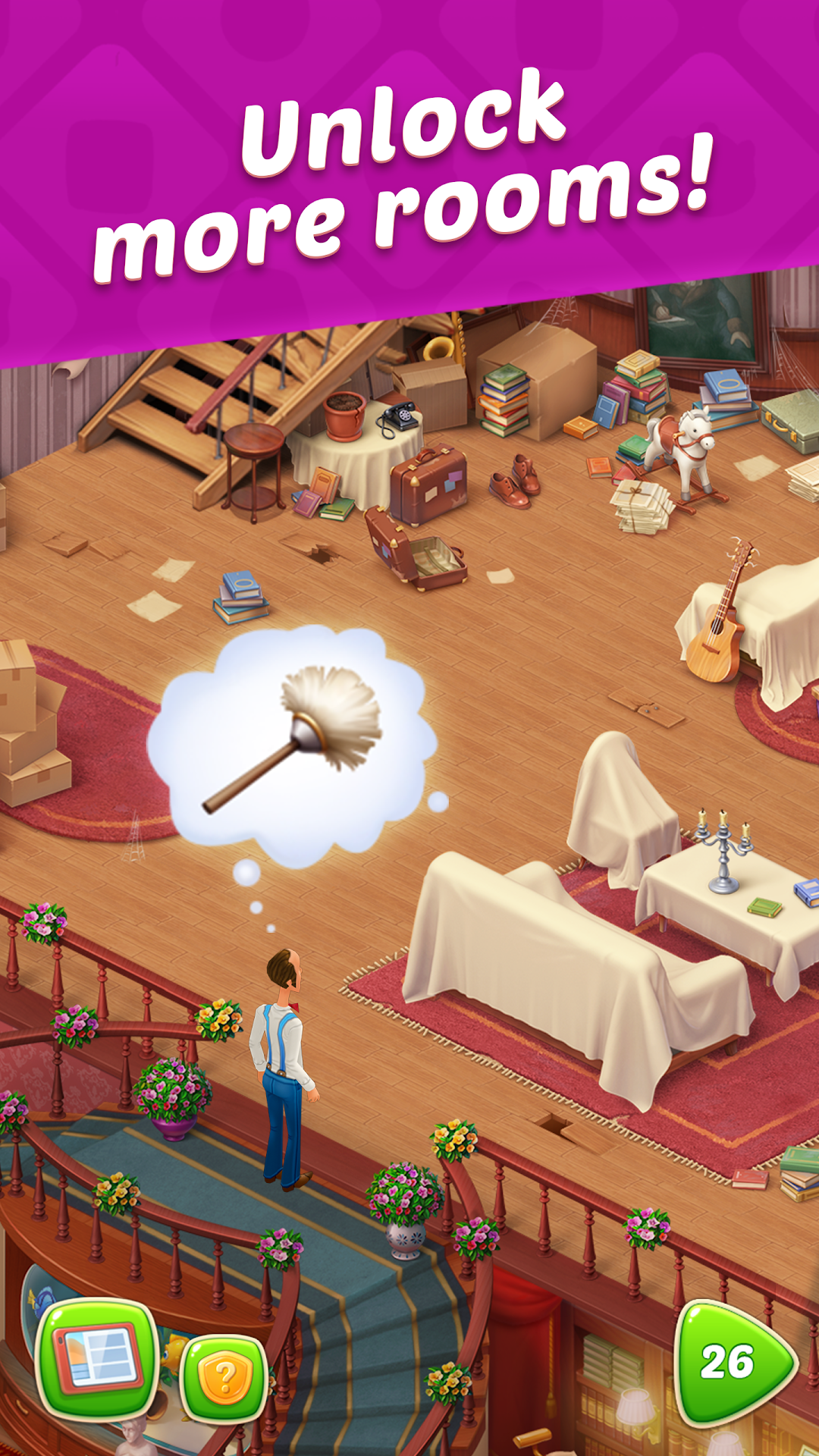
Download Homescapes APK 8.9.200 for Android

Playrix APK
1.5K+
Downloads
v8.9.200
Version
143MB
Size
Android 4.4
Requires
App Info
Name Homescapes
Publisher Playrix
Version 8.9.200
Size 143MB
Requires Android 4.4
Get it on Google Play ↗
Category Câu Đố
Downloads 1,450
Price FREE
Rating
0/5 (0)
Author
Updated
(11 months ago)

Homescapes hands you a crumbling mansion and a star economy that quietly steers you toward in-app purchases, which is exactly why “unlimited stars” mods are everywhere, and why most of them are a worse deal than the download pages admit.

Homescapes is a free-to-play match-3 puzzle game from Playrix, built around Austin the butler as he returns to restore his run-down family mansion one room at a time. Every renovation task costs stars, every star comes from clearing a level, and every failed level chips away at a small pool of lives. That loop is gentle on the surface and surprisingly tight underneath, which is the reason so many players go searching for a modded build long before they finish the first floor.

What Homescapes Is and How the Core Loop Works

Homescapes is a casual match-3 game wrapped around a home-renovation story, first released by Playrix in August 2017 as a follow-up to Gardenscapes. You swap and match colored pieces on a board to clear objectives, and each cleared level rewards one star. You spend those stars on renovation tasks, like fixing a stove or hanging a chandelier, which slowly rebuilds the mansion and unlocks the next chapter of the story.

Three resources drive the whole experience. Stars unlock renovation and story progress. Coins buy boosters, extra moves, and power-ups when a level gets stubborn. Lives act as your attempts, usually five at a time, refilling over time and draining by one each time you fail a level. The friction is deliberate. Later levels are tuned so that the cheapest way past a wall is often a booster you can buy with coins, and the fastest way to refill coins or lives is real money.

Outside the main puzzle track, Homescapes layers on events, timed expeditions, team play, and seasonal challenges. Those parts lean on an internet connection and on Playrix’s servers, a detail that matters a lot once you start thinking about mods.

Why So Many Players Search for a Homescapes Mod APK

People look for a Homescapes mod APK because the official game’s pacing is built to slow you down unless you pay. The two biggest pain points are the life system and the star-to-coin squeeze, and both have a clear date stamp on player complaints across review pages through 2025 and 2026.

Running out of lives means waiting, and hard levels can burn through five attempts in minutes. The star economy adds a second pinch, because a single renovation task can eat several stars while a tough level only pays one at a time. A Homescapes mod APK promises to erase all of that at once. The common feature list across mod pages includes unlimited stars, unlimited coins, unlimited lives, unlimited moves, free boosters, and sometimes a mod menu that lets you toggle each cheat on or off.

That pitch is easy to understand. The catch is that an always-online Playrix game is one of the harder targets to mod cleanly, so the gap between the promise and what actually runs on your phone is wide.

What the Modded Version Actually Changes (and What It Doesn’t)

A Homescapes mod APK is a repackaged copy of the official app that someone has altered to unlock paid advantages without payment. The changes you see advertised most often are unlimited stars and coins, infinite lives, extra moves, and free in-game boosters. Some builds add a floating menu so you can switch cheats during play, and many strip out ads.

What a mod usually cannot change is anything the server checks. Homescapes validates a lot of progress online, syncs your save to a Playrix account, and runs events through its own backend. So a “stars don’t decrease when spent” tweak might work on the local board while your real account stays untouched, or it might desync and roll back the moment the game phones home. Mods for online titles also break with each official update, which is why mod sites re-upload new files every few weeks instead of once.

Treat any single-build claim with caution. A mod that worked on an older release, like version 8.4.0, may do nothing on the current build, and a file that overdelivers on unlimited currency is often the same file that flags an account for review.

How to Install a Homescapes APK Outside the Play Store

Installing any APK that isn’t from Google Play means sideloading, which requires you to grant a one-time “install unknown apps” permission to your browser or file manager. The steps are the same whether the file is an official APK or a modded one, and the safety burden sits entirely on the source you choose.

The standard process on Android runs like this:

  1. Download the APK file to your phone from a source you have reason to trust.
  2. Open Settings, find “Install unknown apps,” and enable it for the app you used to download (Chrome, Files, or similar).
  3. Tap the downloaded file and confirm the install prompt.
  4. Turn that “install unknown apps” permission back off once you are done, so nothing else can use it later.
  5. Open the game and check that it launches and updates normally.

Homescapes runs on Android 5.0 and above, needs at least 1 GB of RAM, and the install weighs in around 290 MB as of early 2026, so make sure you have a few hundred megabytes of free space for the download and the cache it builds afterward. If you ever want the clean experience back, uninstall the modded build first, since installing the official app over a differently signed file will fail.

If you do go the modded route, the only thing that protects you is the file’s origin. Pick a source that versions its uploads, scans them, and matches the current release rather than a random mirror. You can start from the modlmh homepage and work from there:

Visit The modlmh Homepage

Is the Homescapes Mod APK Safe? The Risks Worth Taking Seriously

A Homescapes mod APK is only as safe as the site it came from, and the two real dangers are malware on your device and a ban on your account. Neither risk is hypothetical, and both are easy to underrate when a download page promises endless coins.

Because a mod is a modified app from outside the Play Store, Google Play Protect doesn’t vet it the way it screens store listings. That opens the door to repackaged files carrying adware, spyware, or token-stealers that target the logins already on your phone. The warning signs are familiar: a file far larger or smaller than the roughly 290 MB official size, a build demanding permissions a puzzle game has no use for, or an installer that wants device admin rights.

The second risk is your Homescapes account. Playrix’s terms forbid third-party modifications, and because the game syncs progress to your account, suspicious currency or level jumps can get that account flagged or reset. If you have spent money or built a long save you care about, the safest move is simple: never sign that account into a modded build. Use a throwaway account if you only want to experiment.

There is also a fairness point that mod pages skip. Unlimited stars hand you the ending without the puzzle, and a renovation game that does itself for you tends to lose its appeal within a day or two. That is worth weighing before you trade the risk for a shortcut.

Homescapes Mod APK vs the Official Game: Which Fits You

The honest split is this: the official game is the safe, supported, long-term way to play, and the mod is a high-risk shortcut that suits only a narrow case. Most players are better served by the official build, even with its pacing friction.

Pick the official Homescapes if your save matters, if you play events and team challenges, or if you want updates and support without surprises. You keep cloud sync, you keep your progress, and you never gamble your account. The trade is patience, plus the occasional booster purchase on a wall you cannot clear.

A modded build only makes sense if you are running a fresh, disposable account, you accept the malware and ban risk, and you mostly want to skim the story or test the renovations without grinding. Even then, expect features to break after Playrix patches, and expect online events to misbehave. For a game this dependent on its servers, the mod is the less reliable half of the choice far more often than the marketing suggests.

System Requirements and Device Compatibility

Homescapes targets a wide range of devices, but it does have a floor. On mobile you need Android 5.0 or newer, or iOS 12.0 or newer, and Playrix has discontinued support for phones with under 1 GB of RAM. Older graphics chips, such as the PowerVR SGX540 found in some early tablets, can render the game incorrectly.

Beyond phones and tablets, the game also runs on Amazon Fire devices, Windows and macOS, and Facebook, with a stable internet connection required across all of them for full features. Core levels and renovation tasks work offline, but events, tournaments, leaderboards, cloud save, and social features all need a connection. Plan storage with a buffer too, since the base install sits near 290 MB and the game adds cache on top as you play.

Faster Progress in Homescapes Without a Mod

You can stretch your stars, coins, and lives a long way with a few habits that cost nothing and risk nothing. These are the methods regular players use to clear walls that mod pages claim only cheats can beat.

Bank your boosters instead of spending them on easy boards, and save them for the levels with hard objectives like fixing carpets or breaking crates. Aim to create and combine special pieces, since a paper-plane plus rocket or a rainbow-ball combo clears far more of the board than single matches. Hold your coins for extra moves only when you are one or two moves short of a win, not as a habit, because that is where they pay off most.

On lives, plan around the refill timer rather than fighting it. Play a short session, let lives regenerate while you do something else, and use daily rewards, team gifts, and event prizes to top up coins and boosters for free. Events in particular hand out useful resources for play you were doing anyway. None of this is as fast as unlimited everything, but it keeps your account clean and the puzzle intact.

Games Like Homescapes Worth Knowing

If you enjoy the match-3 plus makeover formula, several close relatives use the same core idea, and most carry the same star-and-lives pacing you may be trying to escape. Knowing them helps you decide whether to mod, switch, or stick.

The nearest is Gardenscapes, also by Playrix, which swaps the mansion for a garden but plays almost identically. Fishdom and Township round out the Playrix Scapes-style lineup with aquarium and town themes. Outside Playrix, Project Makeover offers a similar renovation-plus-puzzle hook, and Candy Crush Saga remains the genre’s match-3 benchmark without the renovation layer. All of them are free to play with their own in-app economies, so a switch trades one set of paywalls for another rather than removing them.

Frequently Asked Questions

Is the Homescapes mod APK safe to download? A modded APK is only as safe as its source. Files from unknown sites can carry malware or token-stealers, and because Homescapes is signed in to your account, even a clean mod can get that account flagged under Playrix’s terms. If the account matters to you, do not sign into it from a modded build.

What does the Homescapes mod APK actually give you? Mod pages advertise unlimited stars, coins, lives, moves, and free boosters, often with a toggle menu and no ads. How much of that works depends on the build and the current game version, since server-checked features can ignore or reverse local changes.

Will I get banned for using a Homescapes mod? It is a real risk. Third-party modifications break Playrix’s terms of service, and abnormal currency or progress can trigger a review, reset, or ban. The risk is highest on accounts with purchases or long save history.

How do I install a Homescapes APK that isn’t from Google Play? Download the file, enable “install unknown apps” for your browser or file manager, tap the file to install, then switch that permission back off. Uninstall any existing copy first if it came from a different source, or the install will fail.

What is the latest version of Homescapes and how big is it? The current build is version 8.9.200, and the install runs around 290 MB as of early 2026. It requires Android 5.0 or newer, or iOS 12.0 or newer, and at least 1 GB of RAM.

Can I get unlimited stars in Homescapes without a mod? Not literally, but you can earn stars faster by saving boosters for hard levels, building combo pieces, and collecting free resources from events and daily rewards. It is slower than a mod and keeps your account safe.

Conclusion: How to Approach Homescapes

Homescapes is a polished match-3 renovation game whose paywall-leaning pacing is the whole reason mod APKs exist. The modded builds promise unlimited stars, coins, and lives, but on an always-online Playrix title those promises break often, expose you to malware, and put your account at risk of a ban. For almost everyone, the official game is the better call, especially if you have spent money or care about your progress. If you still want to try a mod, use a disposable account, never your main one, and only install files from a source that versions and scans its uploads. Start by saving your boosters for the hard levels, and decide whether the shortcut is really worth what it costs.

Comments (0)

© Copyright 2020 - 2026 MODLMH.COM

b52 | b52 | sunwin | gem88 | go88 | Sunwin | https://iwin.jp.net/ | kqbd | go88 | bomwin | hitclub | rikvip | iwin | b52 | ok9 today | Trang chủ Jun88 | hi88 | fb88 | kubet | w88 | fun88 | i9bet | v9bet | sv388 | tỷ lệ bóng đá | sunwin | hitclub | nổ hũ | tỷ lệ kèo nhà cái | xoso66 | Rr88 | vmax | bắn cá đổi thưởng | https://b52-club.bz/ | 78win.dental | soc88 | win79 | bet88 | jun88 | Nowgoal | go88 | BK8 | keo nha cai | kèo nhà cái | sunwin | 7M | hitclub | 7m | b52 | sunwin | go88 | lô đề online | https://mubet.tv/ | bongdalu | kèo bóng đá | C168 | 789bet | go88 | 789win | 789bet | game bai | 33Win | Open88 | tỷ lệ kèo nhà cái | nhận định kèo nhà cái | IWIN | RIKVIP | iwin club | hitclub | kèo nhà cái | tài xỉu | RR88 | https://goal123.com.se/ | 88nn.com.mx | bongdaso.team | b52club | luck8 | good88 | b52 | CM88 | bk8 | tài xỉu online uy tín | Socolive | https://alfredosuarez.com.mx/ | https://sin88.com/ | Xoso66 | hay88x.it.com | f8betz.it.com | Tải 789club | Gemwin | Z8BET | xóc đĩa | lương sơn tv | haywin | sx88 | bongdaso | bongdalu | https://1gom.gg/ | b52 club | thapcamtv | gavang | gavangtv | luongsontv | kqbd | Kèo nhà cái | keo nha cai | soi kèo nhà cái | tải go88 | game bắn cá đổi thưởng | game đổi thưởng | iwin club | tải sunwin | ricbet | b52club | b52club | C168 | debet | 79king | Game nổ hũ | uu88 | TG88 | https://98winac.com/ | 7m | nhandinhkeonhacai.info | Kết quả bóng đá | VA88 | SC88 | Socolive trực tiếp | F168 | SC88 | F168 | FLY 88 | 789club | b52club | 78Win | Hit club | GO88 | tot88 | UU88 | QS88 | NK88 | xoso66 | Vip66 | https://188bet.org.mx/ | https://sa88.com.im/ | CM88 | FLY 88 | ev99 | tài xỉu | kèo bóng đá | tỷ lệ kèo | tỷ lệ kèo | Cakhiatv | Socolive | kjc | https://123bong.biz/ | xoilac | iwin club | Go88 | kèo nhà cái 18 | ev99.review | SC88 | socolive | MM88 | hay88 | 8kbet | 8kbet | 8kbet | Sc88 | twin68 | WIN79 | ga6789 | sunwin | Tải Go88 | https://68gamebai.quest/ | sunwin20 | https://taisunwin20.co.com/ | Zowin | Mubet | GG88 | socolive tv | luck8 | 33win com | Kèo Nhà Cái | GO88 | HitClub | HitClub | 789Club | gowin | 789club | ok9 | game bài đổi thưởng | nhacaiuytin.moi | bongdalu.army | okvip | sam86 | ฟัน88 | bắn cá đổi thưởng | go88 | 7m.band | LV88 | KP88 | OPEN88 | đánh bài ăn tiền | VB777 | U888 | 789bet | jalalive | k88 | go88 | 8kbet | trang cá cược bóng đá | tylekeo36.com | 789win | xóc đĩa online | 789win | FUN88 | I9BET | https://7mm.dev/ | Kèo Nhà Cái 5 | KUBET | SUNWIN | https://open881.net/ | 6ff | https://jbo.center | vip66 | https://keonhacai5.io/ | U888 | good88 | cf68 | b52club | https://ae8888.lat/ | Fun88 | tg88 | au88 | rr88 | kqbd | mu88 | 7mcn | open88 | Nbet | sunwin | 789win | thapcam | 90phut | 79win | bgibola | FB88 | FB88 | KK55 | nhà cái uy tín | kuwin | ml 88 | sunwin | https://tensen.io/ | kèo bóng đá | soi keo | 78win | o8 | win79 | win 79 | sun win | đánh đề online | Tỷ lệ kèo nhà cái | B52club | nowgoal | 555win | Fun88 Viet | 8kbet cc | 8us | M88 login | W888 | Fun888 | Kèo nhà cái | nhà cái uy tín | bongdawap | ok365 | https://smartknit.io/ | ON68 | nowgoal com | MM88 | shbet | shbet | cakhiatv | FLY88 | https://s8tvq.com/ | fo88 | 86bet | Sonclub | https://999bet.casa | OPEN88 | Nohu90 | 98win