Download Into the Dead APK 2.9.3 for Android
PIKPOK APK
| Name | Into the Dead |
|---|---|
| Publisher | PIKPOK |
| Version | 2.9.3 |
| Size | 208MB |
| Requires | Android 7.0 |
| Get it on | Google Play ↗ |
| Category | Action |
| Downloads | 1,102 |
| Price | FREE |
| Rating |
★
★
★
★
★
3/5
(2)
|
| Author | |
| Updated |
Into the Dead is one of the few mobile games where you win by running away, and that single design choice is exactly why the modded APK matters far less than most download pages promise.
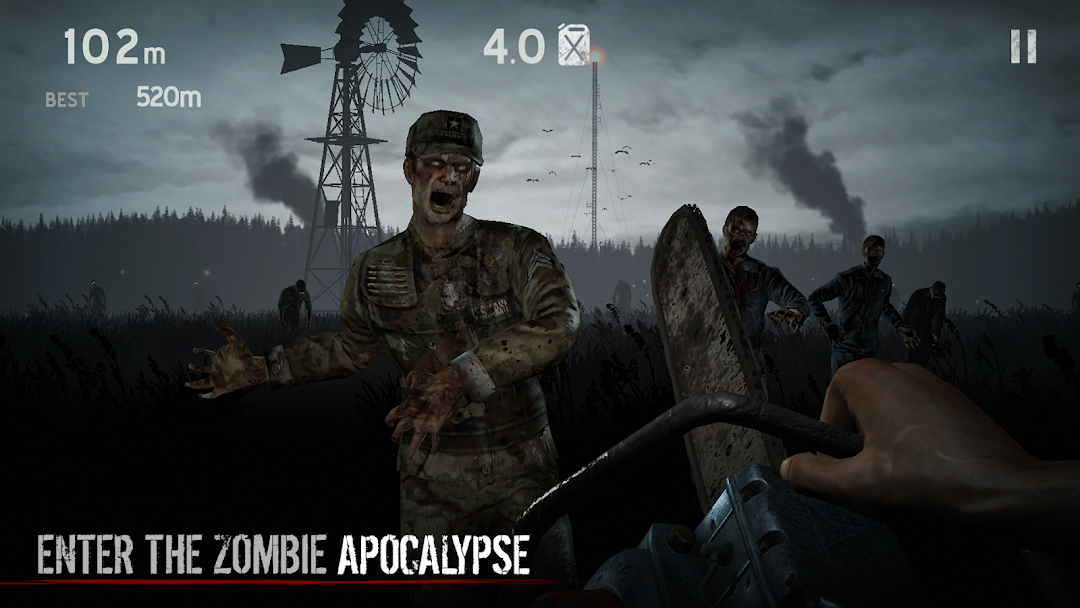
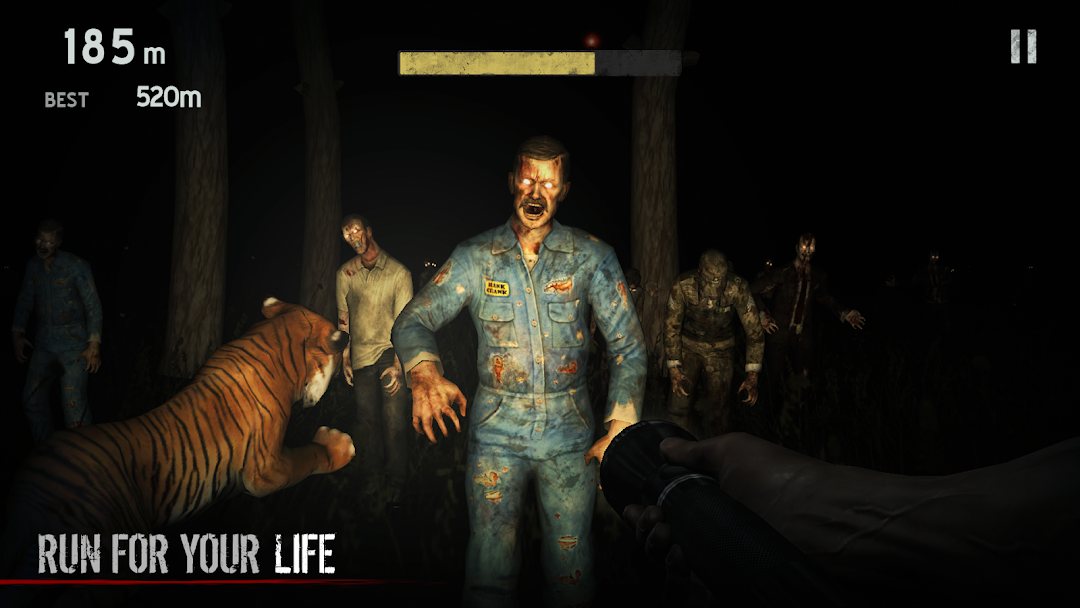
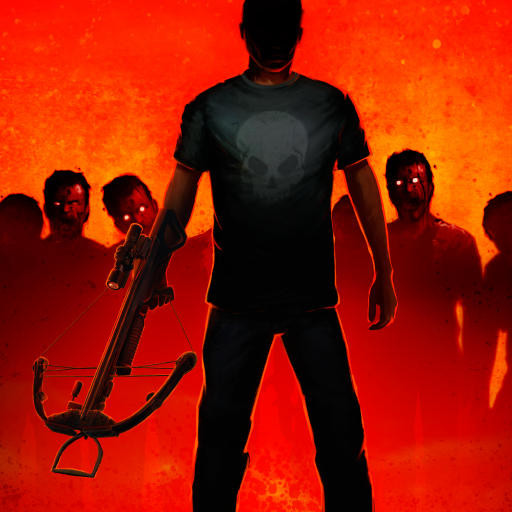
Into the Dead is a first-person zombie endless runner from the New Zealand studio PikPok, first released on iOS on December 6, 2012 and on Android in April 2013. You sprint through fog-covered fields, steer around shambling zombies, and grab whatever weapon you can reach before one of them catches you. The modded APK promises unlimited gold and unlocked guns. Whether that actually improves the game, and whether the file is safe to put on your phone, is where most pages go quiet. This guide answers both.
- What Is Into the Dead?
- How a Run Actually Plays
- What the Into the Dead Mod APK Changes
- How to Download and Install the Into the Dead APK Safely
- Is the Into the Dead Mod APK Safe? What to Watch For
- Device Requirements and Performance
- Common Problems and Fixes
- Into the Dead vs Into the Dead 2: Which One Are You Looking For?
- Tips to Survive Longer in Into the Dead
- Into the Dead FAQ
- The Bottom Line
What Is Into the Dead?
Into the Dead is a zombie-themed first-person endless runner built around one rule: keep moving or die. PikPok designed it as a survival horror twist on the runner format, where you flee instead of fight whenever you can. The game runs free-to-play, with in-app purchases for gold coins and ads between menus.
The premise is simple. Your helicopter crashes in an open field at night, you are the only survivor, and a horde is already closing in. From there, every run is a test of how far you can get before a zombie reaches you. The original version has been a steady success for over a decade. It passed more than 5 million downloads in its first month back in 2012, and the standalone Android build has been installed more than 81 million times as of early 2026.
The game stays light on your device. The current build, version 2.9.3, downloads at around 170 MB and works offline once installed, so you can play with no connection. That offline, single-player nature is important later when we look at whether the mod is worth the risk.
How a Run Actually Plays
You control your runner by tilting the phone or swiping, while taps fire your equipped weapon. Steering matters more than shooting. The field is full of obstacles such as corn rows, fences, and abandoned tractors, and anything that slows you down can get you killed. Zombies appear on the horizon and drift toward your path, so reading the fog early is the core skill.
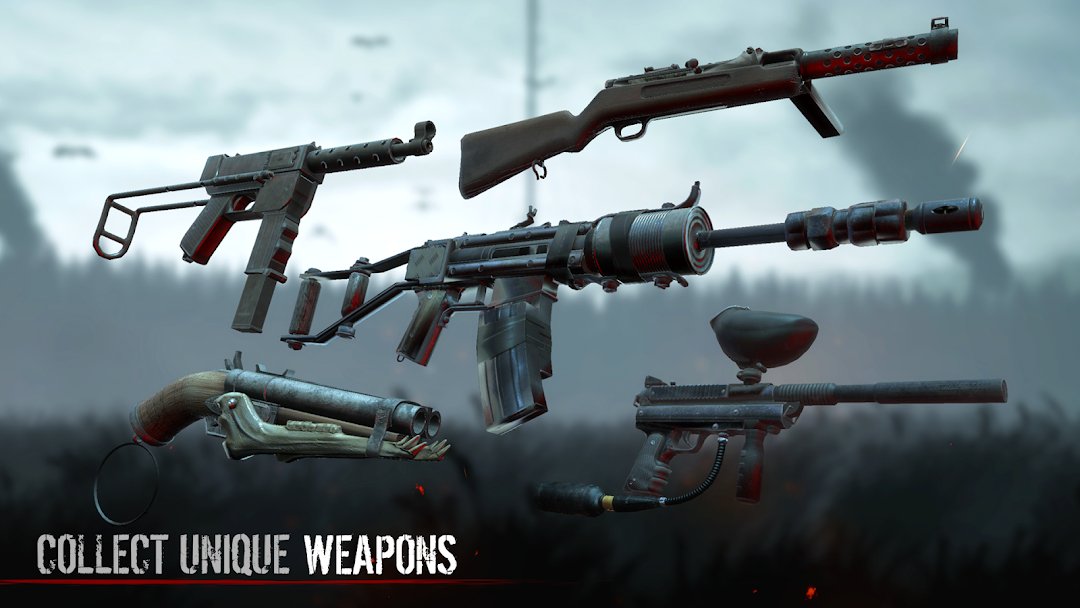
Along the way you collect crates that hold ammo, fuel, and weapons. Weapons range from pistols and shotguns to heavier gear like the assault rifle and minigun, which PikPok added through updates in 2013 and 2014. Gold earned during runs buys perks such as extra ammo or a head start, and it unlocks weapons earlier than normal progress would.
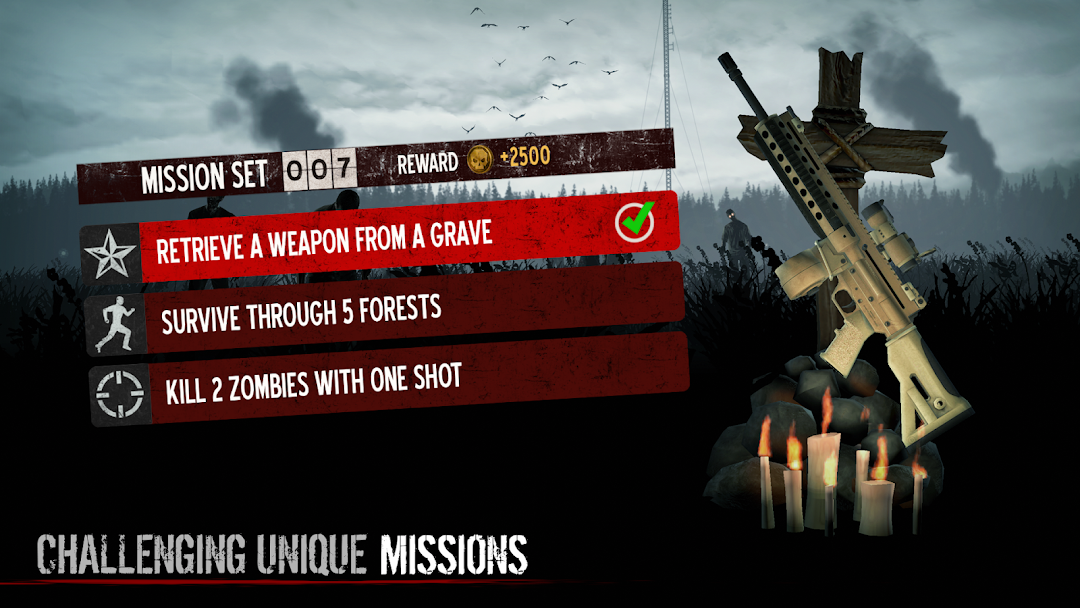
Missions and minigoals give each run a target beyond raw distance, like killing a set number of zombies or reaching a checkpoint. Online leaderboards add a reason to keep beating your own score. The loop is short, tense, and easy to pick up, which is why it still works on modern phones.
What the Into the Dead Mod APK Changes
The Into the Dead mod APK mainly removes the grind. A modded build of the game typically switches on two things:
- Unlimited money: you start with effectively endless gold, so every perk and head start is free.
- Unlocked weapons and perks: the full arsenal is available from the start, with no need to earn or buy it.
That sounds like a big upgrade, but here is the honest part. Into the Dead is a single-player, offline, score-chasing game with no competitive multiplayer. Unlimited gold does not give you an edge over other players, because there are no other players to beat. It mostly deletes the progression curve. For some, that is freeing, since you can test every weapon at once. For others, it hollows out the tension that makes the game fun in the first place. The challenge in Into the Dead comes from scarcity, and the mod removes the scarcity.
So the mod is best understood as a sandbox switch, not a power boost. If you want to mess around with the full gun list, it delivers. If you want the survival pressure the game was built around, the unmodded version serves you better.
How to Download and Install the Into the Dead APK Safely
Installing any APK from outside the Play Store means sideloading, which requires turning on one permission and then turning it back off when you are done. The steps are the same for the original APK and a modded build.
- Download the APK file from a source you trust. Files around 170 MB match the real game size, and a file far smaller or far larger is a warning sign.
- Open your phone settings and find “Install unknown apps.” Grant it to the browser or file manager you used to download the file.
- Open the downloaded APK and tap install. If the game ships as an XAPK or APK plus OBB, use the matching installer the source provides.
- Launch the game once to confirm it runs, then go back into settings and switch “Install unknown apps” off for that app.
Keep the original game and the mod separate in your mind. A modded APK will not update through the Play Store, so future versions must be downloaded again from the same place. If you care about your progress, back it up before replacing a file.
If you would rather skip the random mirror sites that bury the download under pop-ups, the build hosted here is checked before it goes live, with the version and file size stated up front.
Is the Into the Dead Mod APK Safe? What to Watch For
A modded APK is only as safe as the site you get it from. The game files themselves are harmless, but unofficial download pages are a common way malware spreads on Android. A repackaged APK can hide a credential stealer or adware inside an otherwise working game, and you only find out after it is on your phone.
Three habits cut most of the risk. First, check the permissions a build requests before you open it. Into the Dead needs storage access to save progress, and not much else, so a build asking for contacts, SMS, or call logs is suspicious. Second, scan the file or rely on a source that verifies its uploads against a service like VirusTotal. Third, judge the source by reputation, not by how flashy the download button looks.
There is also a terms-of-service angle. A modded APK breaks the game’s terms by altering the app, which is a gray area rather than a crime for single-player use. The account risk here is low, because Into the Dead does not require a sign-in to play. Even so, the cleaner path is to keep any modded build away from accounts that matter to you.
One more point worth making. PikPok is a small independent studio, and the in-app purchases fund the people who built the game. Using a mod is your call, but the original is free to download, and supporting the developer is the fair option if you enjoy what they made.
Device Requirements and Performance
Into the Dead runs on Android 7.0 or newer and needs roughly 170 MB of free space for the current version. It is built to be light, so it performs well on mid-range phones and does not demand a flagship device. The visuals lean on fog and darkness rather than heavy detail, which keeps the frame rate stable on older hardware.
Two complaints show up often in player reviews. Ads can appear frequently between runs in the free version, which some users find heavy. A smaller group reports occasional crashes on launch or after a few runs, usually tied to low storage or older devices. Neither issue is universal, and both have fixes, which the next section covers.
Common Problems and Fixes
Most Into the Dead issues trace back to installation, storage, or device limits, and they are quick to solve.
The install is blocked. Android stops APKs from unknown sources by default. Turn on “Install unknown apps” for the browser or file manager you used, then run the file again.
The game crashes or will not open. Free up storage first, since the game needs headroom beyond its install size. If it still fails, clear the app cache, then uninstall and reinstall from a clean file. Confirm your phone runs Android 7.0 or newer, because older versions are not supported.
Progress is not saving. This is almost always a storage permission problem. Grant the game storage access in your settings, then restart it. A modded build that overwrote a different version can also wipe local saves, so install updates over the matching previous version when possible.
Too many ads. Ads sit in the free-to-play version by design. Playing offline reduces some of them, and the modded build removes the gold pressure that pushes you toward ad-gated rewards in the first place.
Into the Dead vs Into the Dead 2: Which One Are You Looking For?
If “Into the Dead” returns three different games in search, that is because PikPok built a whole series, and people often download the wrong one. Here is how they differ so you can pick correctly.
The original Into the Dead, the game this page covers, is the pure endless runner from 2012. It is small at around 170 MB, has no real story, and is all about distance and survival. Into the Dead 2, released in 2017, is the bigger sequel. It keeps the first-person running but adds a campaign with 7 chapters, roughly 60 stages, multiple endings, and a dog companion that fights alongside you. It is far heavier too, sitting near 1.8 GB, so it asks for more storage and a newer phone.
There is also Into the Dead: Our Darkest Days, which launched in Steam Early Access on April 9, 2025. That one is not a runner at all. It is a side-scrolling survival game about base-building and scavenging, and it is aimed at PC rather than phones. If you want the quick, tense runner, choose the original. If you want a structured story mode on mobile, Into the Dead 2 is the one to install.
Tips to Survive Longer in Into the Dead
Distance in Into the Dead rewards smooth steering over fast reactions. Make small adjustments early instead of sharp turns at the last second, because oversteering throws you straight into a different zombie. Read the fog line and pick your gap before the crowd is on top of you.
Save your ammo for clusters you cannot dodge, and let the engine noise and growls warn you about what is ahead. Grab fuel and weapon crates whenever they sit on a safe line, since perks like extra ammo and a head start change how far a single run goes. Grenades clear tight groups that would otherwise force you to stop. Chase the missions as well as the distance, because completing them earns the gold that unlocks better gear for later runs.
Into the Dead FAQ
Is Into the Dead free? Yes. The original game is free to download and play, with optional in-app purchases for gold and ads in the free version.
Can you play Into the Dead offline? Yes. Once installed, the game runs without an internet connection, which makes it a solid option for travel or weak signal.
Is the Into the Dead mod APK safe? The game files are safe, but the download source is the real risk. Stick to sources that verify their uploads, check the permissions before opening, and keep modded builds away from important accounts.
Does the mod give an advantage? Not a competitive one, because the game is single-player with no multiplayer. Unlimited gold removes the grind, which some players enjoy and others find takes away the challenge.
What is the difference between Into the Dead and Into the Dead 2? The original is a small, story-free endless runner. Into the Dead 2 is a larger 2017 sequel with a 7-chapter campaign, companions, and a download size near 1.8 GB.
What do I need to run it? An Android 7.0 or newer phone with about 170 MB free. It performs well on mid-range devices.
The Bottom Line
Into the Dead is a tense, well-aged zombie runner that still earns its place on a phone, and the original is free, so there is no barrier to trying it. The mod APK delivers unlimited gold and unlocked weapons, but because the game is offline and single-player, that mostly trades the survival pressure for a sandbox. Get the unmodded version if you want the challenge intact, and reach for the mod only if you want to play with every weapon at once. Whichever you choose, vet your download source, check the permissions, and switch “Install unknown apps” back off once the file is installed.
Vô Hạn Tiền
MENU, Bất tử
Vô Hạn Tiền
Install the official, unmodified build straight from Google Play.
Android emulator to run INTO THE DEAD APK smoothly on PC.
Choose the source that fits your device
Into the Dead
Original build on Google Play · Android
GET ↗
Play on PC with LDPlayer
Android emulator · supports Into the Dead · Windows
GET ↗