Lily Story Dress Up Game Mod Apk 1.7.8 (All Items Unlocked, No Ads, Free Shopping)
SeyeonSoft APK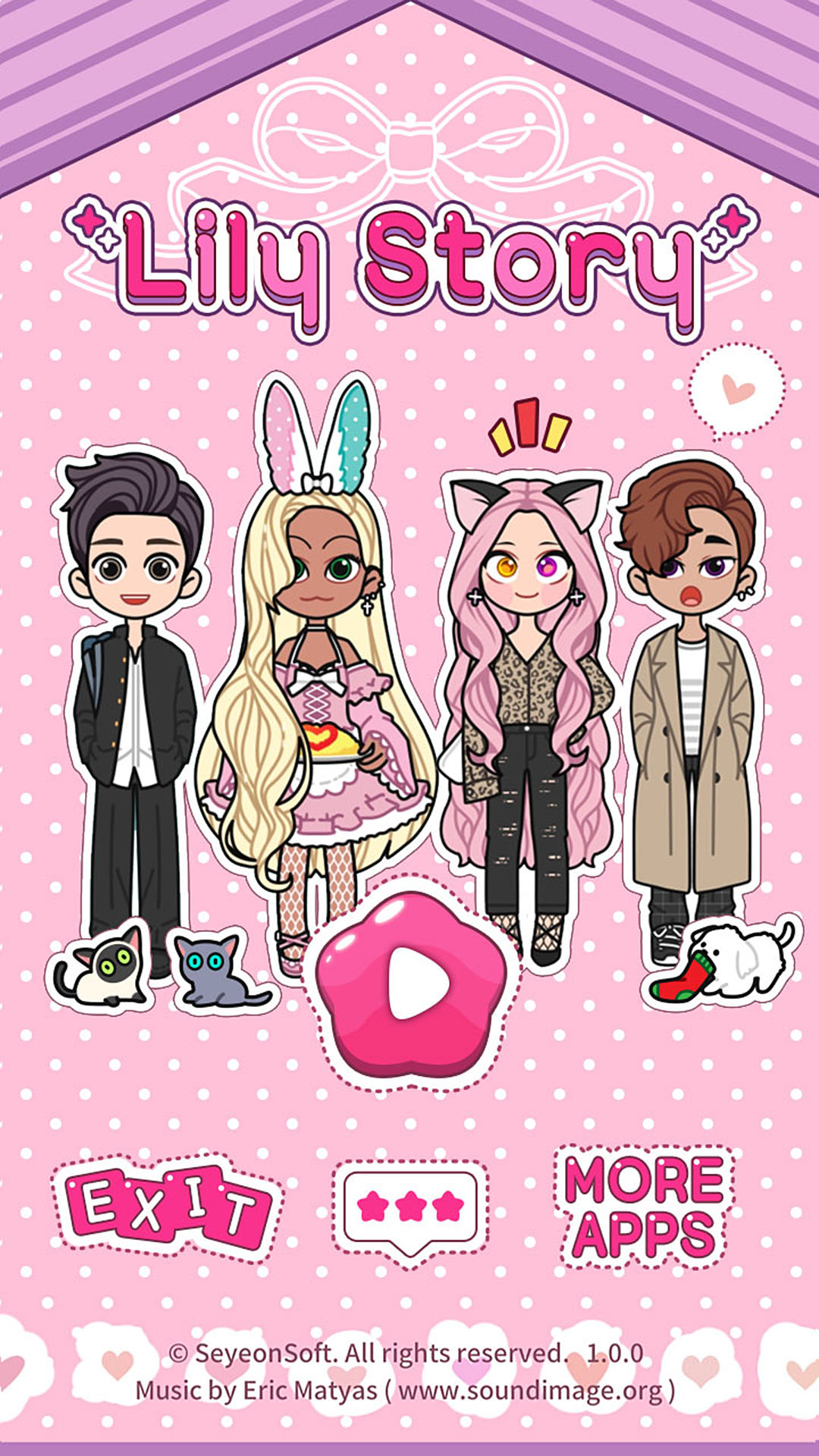
| Name | Lily Story : Dress Up Game |
|---|---|
| Publisher | SeyeonSoft |
| Version | 1.7.8 |
| Size | 123MB |
| Requires | Android 7.1 |
| Get it on | Google Play ↗ |
| Downloads | 409 |
| Price | FREE |
| Rating |
★
★
★
★
★
0/5
(0)
|
| Author | |
| Updated |
Lily Story: Dress Up Game has no coins, gems, or in-game currency, so any “unlimited money” mod apk you see listed for it was almost certainly written for a different game.
Lily Story mod apk is the modified version of SeyeonSoft’s free dress-up and avatar app, usually repackaged to unlock every paid item pack and remove the ads. I want to be straight with you about what that download actually changes, because the base app is far more generous than most people assume, and the real trade-offs are easy to miss when a download page is promising you the moon.
- What Lily Story: Dress Up Game actually is
- Where the base game holds up and where it frustrates
- How Lily Story saves your creations, and why it matters
- What the Lily Story mod apk actually changes
- Do the unlocked item packs really work?
- Does the no-ads mod break anything else?
- Lily Story vs Lily Diary vs Lily Style: which one are you actually looking for?
- Is the Lily Story mod apk safe?
- Can you get banned for using it?
- How to install the Lily Story mod apk
- Free alternatives worth considering before you mod
- Is it worth modding a game that gives away this much for free?
What Lily Story: Dress Up Game actually is
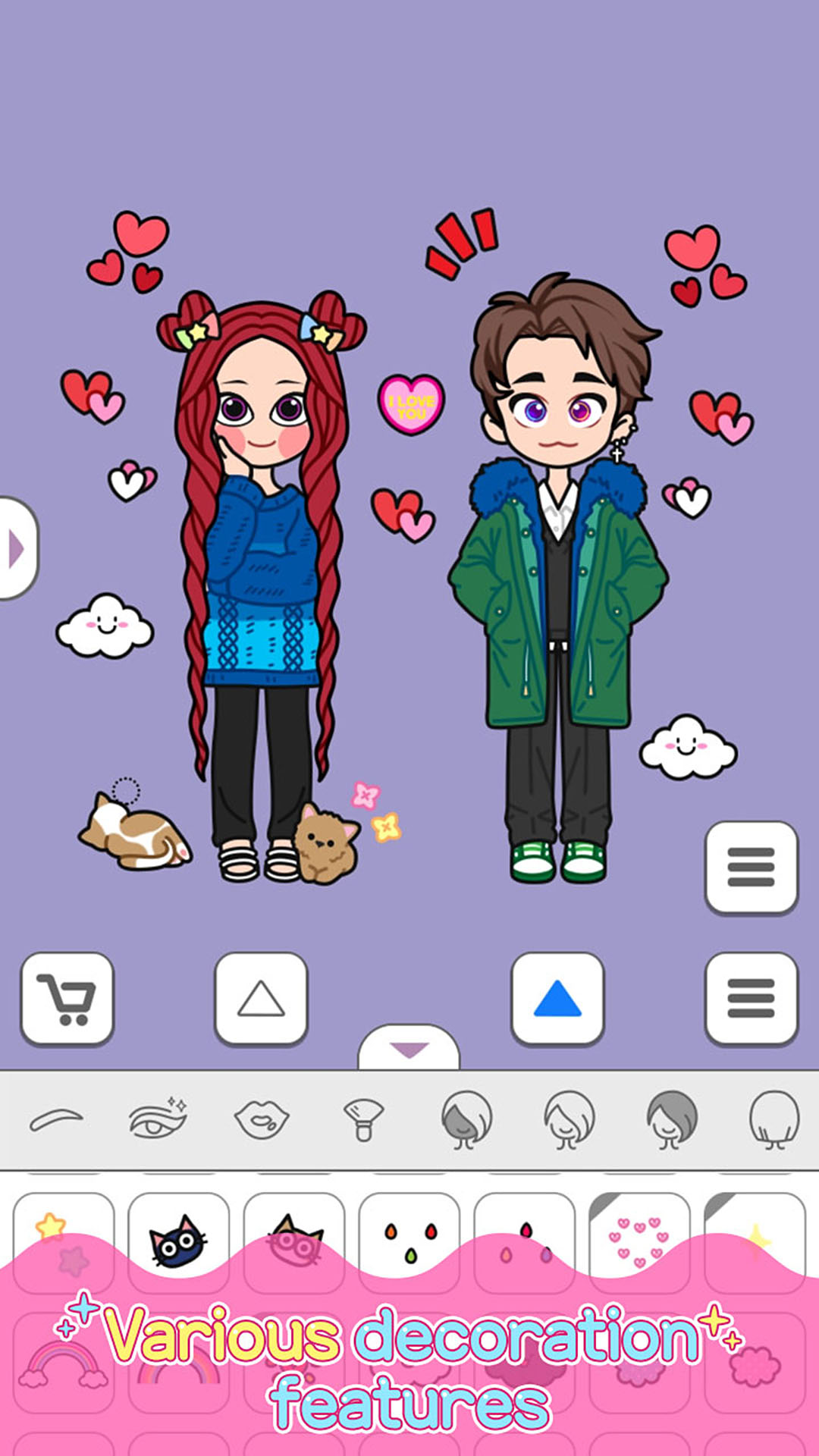
Lily Story: Dress Up Game is a casual creative app from SeyeonSoft, a South Korean studio based in Busan, released under the package name com.seyeonsoft.lily. You build one or two anime-style chibi characters, style them from hair and eyes to full outfits, decorate a background scene, and then save or share the result. It is not a competition game and it has no missions, quests, or rewards, even though several download pages describe those things. Those pages copied their text from other titles.
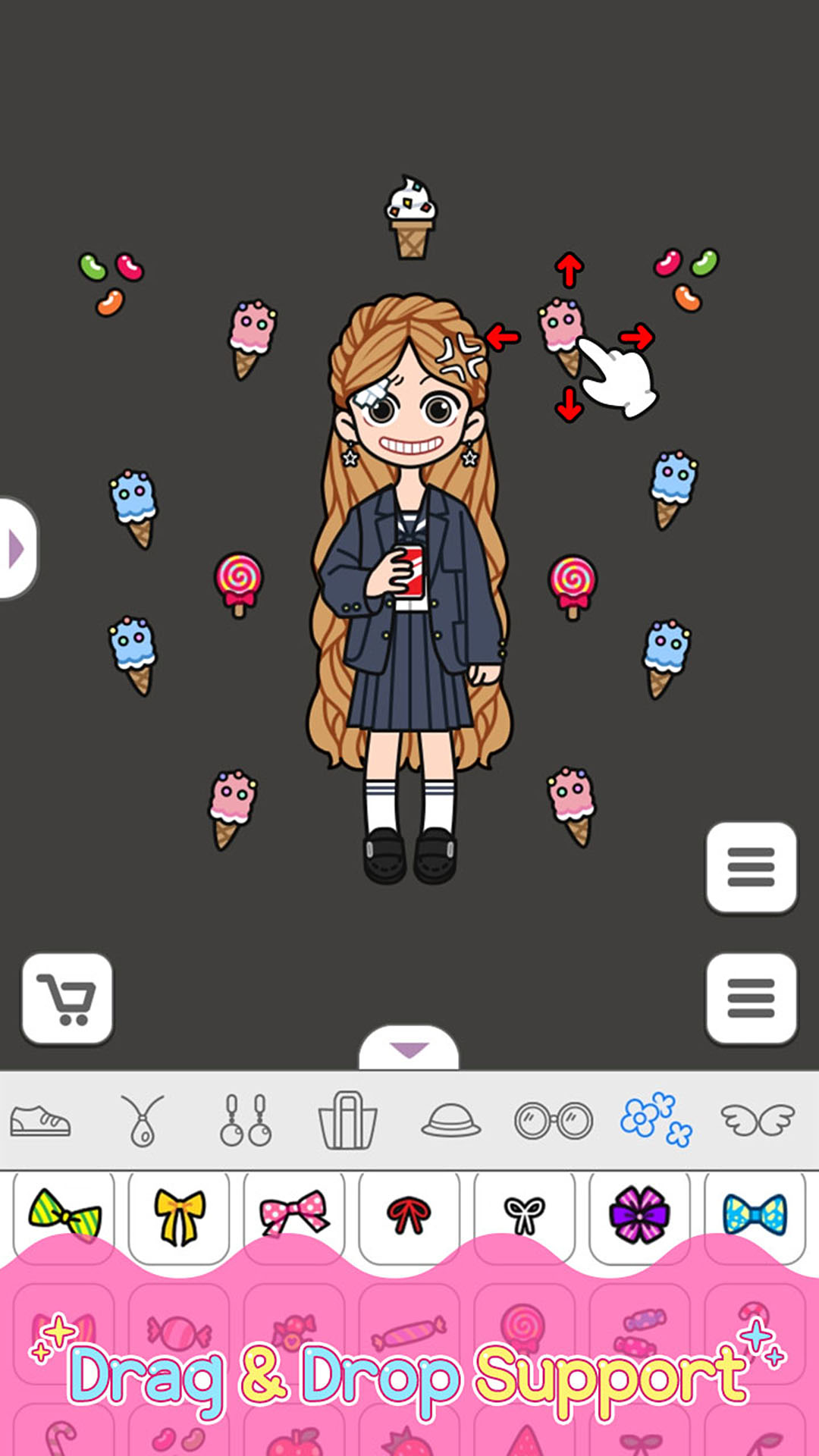
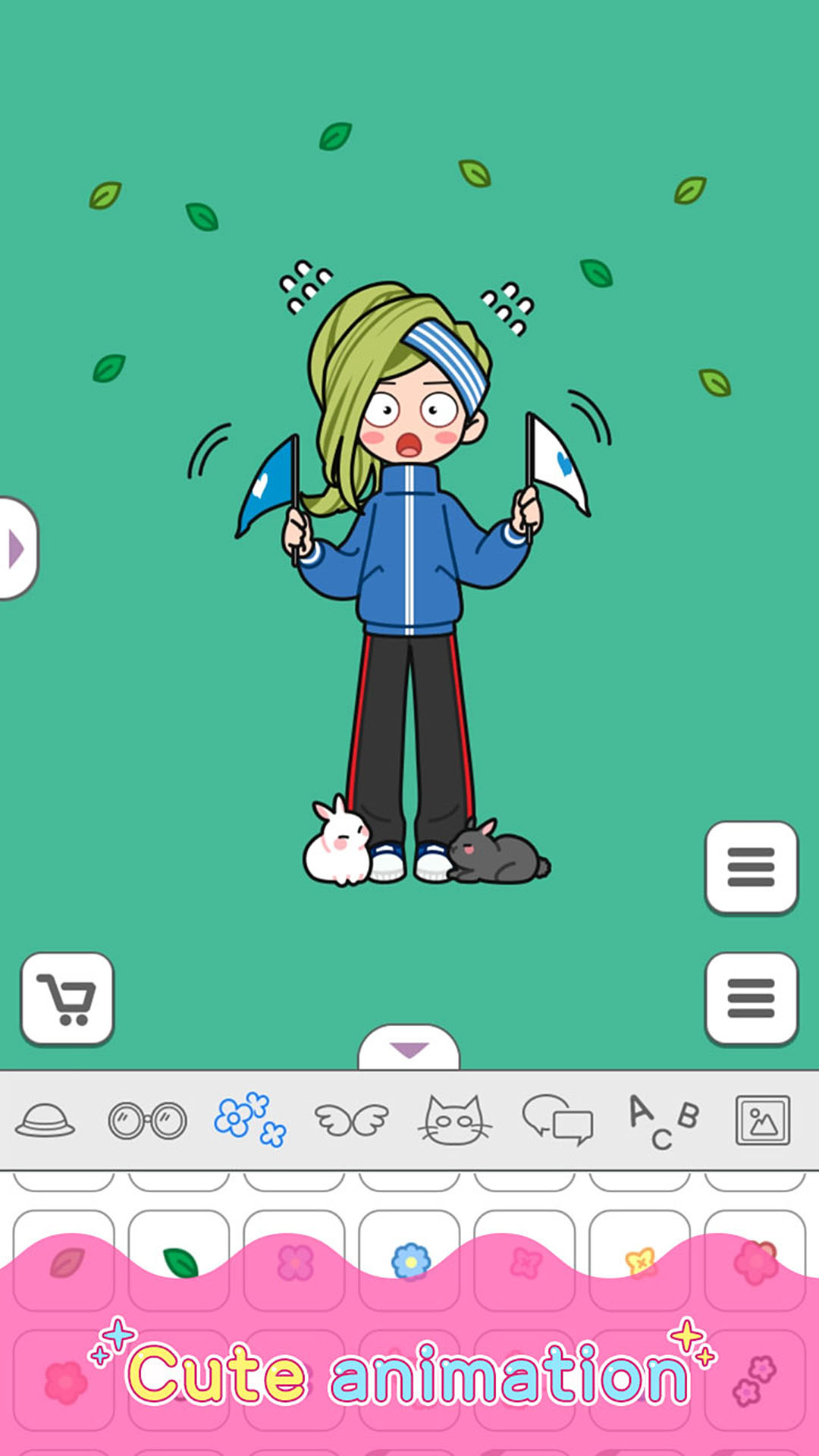
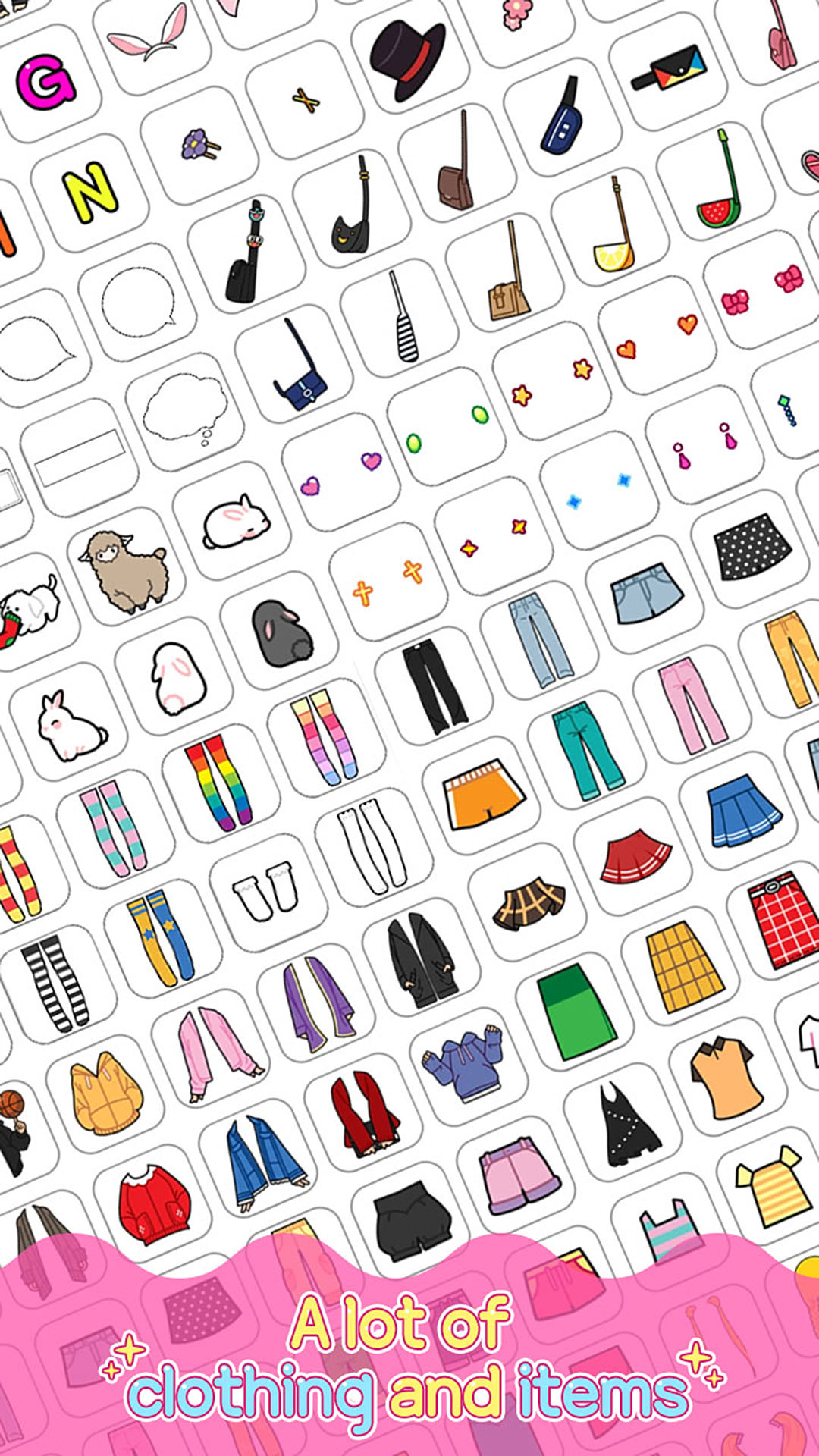
The core loop is simple and open. You pick a character, adjust the face and body, then drag and drop clothing, accessories, animals, speech bubbles, and text onto the canvas. Many items are color-adjustable, some are animated, and a studio mode lets you turn saved scenes into short clips. Most of the content is free from the first launch, which is unusual in this genre.
Where the base game holds up and where it frustrates
My honest read is that Lily Story earns its roughly 4.4-star rating on Google Play by giving away a lot. Reviewers consistently point out that hair colors, clothing, and core styling tools are free, and that ads are light rather than constant. For a free creative toy aimed largely at kids and teens, that generosity is the strongest thing it has going for it.
The friction shows up in two places. First, some of the nicer item packs sit behind in-app purchases, so if you want the newest themed sets you either pay or wait. Second, and this matters more than most people realize, your creations are stored only on your device. There is no account and no cloud backup, so uninstalling the app deletes every character you made. That single design choice shapes the entire mod decision, which I will come back to.
How Lily Story saves your creations, and why it matters
Lily Story: Dress Up Game saves all of your characters and scenes locally on your device, across roughly 2,997 slots spread over 999 pages with three saves each, with no cloud sync as of late 2025. If you uninstall the app, that data is gone. In-app purchases behave differently, because they are tied to your Google Play account and get restored when you reinstall the official version.
This split is the key technical fact for anyone weighing a mod. Your artwork lives on the phone, while your purchase entitlements live with Google. A modded apk touches the app package itself, so it can affect both your saved data and your ability to receive legitimate purchase restores and updates later.
What the Lily Story mod apk actually changes
The Lily Story mod apk versions circulating online almost all describe the same two changes, usually labeled “Free Purchase,” “Free Shopping,” or “No Ads.” In plain terms, the mod tries to flip the paid item packs to unlocked and disable the advertising. Because Lily Story gates its extra content locally inside the app package rather than through a server that verifies each purchase, this type of unlock is technically more plausible here than it would be in an online game with server-checked currency.
That plausibility is exactly why I want to correct the noise around it. You will see listings advertising “unlimited money,” “unlimited gold coins,” or “unlimited silver coins” for Lily Story. That description was lifted from a car or shopping game, because Lily Story does not use any currency at all. There is nothing to make unlimited. The only meaningful mod outcomes for this specific app are unlocked item packs and removed ads, and any page promising more than that is padding its copy.
Do the unlocked item packs really work?
Unlocked item packs in a Lily Story mod apk can work, because the app stores styling content locally and checks a purchase flag on the device rather than confirming each item against a live server. The catch is that a modded build stops receiving official updates cleanly, so when SeyeonSoft ships new monthly item drops or a new version like 1.7.8, your modded copy either falls behind or has to be replaced with another modded file from an unknown source.
Does the no-ads mod break anything else?
Removing ads is the lowest-risk part of the mod, since it mostly disables an ad SDK inside the app. The problem is that you cannot separate that one clean change from everything else a repackaged apk brings with it. You are still installing an unsigned build from a third party, so you inherit whatever else was bundled into it, which is the real cost.
Lily Story vs Lily Diary vs Lily Style: which one are you actually looking for?
SeyeonSoft ships several near-identical dress-up apps, and a lot of “Lily Story mod apk” searches are really meant for one of its siblings. They share art style and mechanics but are separate apps with separate packages, saves, and item libraries. Getting the wrong one is the most common mistake I see, so here is the quick way to tell them apart.
| App | Package name | What sets it apart |
|---|---|---|
| Lily Story : Dress Up Game | com.seyeonsoft.lily | Two-character scenes, studio mode, story tools with speech bubbles |
| Lily Diary : Dress Up Game | com.seyeonsoft.diary | The oldest and most downloaded of the three, wallpaper and GIF focus |
| Lily Style : Dress Up Game | com.seyeonsoft.style | Newer sibling, video-friendly studio mode, purchases stored on the server |
If your saved characters or your purchase behavior look different from what a guide describes, check the package name on the store listing first. A Diary mod will not unlock Story content, and the other way around.
Is the Lily Story mod apk safe?
The Lily Story mod apk is not safe by default, because it comes as an unsigned package from a third-party site rather than from Google Play, and repackaged apk files are a common delivery method for malware, spyware, and hidden permissions. This risk carries extra weight for Lily Story specifically, since the app is rated for everyone and is popular with children and teenagers who are less likely to spot a bad file or an unusual permission request.
The good news is that there is no online account to steal and no leaderboard to police, so an account ban is not the threat here. The real threats are device-level: a malicious build can request access to storage, contacts, or system settings that a simple dress-up app has no reason to want. If a Lily Story apk asks for permissions like that during install, that is your signal to stop.
Can you get banned for using it?
You cannot be account-banned in Lily Story: Dress Up Game, because the app has no login system, no online profile, and no competitive mode to enforce. What you can lose instead is legitimate access to Google Play purchase restores and official updates, since a modded build sits outside that verified chain. So the risk is not a ban, it is quietly cutting yourself off from the developer’s support and future content.
How to install the Lily Story mod apk
If you decide to sideload it anyway, the process is the standard Android install for any file from outside the Play Store, and you should treat every step as a chance to back out if something looks off. I would not do this on a child’s main device.
- Back up anything you care about first, because installing a mod over the official app can wipe your local saves.
- Open your device settings and allow installs from unknown sources for the browser or file manager you are using.
- Open the downloaded apk, review the permission list carefully, and cancel if it asks for anything beyond storage.
- Complete the install, then turn the unknown-sources permission back off so nothing else can slip in later.
Notice that none of this involves bypassing payment protections or editing game files yourself, and I am not going to walk anyone through that. Standard sideloading is as far as it goes.
Free alternatives worth considering before you mod
Here is the part I think most download pages skip, because it undercuts the download. Lily Story already gives you a large free library, light ads, and thousands of save slots without paying anything, so the gap the mod fills is narrower than it looks. For a lot of players, the honest answer is that you do not need it.
If you want more content without the malware risk, you have real options. You can simply use the free items, which cover most looks. You can buy a single item pack you actually want, which supports a small studio that priced its game fairly. Or you can try a sibling app like Lily Diary or one of the Pastel series, since each has its own free library and a slightly different style. Any of those routes keeps your device clean and your purchases restorable.
If you would rather browse safe, up-to-date builds and guides in one place instead of hunting across random file hosts, you can start from the homepage below.
Is it worth modding a game that gives away this much for free?
For most people, my recommendation is to keep the official free version of Lily Story: Dress Up Game and buy the one item pack you want if the free library ever feels short. The app is generous enough that the mod’s only genuine benefits, unlocked packs and no ads, rarely justify installing an unsigned file from an unknown source. This game is for anyone who likes calm, open-ended character and scene creation with anime chibi art, and it suits younger players especially well because the free content is deep and the ads are mild.
The mod makes sense only for a narrow group: an adult on a secondary device who wants every pack unlocked, understands that local saves and clean updates are at risk, and is comfortable vetting a third-party apk. If that is not you, and it is not most players, skip it. You would be trading a fair, low-friction free app for a file you cannot verify, and for this particular game that is a bad deal.
Menu, Tất cả các giao dịch mua trong ứng dụng đã được mua ($50+)
Mua Sắm Miễn Phí
Install the official, unmodified build straight from Google Play.
Android emulator to run LILY STORY : DRESS UP GAME APK smoothly on PC.