Download Penny & Flo: Home Renovation APK 1.189.2 for Android
Tactile Games APK
| Name | Penny & Flo: Home Renovation |
|---|---|
| Publisher | Tactile Games |
| Version | 1.189.2 |
| Size | 130MB |
| Requires | Android 5.0 |
| Get it on | Google Play ↗ |
| Downloads | 1,248 |
| Price | FREE |
| Rating |
★
★
★
★
★
0/5
(0)
|
| Author | |
| Updated |
Penny & Flo runs almost entirely online, which is exactly why the “unlimited stars” mods flooding download sites work far less reliably than their screenshots promise.
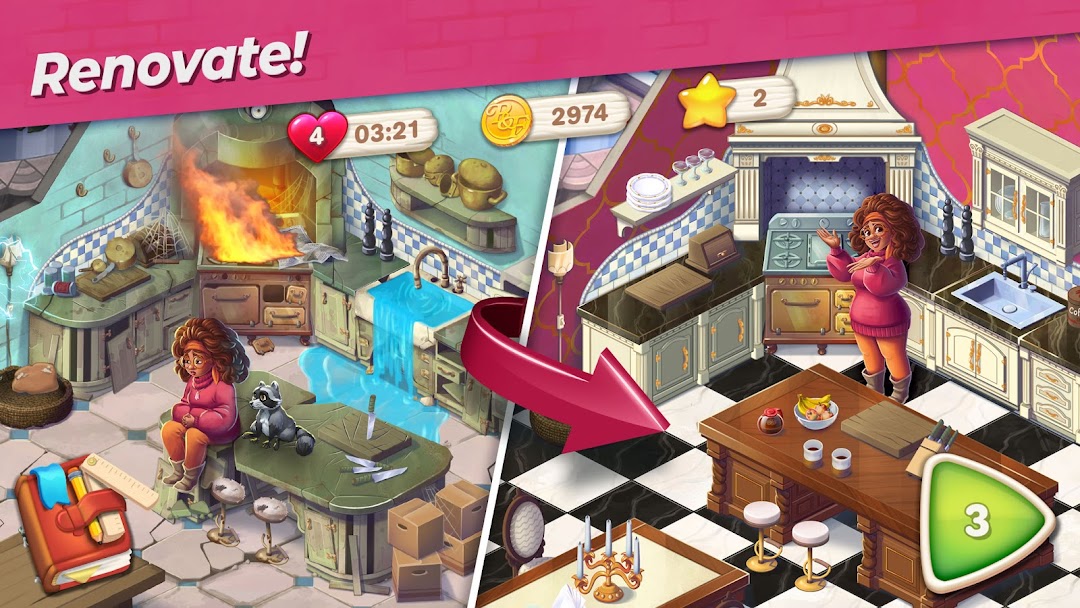
Penny & Flo: Home Renovation is a free puzzle game from the Danish studio Tactile Games, built around a simple loop: you clear tap-to-match boards to earn stars, then spend those stars rebuilding a faded mansion room by room. The game blends light puzzle solving with interior decorating and a soap-opera style storyline. That mix is why it has drawn more than 10 million downloads, and it is also why so many people go looking for a modded version that hands over free resources. The honest picture of what those mods can and cannot do is messier than most download pages admit, so this guide covers both the game itself and the realities of the modded build.
- What Is Penny & Flo: Home Renovation?
- How The Gameplay Works: Matching, Stars, And Renovation
- The Story And Characters You Renovate For
- Penny & Flo: Home Renovation MOD APK Explained
- Is The Penny & Flo MOD APK Safe?
- How To Download And Install The APK Safely
- Tips To Clear Hard Levels Without Spending
- System Requirements And Versions
- Games Like Penny & Flo: Home Renovation
- Frequently Asked Questions
- Final Thoughts
What Is Penny & Flo: Home Renovation?
Penny & Flo: Home Renovation is a match-and-decorate puzzle game where you solve levels to fund the restoration of a rundown mansion. It was developed by Tactile Games (Tactile Entertainment ApS) and first appeared on app stores in 2020, originally under the name “Penny & Flo: Finding Home.” The package is still listed as dk.tactile.mansionstory, so older “Finding Home” pages point to the same game.
The hook is the combination, not any single part. You are not only matching tiles, and you are not only decorating. You match tiles to earn the currency that lets you decorate, and the decorating unlocks the next chapter of a story. As of October 2025, the game held a rating of roughly 4.46 out of 5 from about 240,000 reviews, which is high for a free puzzle title with hundreds of levels. It carries an “Everyone” content rating and is free to download, with optional in-app purchases for extra lives, coins, and boosters.
How The Gameplay Works: Matching, Stars, And Renovation
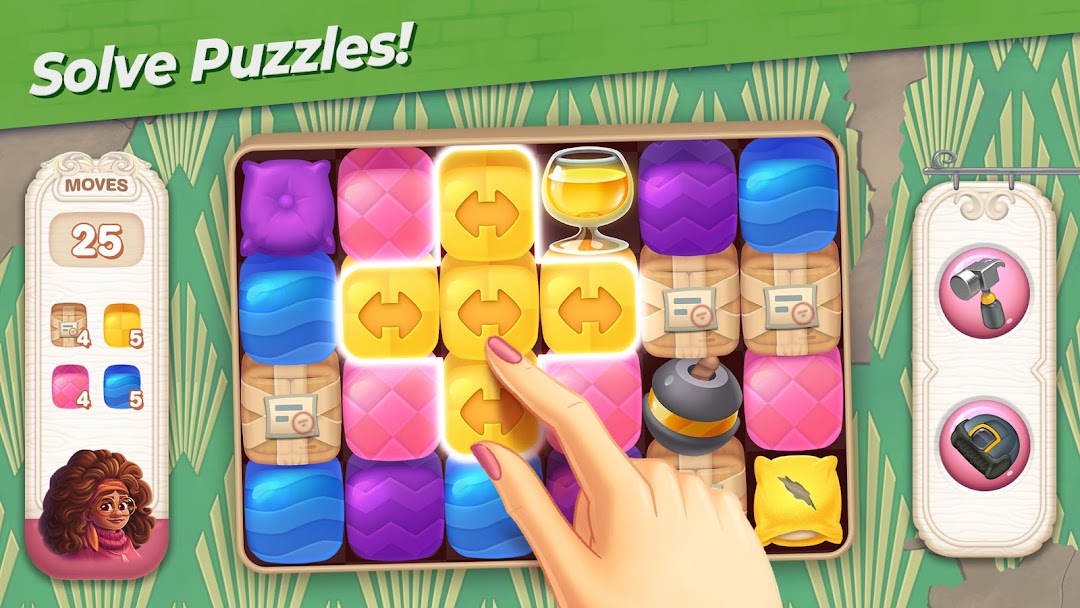
Each level is a board of colored pieces, and you clear them by tapping clusters of two or more matching tiles. This is a tap-to-blast style of puzzle rather than the swipe-and-swap match-3 of Candy Crush. The bigger the cluster you tap, the more pieces vanish at once, and clearing larger groups builds boosters directly on the board.
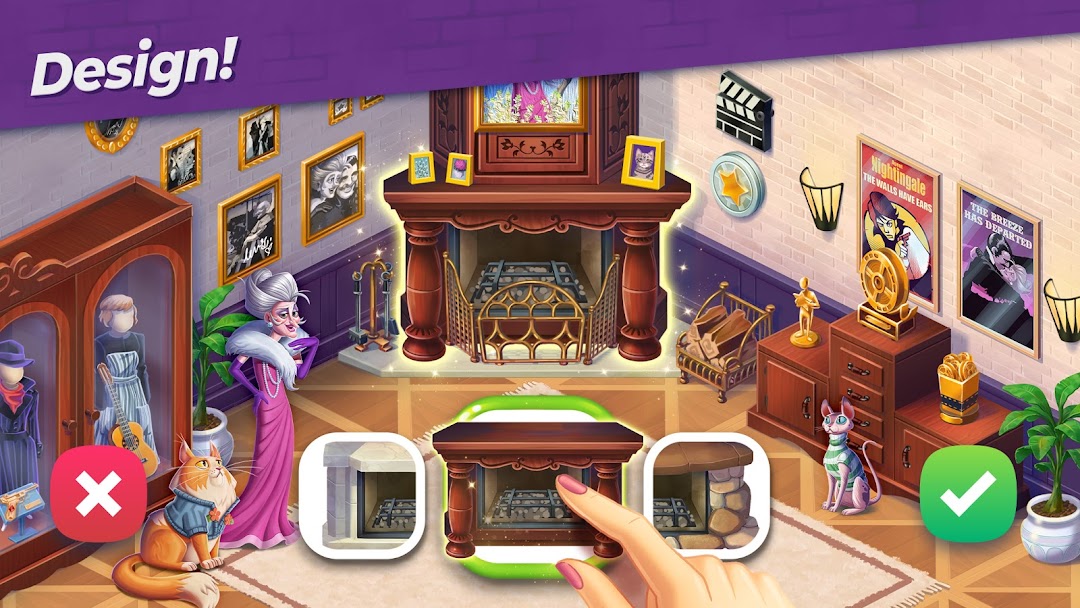
Finishing a level rewards you with stars. Those stars are the only thing that matters for the renovation side of the game, because each renovation task, fixing a floor, hanging a chandelier, painting a wall, costs a set number of stars. Some tasks also ask you to choose between decoration styles, so you can shape how each room looks. You start with a small pool of lives, traditionally four, and losing a level costs one life. Lives refill over real time, which is the gentle pressure that nudges players toward buying refills or watching ads. Boosters tied to Penny or Flo each behave differently, and combining two boosters next to each other produces a much stronger clear, which is the main skill ceiling in tougher levels.
The Story And Characters You Renovate For
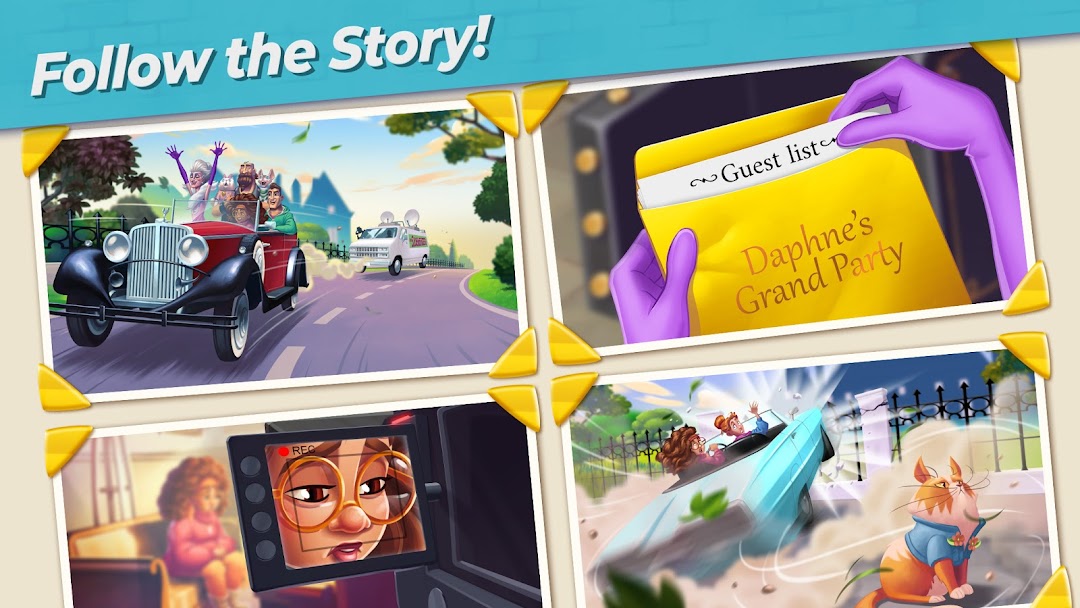
The renovation is wrapped in an ongoing narrative about Penny and Flo, two friends restoring grand homes across different locations. Penny is the steadier, girl-next-door half of the pair, while Flo is the spontaneous, go-with-the-flow one, and their contrasting personalities drive much of the dialogue. Early chapters center on a Hollywood mansion belonging to a faded silver-screen legend named Daphne Bellstar, whose house the duo end up renovating after a chaotic first meeting.
New chapters and level packs are added on a regular cadence, so the story keeps extending well past the early mansion. Recent updates have shipped in batches of around 40 new levels at a time, along with bug fixes and fresh story beats. If you mainly play for the narrative rather than the puzzles, this matters: progress through the plot is gated behind clearing levels, so a stretch of hard boards can leave the story stalled for days.
Penny & Flo: Home Renovation MOD APK Explained
A Penny & Flo MOD APK is a repackaged version of the game that advertises free resources the official app charges for. The most common claims across mod sites are unlimited stars, unlimited hearts or lives, an ad-free experience, and sometimes “unlocked everything.” These files target the exact friction points of the design, namely the lives that run out and the stars that gate renovation tasks.
It helps to be clear about what a mod actually changes. A modded APK is the original game with its files altered or its memory patched, so it is not made or supported by Tactile Games. The version number on these files tracks the official release closely, so mod uploads usually appear within days of each update and currently mirror build 1.189.2. Worth keeping in mind: a mod that promises “unlimited stars” is promising to override a value that this particular game often checks on its own servers, not just on your phone.
Is The Penny & Flo MOD APK Safe?
The honest answer is that a Penny & Flo MOD APK carries real risk and often delivers less than advertised, for one specific reason: the game is online and syncs your progress. Penny & Flo requires an internet connection to play, save progress, and join events. When a game validates currency and level progress against a server, a locally patched “unlimited stars” value can be rejected, reset, or flagged the moment your device syncs. This is why many players report the unlimited resources either not appearing or vanishing, and it is the part most download pages quietly skip.
On top of that, three concrete risks apply to any modded game file:
- Malware in the file itself. An APK from an unknown site can carry trojans, adware, or token-stealers bundled into the install. The file looks like the game and runs like the game, but it can quietly request permissions a puzzle game has no reason to need.
- Account flagging or bans. Because progress syncs to Tactile’s servers, using a modded build can get your save flagged or reset under the game’s terms of service. If you are signed in through Facebook or a Google account, that risk attaches to a real account, not an anonymous profile.
- No updates and broken saves. A modded version will not auto-update from the Play Store, so when the official game pushes a new build, the mod can stop launching until someone re-uploads a patched copy.
None of this means every modded file is dangerous, but it does mean the trade is rarely as clean as “free stars, no downside.” If the storyline and a tidy save matter to you, the safest path is the official version, and if you do experiment with a mod, do it on a throwaway account you are willing to lose.
How To Download And Install The APK Safely
Installing any APK outside the Play Store means turning on a permission your phone disables by default, so the process is straightforward but worth doing carefully. The official, lowest-risk route is always the Google Play Store, where the game updates automatically and the file is scanned. Sideloading an APK should be a deliberate choice, not a habit.
If you are installing an APK manually, the standard, safe sideloading steps are:
- Use a source you can verify. Stick to a site you trust, and check that the version number and file size are reasonable. The official download is around 231 MB as of late 2025, so a file that is dramatically smaller or larger deserves suspicion.
- Enable “Install unknown apps” for one app only. In Android settings, grant this permission to the specific browser or file manager you are using, then turn it back off once the install finishes.
- Scan before you open. Run the downloaded file through a mobile security scanner, and watch the permission requests during install. A match-and-decorate game has no reason to ask for your SMS or call logs.
- Keep the official app as a fallback. If anything behaves strangely, uninstall the APK and reinstall the clean version from the Play Store.
For the safest copy of the game, plus mod details and version notes kept up to date, you can start from the homepage below.
Tips To Clear Hard Levels Without Spending
Most of Penny & Flo’s difficulty spikes can be solved with patience and positioning rather than purchases, which is one reason players praise it for not forcing payments. The single most useful habit is planning a few taps ahead so you build and combine boosters instead of clearing pieces at random.
- Build boosters, then pair them. Clearing larger clusters creates power-ups, and placing two boosters next to each other before detonating them produces a far bigger clear than firing them separately.
- Read the goal before you tap. Many levels ask you to clear specific obstacles or collect certain items, not just empty the board. Aim your moves at those targets rather than the easiest matches.
- Collect the daily reward. Logging in for the Daily Harvest mostly hands you free boosters, which stack up for the hard levels later.
- Play during events. Timed events like Happy Hour can grant extra boosters at the start of levels, which is the cheapest way to power through a wall.
- Save boosters for genuine bottlenecks. Spending power-ups on easy boards wastes them. Hold them for the level that has blocked you several times.
If a level still refuses to fall, stepping away to let lives refill usually beats burning real money, since the boards are designed to be beatable without spending.
System Requirements And Versions
Penny & Flo: Home Renovation runs on Android 5.0 and up, which covers the large majority of phones still in use. The current build is version 1.189.2, with a download size around 231 MB as of October 2025, so it is a mid-sized install that most modern devices handle without trouble.
The game has updated steadily since 2020, moving through builds such as 1.147.0 and 1.172.0 in earlier cycles before reaching the current release. Each update typically adds new levels and story chapters rather than overhauling the mechanics, so older guides stay broadly accurate even as the version number climbs. If you prefer playing on a larger screen, the game also runs through Android emulators on PC, which is a route some players use for the longer puzzle sessions.
Games Like Penny & Flo: Home Renovation
If you enjoy the match-and-decorate formula, several other titles share the same core loop, which is useful to know if Penny & Flo stalls or you simply want variety. The closest comparisons pair puzzle levels with a renovation or design meta-game.
Homescapes and Gardenscapes from Playrix are the best-known examples, using match-3 levels to fund the restoration of a house or garden alongside a light story. Tactile Games’ own catalog includes similar decorate-and-match projects, so the studio’s style carries across its games. Project Makeover leans harder into fashion and styling while keeping the same puzzle-to-reward structure. None of these are identical, but they scratch the same itch, and most are free to try, so the cost of switching is low if Penny & Flo’s pace stops suiting you.
Frequently Asked Questions
Is Penny & Flo: Home Renovation free to play? Yes. The game is free to download and play, with optional in-app purchases for extra lives, coins, and boosters. Reviewers frequently note that levels are beatable without spending, which is unusual for the genre.
Does the Penny & Flo MOD APK really give unlimited stars? Often not for long. Because the game syncs progress online, locally modded values for stars or hearts can be ignored, reset, or flagged when your device connects to the server. The result is far less reliable than the screenshots suggest.
Can I play Penny & Flo offline? No. The game needs an internet connection to play, save progress, and take part in events, so an offline-only mod is not realistic for this title.
Will using a mod get my account banned? It can. Modifying a server-synced game can put your save in violation of the game’s terms, and if you are signed in with Facebook or Google, that risk attaches to a real account. Use a disposable account if you want to experiment.
How do I get more stars in the game? Clear puzzle levels. Stars come only from finishing levels, and you spend them on renovation tasks. Building and combining boosters helps you clear harder boards and earn stars faster.
Is it the same game as Penny & Flo: Finding Home? Yes. “Finding Home” was the earlier name, and the title was later changed to “Home Renovation.” Both refer to the same Tactile Games puzzle game under the package dk.tactile.mansionstory.
Final Thoughts
Penny & Flo: Home Renovation earns its high rating by being a generous puzzle game that lets patient players progress without paying, which is rarer than it should be in this genre. The match-and-decorate loop is relaxing, the story gives the levels a reason to exist, and most difficulty spikes yield to booster planning rather than your wallet. For the cleanest experience, the official Play Store version is the sensible default, since it updates automatically and keeps your save safe. The MOD APK appeals because lives and stars run out, but the game’s online sync makes “unlimited everything” unreliable and adds real risk to any account you care about. If you do try a modded build, use a throwaway account, scan the file first, and treat free stars as a maybe rather than a guarantee.
Vô hạn tiền
Menu MOD: Tiền tăng khi chi tiêu, Vô hạn tiền
Vô hạn tiền
Install the official, unmodified build straight from Google Play.
Android emulator to run PENNY & FLO: HOME RENOVATION APK smoothly on PC.