Pocket Build Mod Apk 4.12 (Unlimited Resources, All Items Unlocked, No Ads)
MOONBEAR APK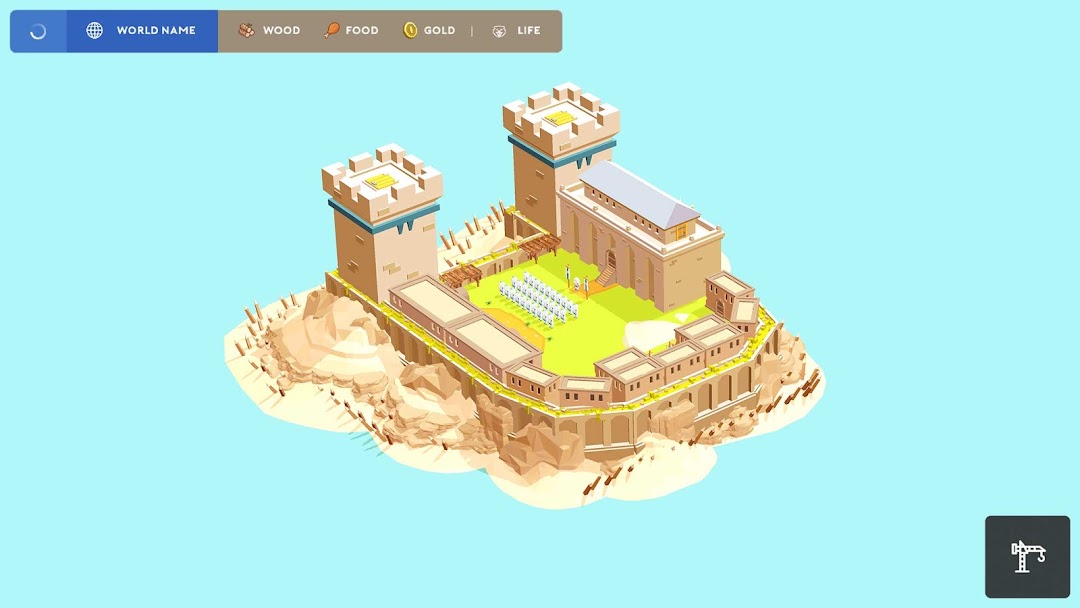
| Name | Pocket Build |
|---|---|
| Publisher | MOONBEAR |
| Version | 4.12 |
| Size | 221MB |
| Requires | Android 6.0 |
| Get it on | Google Play ↗ |
| Downloads | 383 |
| Price | FREE |
| Rating |
★
★
★
★
★
0/5
(0)
|
| Author | |
| Updated |
The headline feature of every Pocket Build mod apk, unlimited resources, has been a free in-game toggle since the day the game launched in 2017.
Pocket Build is an offline sandbox building game from MoonBear, and the “Pocket Build mod apk” search almost always leads to one promise: unlimited wood, food, and gold. That promise sounds generous until you learn how the game is actually built. Pocket Build already ships two play modes, one of which hands you endless resources for free. So the interesting question is not whether a mod can give you unlimited resources. It is what a mod genuinely changes, what it only pretends to change, and whether the trade is worth it on a game that has no account to ban and nothing on a server to protect.
- What Pocket Build actually is
- How the two build modes change everything
- Does the Pocket Build mod apk really give unlimited resources?
- What actually sits behind the paywall
- Is the Pocket Build mod apk safe to install?
- Can you get banned for using a Pocket Build mod apk?
- Why big worlds stop loading, and what the mod cannot fix
- Is Pocket Build still being updated?
- How Pocket Build compares to Minecraft and other sandbox builders
- What the Pocket Build mod apk changes
- Installing the mod safely with standard sideloading
What Pocket Build actually is
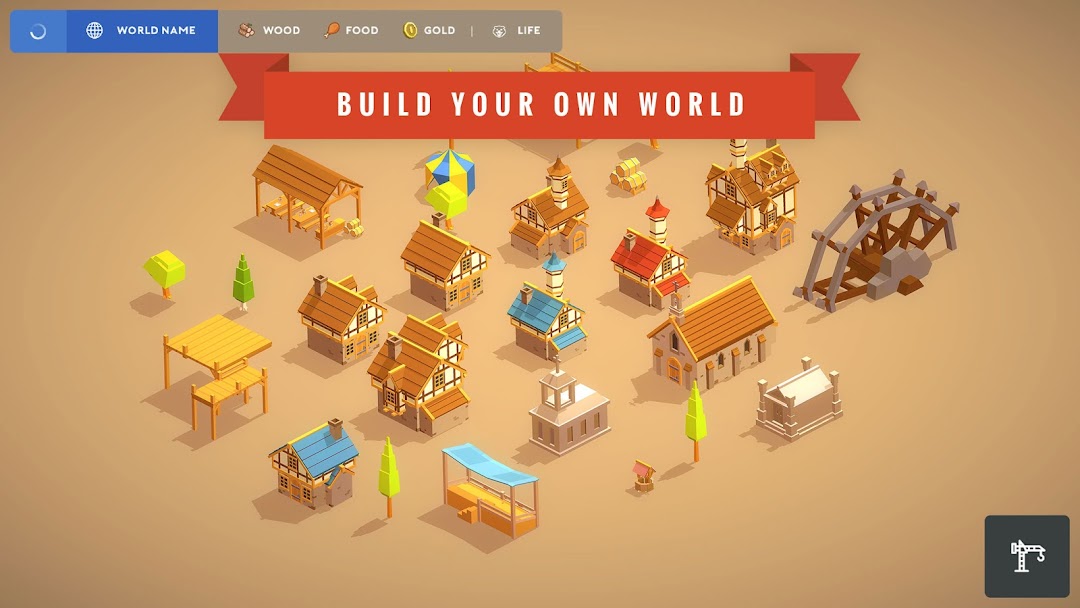
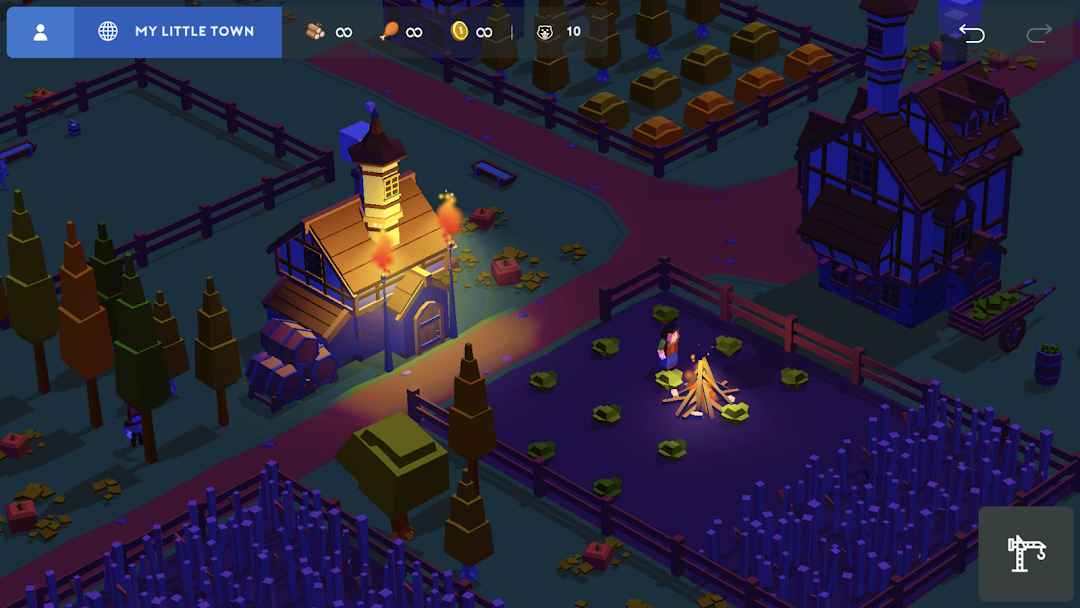
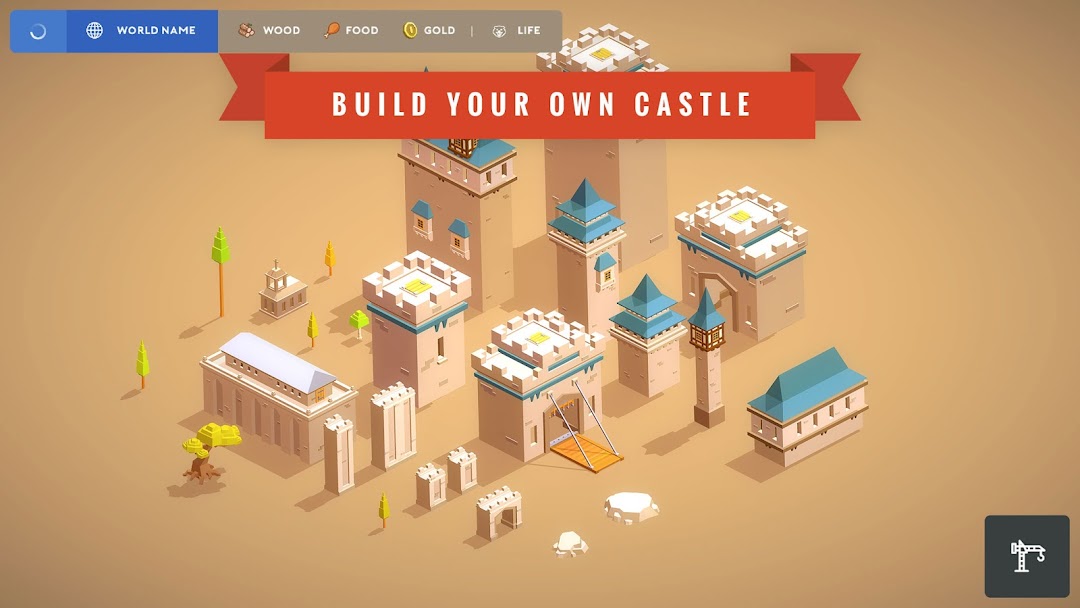
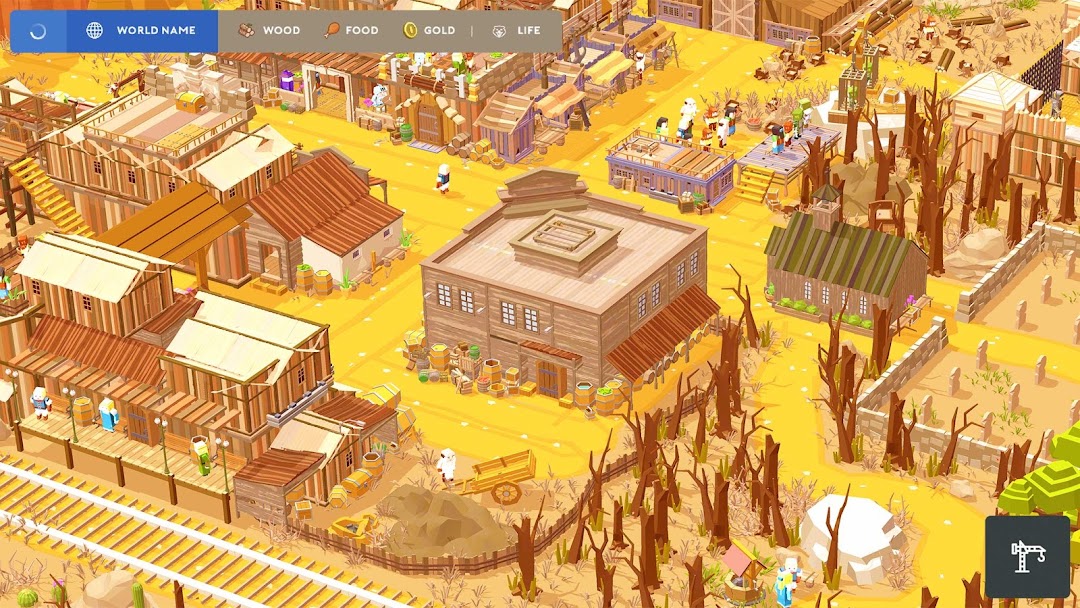
Pocket Build is a relaxed, goal-free sandbox builder where you place items on an open map to create fantasy worlds. There are no missions, no timers, and no forced multiplayer. You drop castles, trees, fences, animals, roads, and people wherever you like, then rotate and stack them freely. Jaynesh Vekaria founded MoonBear in 2016 and released the game on iOS on November 1, 2017, with the Android build following on November 17, 2017.
The appeal is the freedom. Many players in the reviews describe it as a creative outlet for worldbuilding, mapping out fictional towns, or just decorating a quiet island. The developer advertises several hundred build items, and new items arrive with updates, so the toy box keeps growing over time.
It is not a deep game, and I would not pretend otherwise. There is no progression loop, no combat system worth the name, and no objectives to chase, which is exactly what some players want and exactly what bores others. The graphics are soft and stylized rather than sharp. Two other honest weaknesses show up again and again in player feedback: there is no mass-delete tool, which the developer has confirmed, so undoing a big build is tedious, and very large worlds can fail to load on some devices. If you like structure, quests, and clear goals, this game will feel empty. If you want a calm digital diorama, it earns its place.
How the two build modes change everything
Pocket Build runs on two distinct modes, and understanding them is the key to the whole mod conversation. The official mode names are Ultimate Sandbox and Survival Sandbox, and you switch between them in the settings. This single design choice is why most mod listings for this game are misleading.
In Ultimate Sandbox mode, you have unlimited wood, food, and gold from the start. Nothing depletes, nothing needs gathering, and you simply build. In Survival Sandbox mode, resources are limited on purpose. You start with a small supply, command your humans to mine and gather wood, food, and gold, and manage what you have while you expand. That scarcity is the entire point of the mode. It exists so players who want a light management challenge can opt into one.
So when a download page sells you a Pocket Build mod apk with “unlimited resources,” it is offering a version of something the base game already gives you through a menu toggle. That is the single most important fact for anyone weighing this mod, and almost no top-ranking download page mentions it.
Does the Pocket Build mod apk really give unlimited resources?
Pocket Build already grants unlimited wood, food, and gold through its official Ultimate Sandbox mode, so a Pocket Build mod apk advertising “unlimited resources” is mostly reselling a free setting. You can get the same endless resources by opening the settings and choosing Ultimate Sandbox, with no download risk and no third-party file. The only players a mod could help here are those who specifically want Survival Sandbox mode but without its scarcity, which defeats the mode’s purpose.
This matters because it reframes the entire value proposition. The resource claim, which is the most repeated selling point across mod listings, is close to hollow for this specific game. If unlimited resources are all you want, you never needed a modified APK at all. Turn on Ultimate Sandbox and build.
What actually sits behind the paywall
The genuine paid layer in Pocket Build is not resources at all. It is a set of locked items plus advertising. The game is free to download on Google Play and the App Store, and it offers an optional subscription that unlocks additional content. The App Store listing describes an entry subscription tier starting around $0.99 per week as of early 2026, and a common complaint in Google Play reviews is that the recurring monthly price feels steep for how much it unlocks. Prices vary by region and change over time, so treat any single figure as a snapshot.
There is an important detail here that softens the paywall. Several players report that locked items also unlock gradually over time without paying, on a slow timer, which suggests the subscription functions partly as a way to support the small developer rather than a hard gate. On the free Android version, you will also see ads, while the paid or subscribed experience removes them.
This is where a mod can do something real. Because the locks and the ad code live inside the app on your device, a modified build can flip those local unlock flags and strip the advertising, giving you the premium items and an ad-free session without the subscription. That is the honest description of what a working Pocket Build mod apk changes. It does not conjure resources you lacked. It removes the paywall on cosmetic and building content, and it removes ads.
Is the Pocket Build mod apk safe to install?
A Pocket Build mod apk is only as safe as the site that repackaged it, and since the game is offline with local saves, the real danger is malware rather than any in-game penalty. Repackaged APKs are a common delivery method for adware, spyware, and trojans, because the original app must be decompiled, altered, and re-signed by a stranger. You are trusting that unknown editor with the permissions your device grants at install time.
The practical risks are concrete. A tampered build can bundle hidden ad SDKs, harvest data, request permissions a building game has no reason to need, or simply break your saved worlds. Modified files also do not update through the store, so you are stuck reinstalling from the same third-party source each time, which compounds the exposure. None of this is unique to Pocket Build, but the offline nature of the game changes the math: the upside a mod offers here is small, so the malware downside carries more weight than usual.
Can you get banned for using a Pocket Build mod apk?
Pocket Build cannot ban you for using a mod apk, because the game is single-player and offline, with no account requirement, no login gate on core play, and no server tracking your progress. There is no leaderboard to flag, no competitive mode to police, and no cloud profile the developer can suspend. Your worlds live on your own device, so the studio has no lever to pull even if it wanted to.
This is genuinely different from mods for online games, where a server compares your data against expected values and locks accounts that look tampered. Pocket Build has none of that machinery. The absence of ban risk is real, and it is one of the few honest points in the mod’s favor. It also means the entire risk calculation collapses down to one question: do you trust the file? If the answer is no, there is no second safety net to fall back on.
Why big worlds stop loading, and what the mod cannot fix
Pocket Build struggles with very large worlds, and this limitation lives in the game engine, so no mod apk resolves it. Players in both the App Store and Google Play reviews describe pouring hours into an elaborate city, then finding that the world refuses to open once it grows past a certain size. The developer has suggested lowering graphics settings as a workaround, which helps some devices but not all.
I raise this because it exposes a false expectation that mod pages encourage. Unlimited resources let you place items faster and in greater number, which pushes your world toward exactly the size that triggers loading failures. In other words, the mod’s headline feature can accelerate you into the game’s worst technical wall. A modified APK does not add memory to your phone or rewrite how the engine streams a scene. If performance on large builds matters to you, that is a hardware and engine constraint, not something a download can patch away.
Is Pocket Build still being updated?
Pocket Build is still receiving updates as of mid-2026, with new builds shipping through 4.12 despite a widespread belief in the community that the game was abandoned. Version history on distribution mirrors shows releases continuing into June 2026, which contradicts older reviews that declared the project dead. Update notes tend to be modest, covering new items, bug fixes, and performance tweaks rather than major features.
The abandonment perception has a real root. Update cadence slowed noticeably, and the Apple Arcade edition called Pocket Build+ was removed on February 20, 2025, after being flagged as leaving soon, which many players read as a bad sign. So the honest picture is a small studio shipping slow, incremental updates rather than a dead game, but also not one under active heavy development. That context matters for a mod, because a slower update schedule means a modded file stays usable longer between versions, though it still lags behind official releases and can break on the next one.
How Pocket Build compares to Minecraft and other sandbox builders
Pocket Build sits in a different niche from Minecraft, WorldBox, and city builders like SimCity BuildIt, and the comparison shapes whether the mod is even worth considering. Minecraft is a survival and crafting game with combat, exploration, and multiplayer at its core. WorldBox is a god game about creating and destroying civilizations. Pocket Build is quieter than both, closer to a decorating and diorama tool than a game with systems to master.
If you enjoy Minecraft mainly for creative mode, Pocket Build offers a similar build-anything freedom with a gentler learning curve and a cuter art style, but far less depth and no real survival loop. If you came to Minecraft for danger and progression, Pocket Build will not scratch that itch at any price. Against city builders, Pocket Build trades their economic systems and objectives for pure freeform placement.
The comparison also frames your alternatives honestly. If your goal is unlimited creative building for free, the official game in Ultimate Sandbox mode already delivers that. If you want the locked items without paying, waiting for the slow free unlocks or supporting the developer through the subscription both avoid the malware risk entirely. A mod is only the “best” route if you specifically want every premium item and an ad-free session immediately, and you are willing to trust a third-party file to get there.
What the Pocket Build mod apk changes
Stripped of marketing language, a working Pocket Build mod apk touches a short list of things, and the list is short because the game itself is simple. Here is what these files typically alter and how each interacts with the game’s offline, local design.
The most common modification is unlocking the premium and subscription-gated items. Because those locks are stored inside the app on your device rather than checked against a server, a modified build can present them as already owned. The second common change is removing ads by cutting the advertising code from the free version, which produces a cleaner session. Some listings also advertise “unlimited resources” as a mod feature, but as covered above, that simply mirrors the Ultimate Sandbox mode you already have, so treat it as filler rather than a benefit.
Notice what is not on this list. There are no server-side balances to inflate, no online currency to multiply, and no competitive advantage to gain, because Pocket Build has no online layer to exploit. That narrow scope is exactly why the mod’s real value is modest, and why the safety question dominates the decision.
Installing the mod safely with standard sideloading
If you decide to sideload a Pocket Build mod apk despite the trade-offs, keep the process to the standard steps and stay alert to permissions. You will need to allow installation from unknown sources for the app you are installing through, then open the downloaded APK to install it, then turn that permission back off once you are done. Leaving unknown-source installs enabled is a standing risk you do not need.
Tiền không giảm khi chi tiêu
Install the official, unmodified build straight from Google Play.
Android emulator to run POCKET BUILD APK smoothly on PC.
Choose the source that fits your device
Pocket Build
Original build on Google Play · Android
GET ↗
Play on PC with LDPlayer
Android emulator · supports Pocket Build · Windows
GET ↗