Download Tizi Princess Home Design Game Mod Apk 5.6.6 (Everything Unlocked, No Ads, Free Shopping)
IDZ Digital Private Limited APK
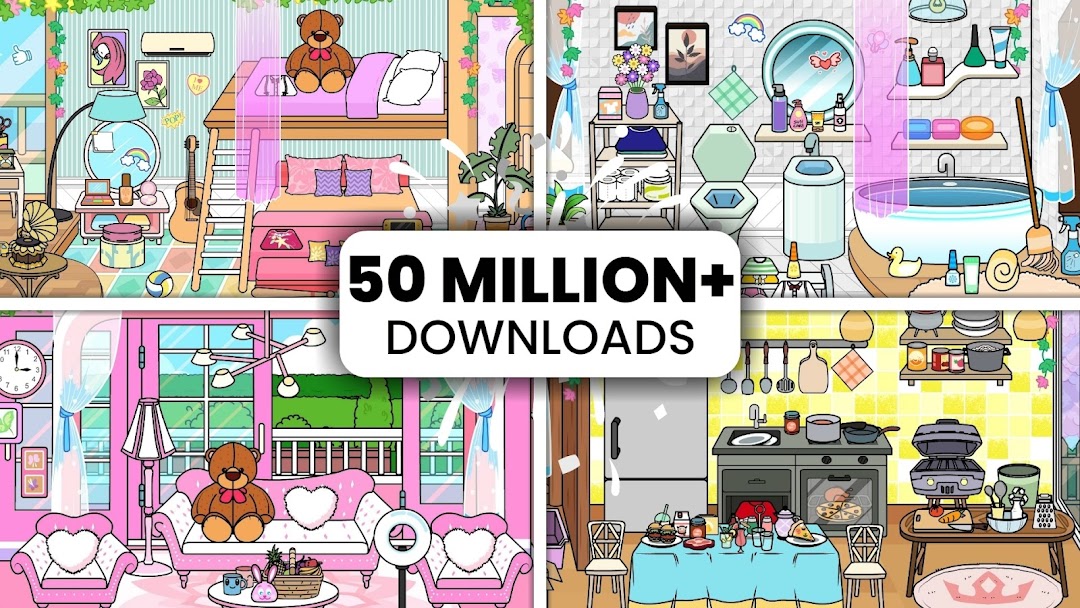
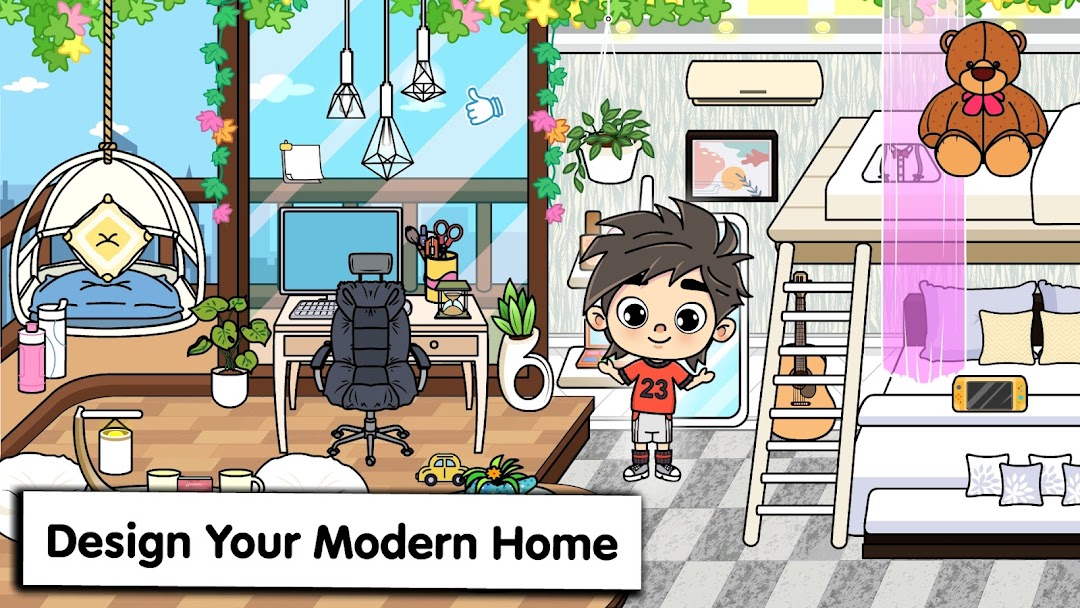
| Name | Tizi Princess Home Design Game |
|---|---|
| Publisher | IDZ Digital Private Limited |
| Version | 5.6.6 |
| Size | 115MB |
| Requires | Android 7.0 |
| Get it on | Google Play ↗ |
| Category | Simulation |
| Downloads | 635 |
| Price | FREE |
| Rating |
★
★
★
★
★
0/5
(0)
|
| Author | |
| Updated |
Tizi Princess Home Design Game keeps every room you decorate on the device itself, so a working mod never has to fool a server; it only has to switch the locked items and the ad triggers off.
The Tizi Princess Home Design Game Mod Apk is a modified copy of a free, offline dollhouse app built by IDZ Digital Private Limited, a studio based in Mumbai, India. People look for this mod apk for two plain reasons: the base app hides some furniture and décor behind ads or small payments, and the ads themselves break up the play. Because this is a children’s app rated for ages 6 to 8 on Google Play, the person installing the mod is almost always a parent deciding what runs on a kid’s tablet. That single fact changes what the mod is actually worth, and it changes where the real risk sits. Most download pages never mention it, so I want to start there.
- Why the Mod Only Unlocks Décor and Removes Ads
- What You Get in the Base Game for Free
- What Stays Locked Behind Ads and Purchases
- Is Tizi Princess Home Design Game Mod Apk Safe?
- The Real Risks of Installing an Unofficial Tizi APK on a Kid’s Device
- Can You Get Banned for Using the Tizi Mod?
- Everything Unlocked, No Ads, and Free Shopping: What Each Label Means
- Everything Unlocked
- No Ads
- Free Shopping or Whole Shop Purchased
- Does the Tizi Mod Give Unlimited Coins or Gems?
- How to Install the Tizi Mod Apk by Sideloading
- Can You Play Tizi Princess Home Design Game on PC?
- Getting the Latest Version and What Recent Updates Added
- A Safer Path Than the Mod for Most Parents
- Should You Download the Tizi Princess Home Design Game Mod Apk?
Why the Mod Only Unlocks Décor and Removes Ads
Tizi Princess Home Design Game runs as an offline single-player sandbox. There is no login inside the game, no shared server, no global leaderboard, and no in-game currency to speak of. Your saved rooms live in local storage on the phone or tablet. Once you understand that, the honest scope of any mod becomes clear.
A mod for this game can do three real things: mark the locked items as owned, hide the ad calls, and skip the “watch a video to unlock” prompts. That is the whole list. Because the unlock is just a client-side flag written to a local save, it stays flipped after you close the app. No server checks back later to re-lock anything, which is why “everything unlocked” tends to hold for this specific title.
This also means many labels you see on mod sites do not fit. Tags like “unlimited gems,” “unlimited money,” “mod menu,” or “God Mode” get copied onto listings for hundreds of games, including this one. Tizi has no gems, no coin economy, and no combat, so those features have nothing to attach to. When you see them here, they are filler, not fact.
What You Get in the Base Game for Free
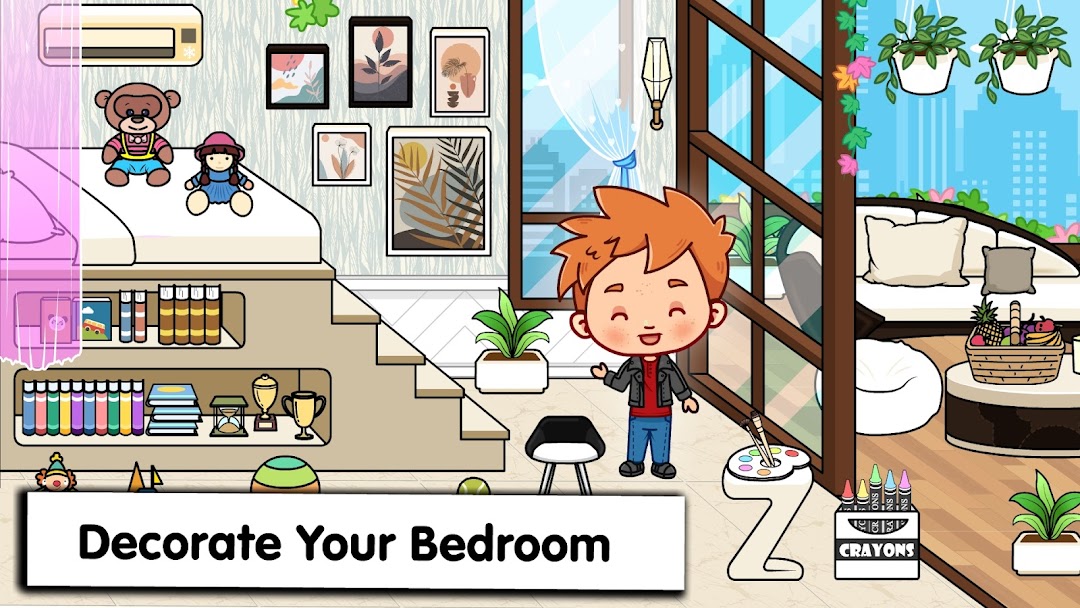
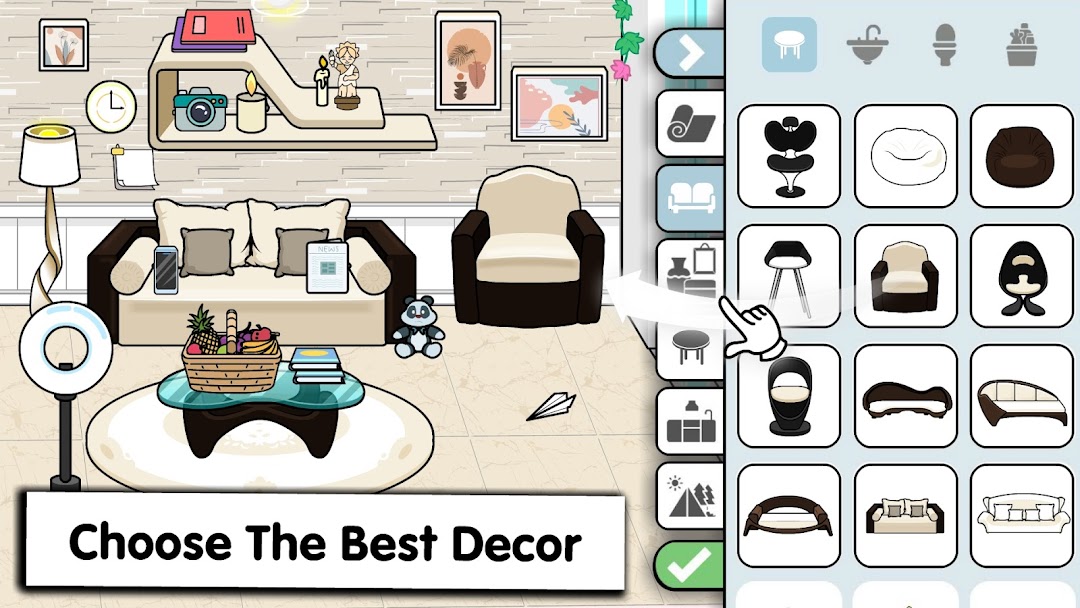
The core app is genuinely free, and it is a decorating toy rather than a game with levels or scoring. There is no win condition, no timer, and no failure state. You pick a scene, then drag furniture, wall colors, floors, and characters into place until it looks the way you want. Several download pages describe “levels,” “puzzles,” and “rescuing magical creatures,” but none of that exists in Tizi. Those descriptions are recycled boilerplate.
What you actually get is breadth of scenes. Over years of updates, IDZ Digital has stacked in a long list of settings you can decorate and role-play in, including:
- The princess castle, mansion, bedroom, living room, kitchen, and garden that anchor the original app
- A modern apartment, restaurant, hotel, airport, food court, and police station
- Themed rooms such as pirate, candy, pink house, beach, and camping scenes
- Newer additions like Dino, Rainbow, and Ice Castle scenes
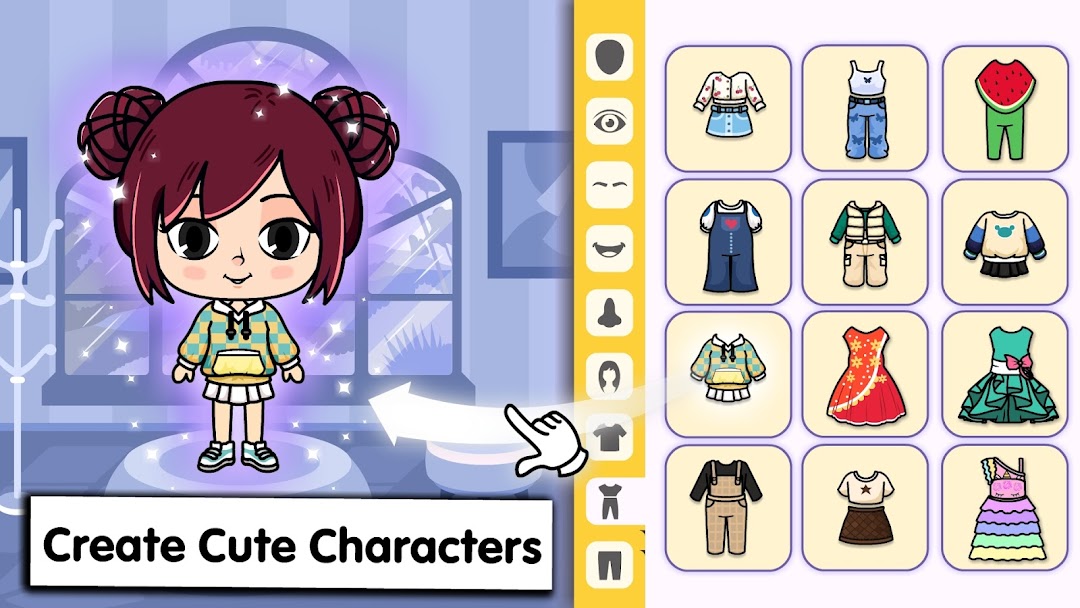
- Character creation for avatars, pets, and unicorn personas, with editable hair, clothing, and accessories
You can style each space freely and then move your characters through it for open-ended role-play. For a child aged six to eight, that open format is the point, and it works fully without spending anything.
What Stays Locked Behind Ads and Purchases
The friction that sends people to a mod is small but real. Some decorations, colors, and items sit behind a gate. To use them, you either watch a rewarded video ad or make a small in-app purchase. Players in the store reviews say a large share of items felt locked, and that unlocking them one by one meant sitting through ad after ad.
The ads are the sharper complaint. Independent reviews describe them as intrusive, and some cannot be closed for a minute or two. On a young child’s device, an ad that will not close is more than an annoyance, because a kid may tap through something a parent never wanted on screen. Removing that ad layer is the single strongest reason a parent even considers the mod.
Is Tizi Princess Home Design Game Mod Apk Safe?
The official game from IDZ Digital is safe and family-rated. A mod apk is a different object. It is an unofficial file rebuilt by a stranger and hosted outside Google Play, so it carries no store review, no verified signature you can trust, and no guarantee that it contains only the changes it advertises. The safety question is really about the file, not the game.
Here is the part I want to be direct about. This game is aimed at children, so the mod usually ends up on a device a child uses without close supervision. That raises the stakes on any hidden adware, tracker, or permission the modified file might carry. The base app’s own listing states it does not collect or share user data with third parties. A repackaged copy from an unknown uploader gives you no such promise, and you cannot audit what was added.
The Real Risks of Installing an Unofficial Tizi APK on a Kid’s Device
Because Tizi has no online account and no anti-cheat, the classic mod risk of a banned account does not apply here. The risks that do apply are quieter and, for a children’s device, arguably worse.
The first is malware or adware bundled into the file. A modded build can hide a second ad network or a tracker inside a game that looks identical to the real one. The second is permission creep. A rebuilt apk can request access to storage, contacts, or other data the official game never needs, and a child tapping “allow” will not notice. The third is the loss of Google Play’s safety net. Sideloaded apps skip the store’s family protections, get no automatic security updates, and cannot be refunded through Google if something goes wrong. The fourth is simple mislabeling. Many “Tizi mod” files floating around are outdated, broken, or are a different app entirely wearing the Tizi name.
Can You Get Banned for Using the Tizi Mod?
No, not in the usual sense. Tizi Princess Home Design Game has no player account, no online progression, and no server that watches your save, so there is nothing to ban you from inside the game. The only account in the picture is your Google account on the device, and installing an unofficial apk will not touch your saved rooms.
The thing worth protecting is not a game rank but the device itself. A bad apk cannot ban you, yet it can still install unwanted software or drain data in the background. The absence of a ban risk is exactly why some people treat this mod as harmless, but that reasoning skips the real hazard, which is the file, not the game.
Everything Unlocked, No Ads, and Free Shopping: What Each Label Means
Since the mandatory mod features here are narrow, it helps to translate the common labels into what they truly do in this game.
Everything Unlocked
This marks the ad-gated and paid décor, colors, and items as already owned. Because the ownership flag is written to your local save, it persists after restarts. This is the label that actually delivers value in Tizi, since the game’s only paywall is cosmetic items.
No Ads
This strips out the ad calls so the rewarded videos and interstitials stop firing. For a kids’ device, this is often more useful than any unlock, because it removes the interruptions and the risk of a child tapping an ad that will not close.
Free Shopping or Whole Shop Purchased
Despite the name, this does not hand you unlimited currency, because Tizi has almost no currency to give. In practice it means the in-app store’s paid items are pre-set as purchased. It is the same unlock idea under a different name copied from shop-based games.
Does the Tizi Mod Give Unlimited Coins or Gems?
No. Tizi Princess Home Design Game does not use coins, gems, diamonds, or any spendable currency, so a mod cannot give you an unlimited amount of something the game never had. Any listing that promises “unlimited money” for this title copied that phrase from a different game. The only meaningful mod effects here are unlocked items and removed ads.
If you want a code system instead, that is also missing. Tizi has no redeem-code feature, so any site offering “Tizi redeem codes” is either mistaken or baiting clicks. There is nothing to redeem.
How to Install the Tizi Mod Apk by Sideloading
If you still decide to try a modded build, the install is a standard Android sideload of a roughly 97 MB file. Treat the steps below as the safe minimum, and read the alternative in the next section first.
- Back up nothing special is needed, because Tizi saves locally, but note that a mod install can overwrite the official app.
- Open Android Settings, go to Security or Apps, and turn on Install unknown apps for the browser or file manager you will use.
- Download the apk file, then scan it with a mobile security app before you open it.
- Tap the file and follow the prompts to install. If a signed mod is available, it usually installs without root and without extra OBB files.
- Open the game once to confirm the unlocks and ad removal actually work as claimed.
- Return to Settings and switch Install unknown apps back off, so nothing else can sideload later.
If a build asks for root access, extra downloaders, or a login you did not expect, stop. A simple décor unlock for a kids’ game needs none of that.
If you would rather not dig through random mirror sites for the file, you can start from a checked source instead.
Can You Play Tizi Princess Home Design Game on PC?
Yes. The game runs on Windows through Google Play Games on PC, which is the official route and keeps the safe, unmodified build. You can also run it inside an Android emulator such as MEmu, which lets you use a mouse and a bigger screen. Either way, playing on a computer changes nothing about how the app works, since it is still the same offline decorating toy.
Using a mod on PC is possible through an emulator, but it carries the same file risk as on a phone, plus the emulator adds its own trust question. For most families, the official PC version is the sensible choice.
Getting the Latest Version and What Recent Updates Added
IDZ Digital updates Tizi often, and each update tends to add scenes rather than change the core toy. The build shown here as 5.6.6 is the current release, while older files like 5.5.4 from October 2025 and 5.3.9 are the versions you will still find scattered across mirror sites. Recent updates brought the Dino, Rainbow, and Ice Castle scenes, along with earlier additions such as beach, camping, food court, and police station settings.
This update pace is a practical strike against the mod. A modded apk is frozen at whatever version the uploader repackaged, so it lags behind the official app and misses the newest scenes. You end up trading fresh content for the unlocks, and you lose the automatic updates that keep the real app current.
A Safer Path Than the Mod for Most Parents
There is a legitimate way to get the two things the mod promises, no ads and no locked items, without an unofficial file. Google Play Pass includes Tizi Princess Home Design Game, and a Play Pass subscription removes the ads and the in-app purchases across the games it covers. That gives you the ad-free, fully unlocked experience through the official store, with updates and family protections intact.
The comparison below lays out the trade-off directly, so you can decide based on what you care about most.
| What matters | Free official app | Official + Play Pass | Mod apk |
|---|---|---|---|
| Ads | Yes, intrusive | Removed | Removed |
| Locked items | Some gated | Unlocked | Unlocked |
| Cost | Free | Subscription | Free |
| Store safety and refunds | Yes | Yes | None |
| Automatic updates | Yes | Yes | No |
| Verified, no hidden code | Yes | Yes | Not guaranteed |
For a device a child uses, the middle column wins on almost every line that counts.
Should You Download the Tizi Princess Home Design Game Mod Apk?
My take is straightforward. The mod’s real value is small, because it only removes ads and unlocks cosmetic décor in a game that is already free and offline. The cost is real, because you put an unverified file on a young child’s device and give up every protection Google Play provides. If the ads are your problem, Google Play Pass solves them cleanly through the official app. If the locked items are your problem, most children never notice the gated extras once they start building. I would keep the official game and skip the mod apk, and I would only sideload at all if you fully accept the file risk and scan everything first.
Mở khóa
Install the official, unmodified build straight from Google Play.
Android emulator to run TIZI PRINCESS HOME DESIGN GAME APK smoothly on PC.