Download Whatcraft APK 67 for Android

erow.dev APK
4
1 ratings
1.4K+
Downloads
v67
Version
42MB
Size
Android 5.1
Requires
App Info
Name Whatcraft pixel games offline
Publisher erow.dev
Version 67
Size 42MB
Requires Android 5.1
Get it on Google Play ↗
Category Action
Downloads 1,449
Price FREE
Rating
4/5 (1)
Author
Updated
(2 months ago)

Most pixel sandbox games quietly need a connection to load a world or save progress, yet Whatcraft pixel games offline runs its entire build-and-survive loop even with your phone in airplane mode.

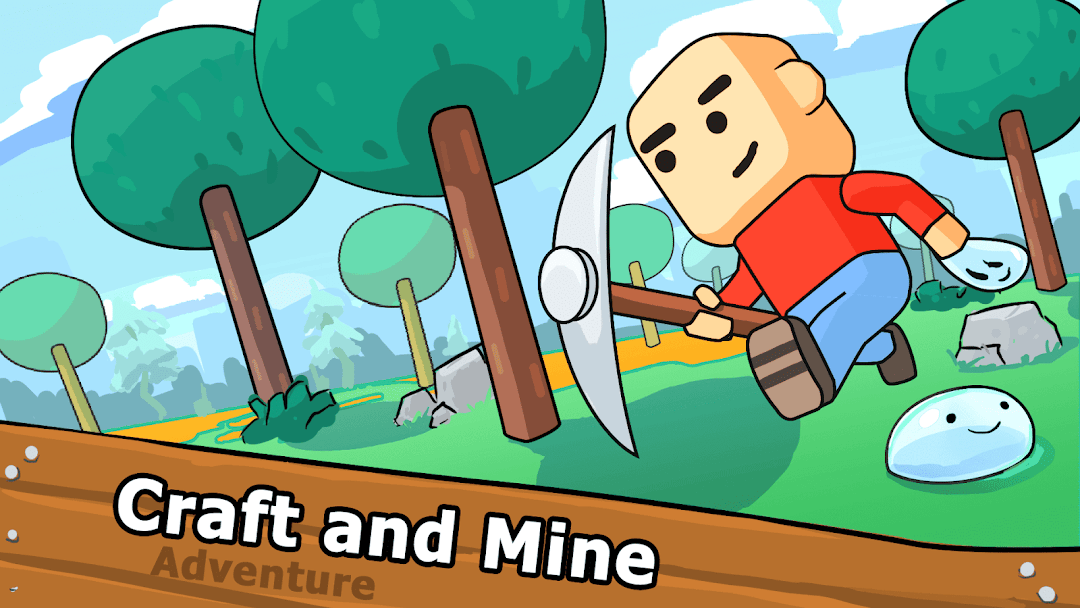
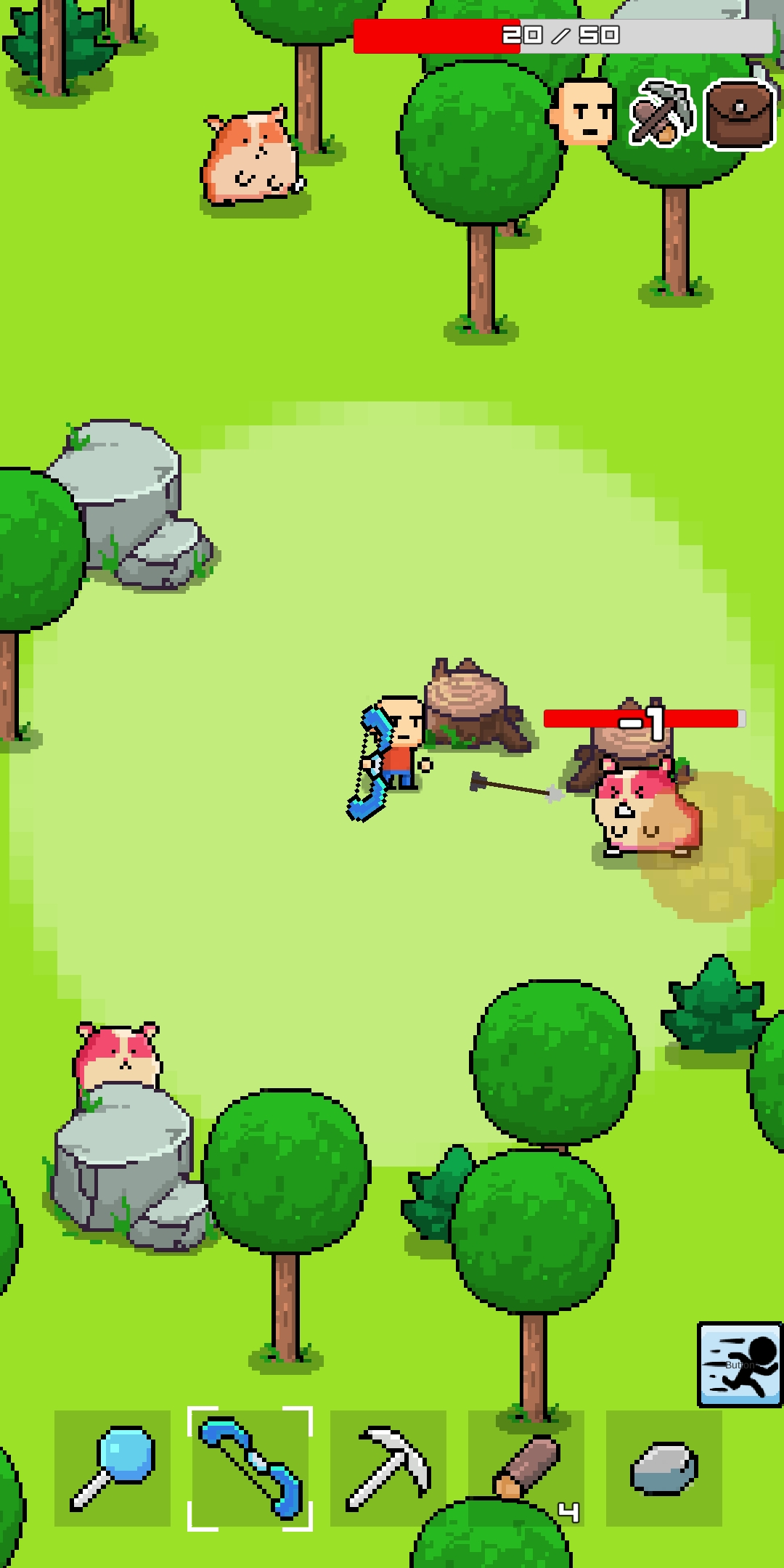
Whatcraft pixel games offline is a free 2D pixel sandbox and survival game from the small studio erow.dev, where you mine blocks, craft tools and weapons, and then either build freely or fight to last the night. The name makes a promise about offline play, and the core game keeps it, although a few extras still reach for the internet in ways most download pages never bother to explain. This page walks through what the game actually is, how the offline part really works, how to get it onto your device safely, and how it stacks up against the bigger crafting games it borrows from.

What Whatcraft Pixel Games Offline Is and Who Made It

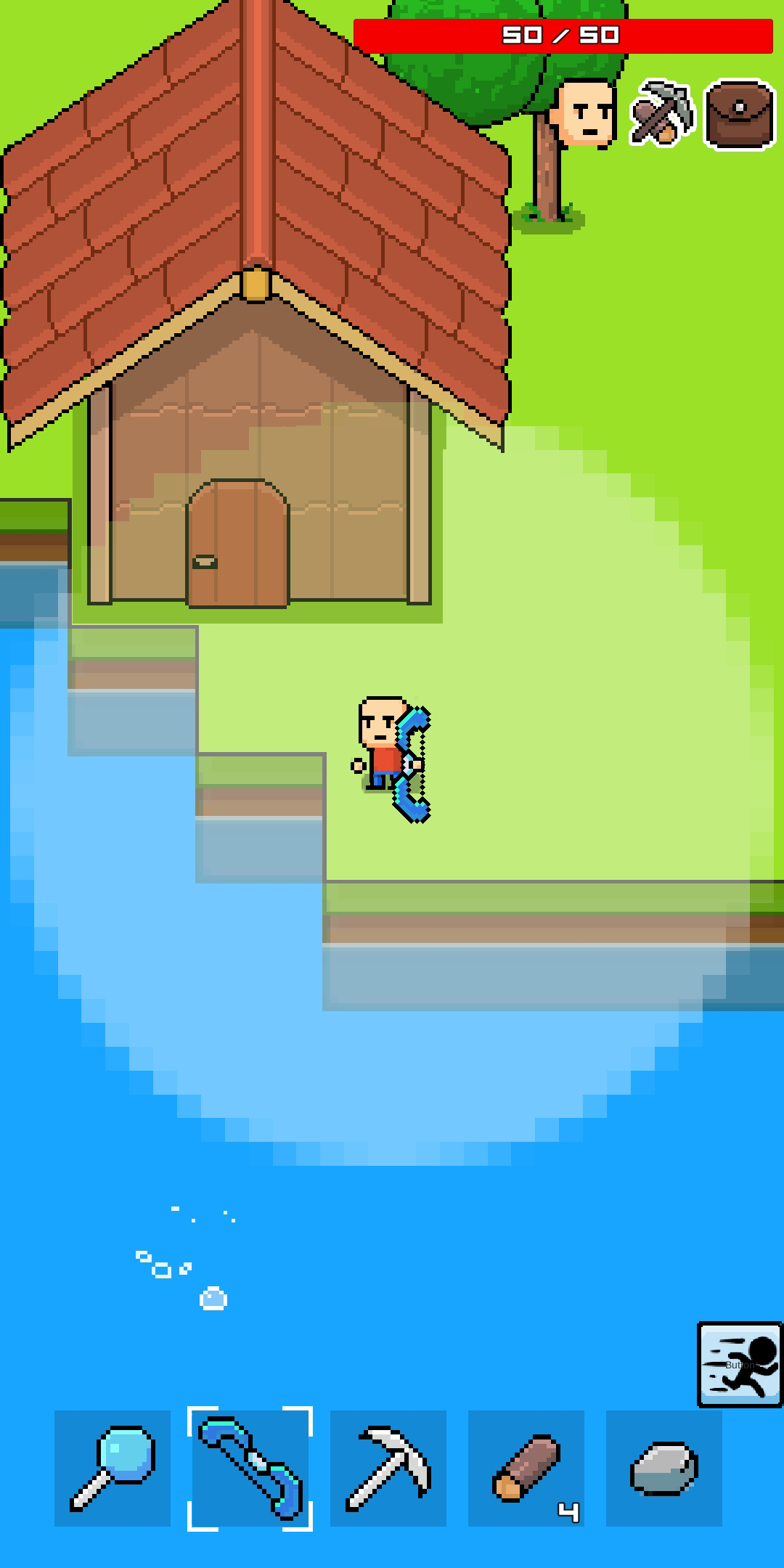
Whatcraft is a top-down pixel survival and building game built by erow.dev, available for Android, where players construct houses, castles, and entire cities from a wide range of blocks while gathering resources for crafting. It sits in the same family as Minecraft-style sandbox titles but keeps everything flat and 2D, which is part of why it stays small and light.

The game has real traction rather than being an obscure clone. On Google Play it shows more than one million downloads, a 4.2-star rating from over 18,000 reviews, a content rating of Everyone 10+, and the usual mix of ads and in-app purchases as of 2026. It first reached Android around 2019 to 2020 and has been updated steadily since, so the version you install today is several years more polished than the early builds.

Is Whatcraft Really Offline? What Works With No Connection

Yes, the full single-player game runs offline. You can mine, craft, build, fight mobs, farm, and save your world with the phone fully disconnected, which is exactly what the title implies and what separates it from sandbox games that force a login. There is no online multiplayer, so nothing about the actual gameplay waits on a server.

The honest caveat is monetisation. The game is funded by ads and optional purchases, and one feature in particular leans on a connection. A detailed Google Play review notes that the controls are easy, the game does not spam ads, and healing is mainly obtained through watching an ad, which means that single rewarded-ad mechanic needs internet to load. Play purely offline and you simply skip those rewarded ads and heal the slower, in-world way instead. So a fair summary is this: the world, your saves, and every survival mechanic are offline, while a couple of optional ad-based bonuses are the only things that ever ask for a signal.

Creative Mode vs Survival Mode

Whatcraft splits into two paths you choose at the start, and you can switch between them depending on your mood. Builder mode, often called Creative, lets you design and construct freely without survival pressure, while Survival mode is the more demanding experience.

Creative is the relaxed lane. Blocks and items are there to place, nothing hunts you, and the point is pure construction, so it suits players who just want to build a city or a castle without managing resources. Survival flips that. You start with nothing, gather everything by hand, and have to read the day-night cycle carefully because zombies, huge spiders, and other hostile mobs come out at night, so you build a home to hide and survive until morning. If you want stakes, Survival is the mode that gives the game its tension.

Blocks, Crafting, and Combat: How the Game Actually Plays

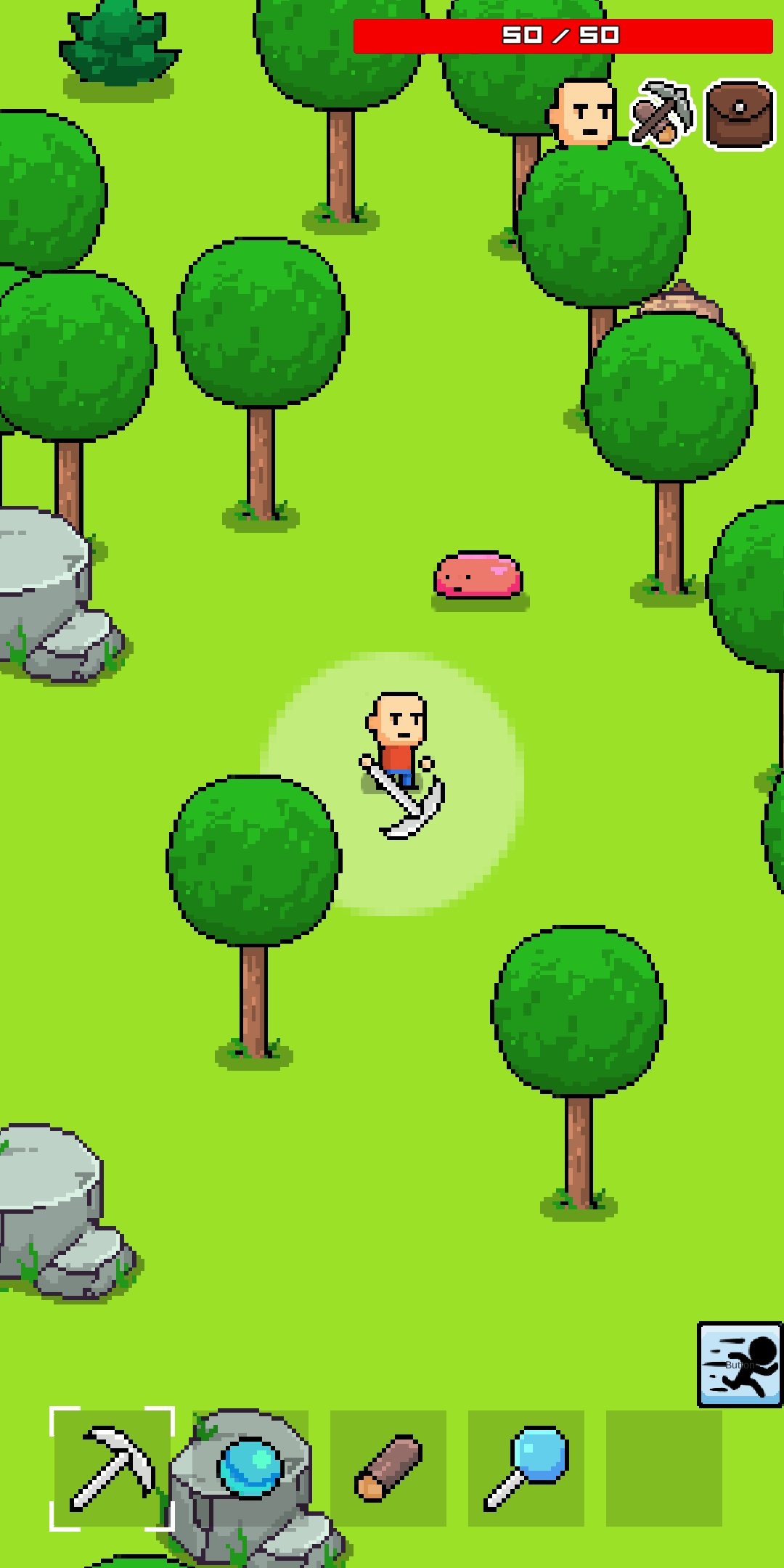
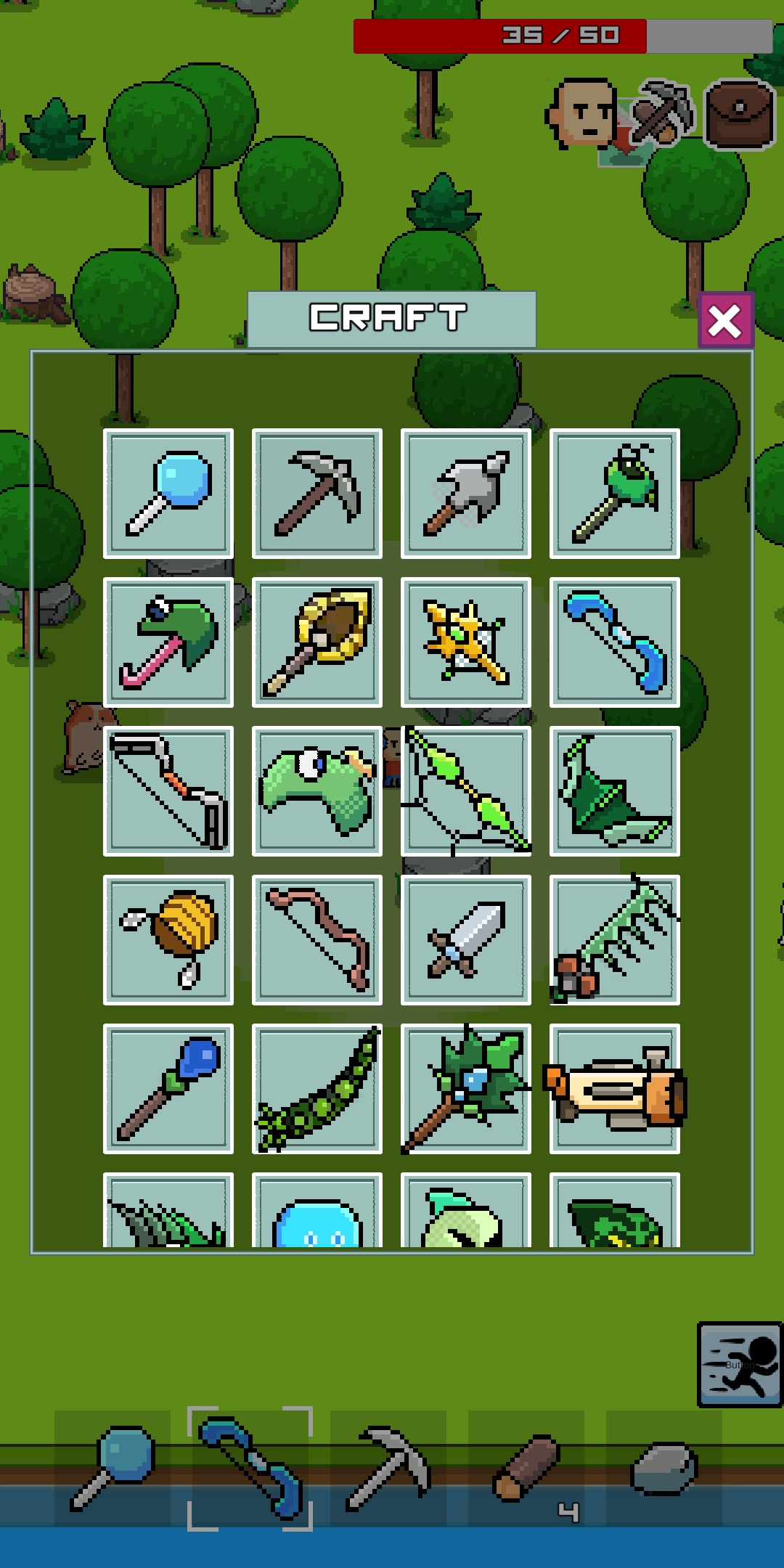
The loop is mine, craft, build, defend, repeat, and it stays approachable from the first minute. You break and place blocks to gather materials, then turn those materials into better gear. The game offers more than a hundred blocks and items, so you can build houses, castles, farms, and full cities limited mostly by patience.

Survival adds layers on top of building. You craft tools and weapons, including guns, and fight monsters for loot, since defeating hostile mobs rewards you with valuable resources. Hunger is a live system too, so you have to watch your hunger and eat in time, finding food, growing crops, or killing mobs for meat. Exploration ties it together, because you can swim across seas to reach new lands where resources are nearly limitless. Long-time players also mention that an older energy system was removed, which they generally saw as a positive change because it took away an artificial limit on how long you could play in one sitting.

Device Requirements and Download Size

Whatcraft is built to run on modest phones, which is one of its quiet strengths. Recent builds list Android 5.1 or newer and a download of roughly 43 MB, and the file has stayed small as the game grew. For comparison, an early build like version 49 from April 2022 was about 35.7 MB, so even after years of updates the package has only crept up by a handful of megabytes.

That low footprint matters for the audience this game tends to reach. On a budget device with limited storage and an older Android version, a 43 MB 2D game installs fast and runs smoothly, whereas a heavier 3D crafting game can stutter or refuse to install at all. If your phone runs Android 5.1 or above and has around 100 MB of free space for the install plus saves, you are comfortably inside the requirements.

How to Download and Install Whatcraft on Android

The safest route is Google Play, where the install is automatic and the file is verified for you. Open the Play Store, search for Whatcraft pixel games offline by erow.dev, tap Install, and you are done with no extra steps. This is the option to prefer whenever the game is available in your region.

If you are sideloading an APK instead, because the game is region-locked for you or you want a specific older build, the standard process is straightforward but worth doing carefully:

  1. Download the APK only from a reputable source, and confirm the package name reads com.erow.whatcraft so you know it is the genuine app.
  2. Open the file. Android will ask you to allow installs from unknown sources for the browser or file manager you used.
  3. Grant that permission, tap Install, then open the game.
  4. Switch the unknown-sources permission back off once the install finishes, since leaving it on is a needless risk.

If you would rather browse a clean, current build of Whatcraft alongside other offline pixel and sandbox games in one place, you can start from our homepage.

Visit the modlmh.com Homepage

Version History and What the Latest 67 Update Brings

Whatcraft updates on a slow but steady schedule, and each release tends to fix bugs and add small content rather than overhaul the game. The current build is 67, and the jump from older versions is mostly about stability and quality-of-life rather than a different game.

The release trail is easy to follow. Version 49 arrived in April 2022, version 64 landed in September 2023, and version 66 went out in September 2025, with 67 as the most recent at the time of writing. Across that span the developer trimmed friction, including removing the old energy meter, and kept the file size low even while adding blocks and items. Because the changes are incremental, there is little reason to hunt down an old APK unless a specific update broke something on your device, in which case rolling back one version is a reasonable troubleshooting step.

Is Whatcraft Safe to Download?

The game itself is legitimate and family-friendly, rated Everyone 10+, so the real safety question is about where you get the file, not the game. From Google Play it is as safe as any vetted app. The risk only appears when you pull an APK from a random site, because a tampered file can carry malware while still looking like the real game.

A few habits keep sideloading clean. Match the package name com.erow.whatcraft, prefer well-known download mirrors over unfamiliar ones, and be wary of any version that advertises unlocked purchases or removed ads, since those modified builds are the ones most likely to be repackaged with something nasty. It is also worth knowing the game contains ads and in-app purchases by design, so a build claiming to strip all of that is altering the original app rather than offering the developer’s version. Supporting the official release through Play keeps erow.dev funded and keeps your device out of harm’s way, which is the outcome that actually serves you.

Playing Whatcraft on PC

You can run Whatcraft on a computer through an Android emulator, which appeals to players who want a bigger screen and keyboard or mouse control. Tools like LDPlayer let you install the Android version of Whatcraft on PC, with keyboard mapping and adjustable frame rate, and the game behaves the same way it does on a phone.

This is genuinely optional rather than necessary. The game was designed for touch and plays fine that way, so the emulator route mainly helps if you prefer mouse aiming for combat, want to record gameplay, or simply find building easier with a keyboard. Performance is rarely an issue given how light the game is, even on a modest laptop.

How Whatcraft Compares to Minecraft and Other Pixel Sandbox Games

Whatcraft is best understood as a lightweight, fully offline take on the Minecraft idea rather than a competitor to it. Minecraft is a paid, 3D, deeply systemic world with online play, while Whatcraft is free, 2D, and built around quick offline sessions on cheaper hardware. They scratch a similar itch, but they are not in the same weight class, and that is the point.

Against free Android rivals the comparison gets closer. Games like MultiCraft offer a 3D blocky world but ship as a much larger download, often near 100 MB, and lean harder on a connection for their fuller feature sets. Whatcraft trades 3D depth and graphical polish for a tiny footprint and reliable offline play, which is the right deal for a player on a budget phone or a patchy connection. If you want the richest sandbox and have the device and data for it, the bigger titles win. If you want something that installs in seconds, never needs a signal, and still gives you crafting, combat, and city-building, Whatcraft is the more sensible pick.

Tips for Getting Started in Whatcraft

The fastest way to enjoy the game is to match the mode to what you want from a session. Pick Creative if you only feel like building and want zero pressure, and pick Survival if you want the loop of gathering, defending, and progressing to mean something. There is no penalty for trying both.

In Survival, the early game rewards a simple routine. Spend your first daylight gathering basic blocks and crafting a weapon, then build even a rough shelter before the first night, because mobs arrive after dark and an open map is dangerous early on. Keep an eye on hunger from the start rather than reacting to it, since farming crops or hunting animals for meat is far easier when you plan ahead than when you are already starving. If you intend to play with no connection, accept that you will skip the rewarded-ad heals and rely on food and in-game recovery instead, which is perfectly playable once you stop expecting the ad shortcut.

Frequently Asked Questions

Does Whatcraft work completely offline? The whole single-player game works offline, including building, survival, combat, and saving your world. The only parts that need a connection are optional rewarded ads, such as the ad-based healing bonus, and the in-app store. Play disconnected and you simply do without those extras.

Is Whatcraft free? Yes. It is free to download and play, funded by ads and optional in-app purchases rather than an upfront price. You can play the core game without spending anything.

Is there multiplayer in Whatcraft? No. The game is single-player only, which is part of why it runs so reliably offline. Some download pages mention community elements, but there is no in-game online multiplayer mode.

How big is the download and what does it need? Recent versions are around 43 MB and need Android 5.1 or newer, which keeps the game friendly to older and lower-end phones.

Is Whatcraft safe for kids? It carries an Everyone 10+ rating, so it suits older children, though parents should note it contains ads and in-app purchases. Disabling purchases in device settings is a sensible precaution for a child’s phone.

Is it safe to install the APK? The official game is safe. The risk lies in the source, so install from Google Play or a trusted mirror, confirm the package name com.erow.whatcraft, and avoid modified builds that promise unlocked content.

The Bottom Line

Whatcraft pixel games offline earns its name where it counts, giving you a complete 2D crafting and survival game that runs with no connection on almost any Android phone. The trade-offs are clear and fair, since you get a tiny 43 MB download and dependable offline play in exchange for 2D graphics and a couple of optional ad-based perks that need internet. For most people the right move is to grab the current 67 build from Google Play, start in Survival if you want a challenge or Creative if you just want to build, and keep purchases switched off if a child is playing. If you only remember one thing, make it this: the game is genuinely offline, and the only times it asks for a signal are the moments you are free to ignore.

Comments (0)

© Copyright 2020 - 2026 MODLMH.COM

b52 | b52 | sunwin | gem88 | go88 | Sunwin | https://iwin.jp.net/ | kqbd | go88 | bomwin | hitclub | rikvip | iwin | b52 | ok9 today | Trang chủ Jun88 | hi88 | fb88 | kubet | w88 | fun88 | i9bet | v9bet | sv388 | LUCK8 | tỷ lệ bóng đá | sunwin | hitclub | nổ hũ | tỷ lệ kèo nhà cái | xoso66 | Rr88 | vmax | bắn cá đổi thưởng | https://b52-club.bz/ | 78win.dental | soc88 | win79 | soi keo | ok365 | rikvip | bet88 | jun88 | Nowgoal | go88 | BK8 | keo nha cai | kèo nhà cái | sunwin | 7M | hitclub | 7m | b52 | sunwin | go88 | lô đề online | https://mubet.tv/ | bongdalu | kèo bóng đá | C168 | 789bet | go88 | 789win | 789bet | game bai | 33Win | Open88 | tỷ lệ kèo nhà cái | nhận định kèo nhà cái | IWIN | RIKVIP | iwin club | hitclub | kèo nhà cái | tài xỉu | RR88 | https://goal123.com.se/ | 88nn.com.mx | bongdaso.team | b52club | luck8 | good88 | b52 | CM88 | bk8 | tài xỉu online uy tín | Socolive | https://alfredosuarez.com.mx/ | https://sin88.com/ | Xoso66 | hay88x.it.com | f8betz.it.com | nhà cái uy tín | Tải 789club | Gemwin | Z8BET | xóc đĩa | lương sơn tv | haywin | sx88 | bongdaso | bongdalu | https://1gom.gg/ | b52 club | thapcamtv | gavang | gavangtv | luongsontv | kqbd | Kèo nhà cái | keo nha cai | bongdawap | HitClub | AU88 | S666 | 88M | go88 | game bài | soi kèo nhà cái | tải go88 | game bắn cá đổi thưởng | game đổi thưởng | iwin club | tải sunwin | ricbet | b52club | b52club | C168 | debet | 79king | Game nổ hũ | uu88 | TG88 | https://98winac.com/ | 7m | nhandinhkeonhacai.info | Kết quả bóng đá | VA88 | SC88 | Socolive trực tiếp | F168 | SC88 | F168 | FLY 88 | 789club | b52club | 78Win | Hit club | GO88 | tot88 | UU88 | QS88 | NK88 | xoso66 | Vip66 | https://188bet.org.mx/ | https://sa88.com.im/ | CM88 | FLY 88 | ev99 | tài xỉu | kèo bóng đá | tỷ lệ kèo | tỷ lệ kèo | Cakhiatv | Socolive | Nohu90 | kjc | https://123bong.biz/ | xoilac | iwin club | Go88 | kèo nhà cái 18 | ev99.review | SC88 | socolive | MM88 | tỷ lệ kèo trực tuyến | fb88 | fun88 | hay88 | 8kbet | 8kbet | 8kbet | Sc88 | twin68 | WIN79 | ga6789 | sunwin | Tải Go88 | https://68gamebai.quest/ | sunwin20 | https://taisunwin20.co.com/ | Zowin | Mubet | GG88 | socolive tv | luck8 | 33win com | Kèo Nhà Cái | GO88 | HitClub | HitClub | 789Club | gowin | 789club | ok9 | game bài đổi thưởng | nhacaiuytin.moi | bongdalu.army | okvip | sam86 | ฟัน88 | bắn cá đổi thưởng | go88 | 7m.band | LV88 | KP88 | OPEN88 | đánh bài ăn tiền | VB777 | U888 | 789bet | jalalive | k88 | go88 | 8kbet | trang cá cược bóng đá | tylekeo36.com | 789win | xóc đĩa online | 789win | FUN88 | I9BET | https://7mm.dev/ | Kèo Nhà Cái 5 | KUBET | SUNWIN | https://open881.net/ | 6ff | https://jbo.center | vip66 | https://keonhacai5.io/ | U888 | good88 | cf68 | b52club | https://ae8888.lat/ | Fun88 | tg88 | au88 | rr88 | kqbd | mu88 | 7mcn | open88 | Nbet | sunwin | 789win | thapcam | 90phut | 79win | bgibola | FB88 | FB88 | KK55 | nhà cái uy tín | kuwin | ml 88 | sunwin | https://tensen.io/ | kèo bóng đá | soi keo | 78win | o8 | win79 | win 79 | sun win | đánh đề online | Tỷ lệ kèo nhà cái | B52club | nowgoal | 555win | Fun88 Viet | 8kbet cc | 8us | M88 login | W888 | Fun888 | Kèo nhà cái