Youtubers Life: Gaming Channel Mod Apk 1.8.9 (Unlimited Money, Unlocked All, Offline)
UPLAY Online APK

| Name | Youtubers Life: Gaming Channel |
|---|---|
| Publisher | UPLAY Online |
| Version | 1.8.9 |
| Size | 14MB |
| Requires | Android 4.4 |
| Get it on | Google Play ↗ |
| Category | Simulation |
| Downloads | 406 |
| Price | FREE 6.49 USD |
| Rating |
★
★
★
★
★
0/5
(0)
|
| Author | |
| Updated |
Youtubers Life: Gaming Channel is one of the rare simulators where an unlimited money mod genuinely works, and that is exactly the problem, because the money grind is the whole game.
Youtubers Life: Gaming Channel is an offline idle and time-management simulator from U-Play Online, where you build a virtual gaming channel from a small bedroom into a millionaire career. The most searched version of it is the “youtubers life mod apk unlimited money” build, which promises endless cash and every item unlocked. I want to explain what that mod really does to this specific game, why it behaves differently from mods for online titles, and whether the trade is worth it for you. My take is shaped by how the game is actually built, not by the marketing copy on download pages.
- What Youtubers Life: Gaming Channel actually is
- How the money and progression loop works
- What the mod apk actually changes
- Does the unlimited money mod actually work in Youtubers Life: Gaming Channel?
- Is Youtubers Life: Gaming Channel mod apk safe?
- Can you get banned for using the mod?
- The offline build, file size, and OBB
- What the mod quietly takes away
- Legit ways to earn money faster in Youtubers Life
- Youtubers Life: Gaming Channel versus Youtubers Life 2 and the OMG edition
- Does Youtubers Life have redeem codes?
- How to install the mod apk with less risk
- Where that leaves you
What Youtubers Life: Gaming Channel actually is
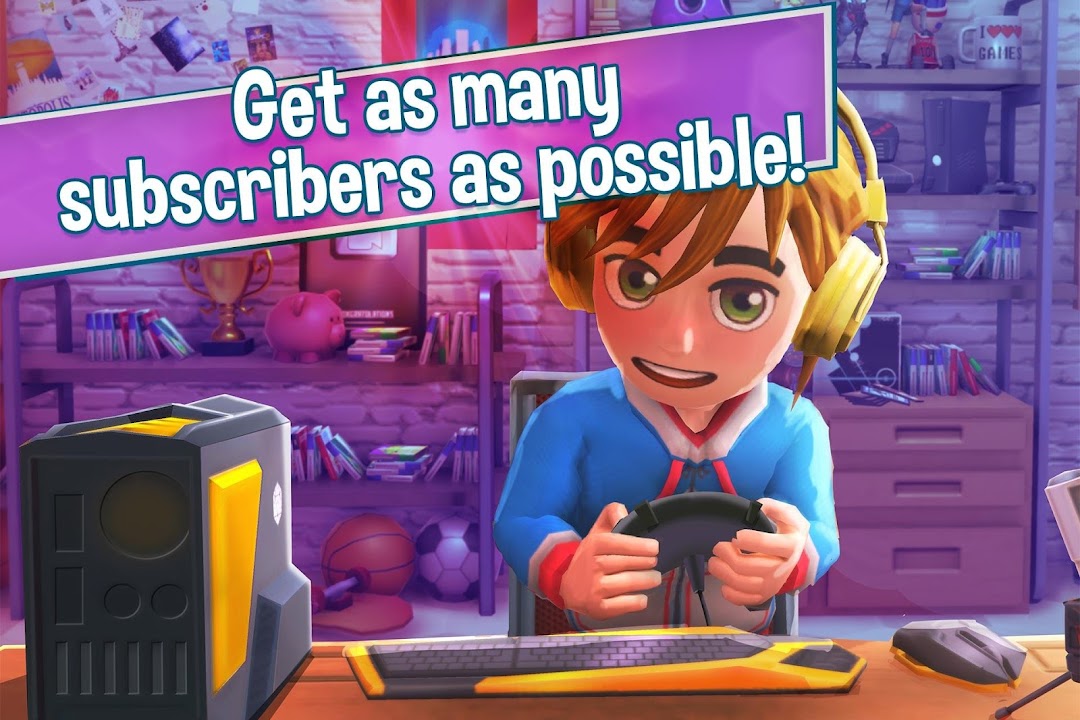
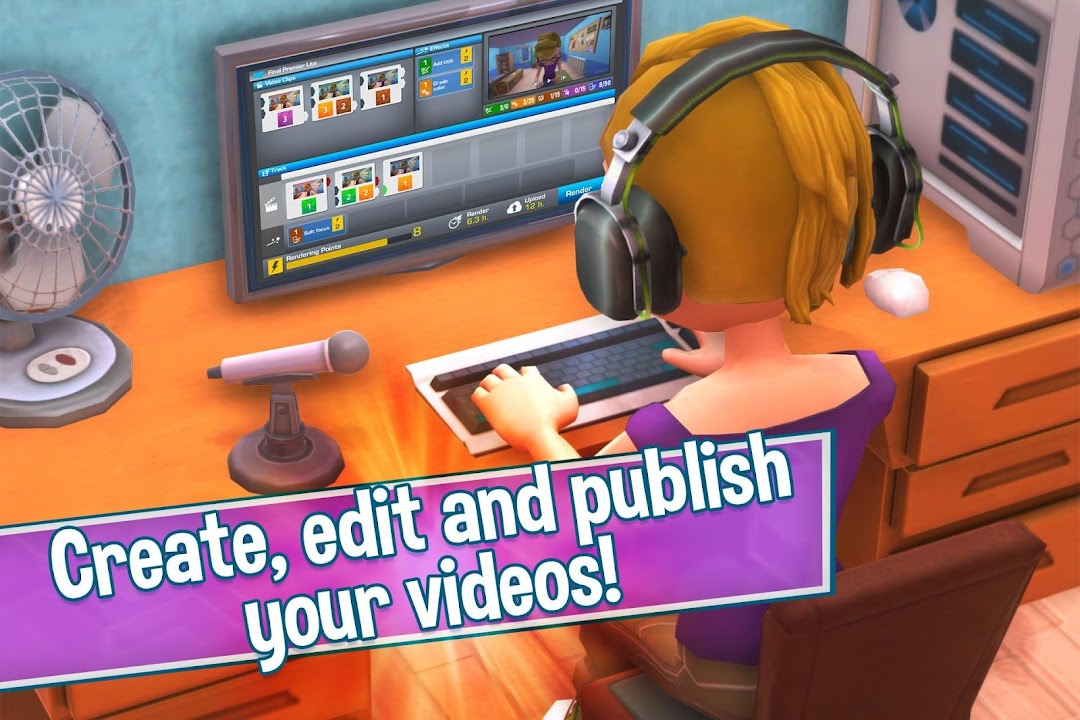
Youtubers Life: Gaming Channel is the mobile version of U-Play Online’s creator simulator, released under the package name com.uplayonline.youtubers. You start as an unknown gamer recording clips in a cramped room, then upload videos, gain followers, and slowly earn money to buy better gear. The mobile build leans idle, so you tap through days, wait for videos to finish, and watch your subscriber count climb over time.
The base game has real charm in short bursts. Character creation is generous, the humor is light, and the fantasy of turning a hobby into fame lands well early on. I like the first few hours, when every upgrade feels earned and each follower milestone matters.
The weaknesses show up fast, and honest reviews should say so. The core loop repeats heavily, since you make similar videos and wait for similar payouts. Long-time players on the App Store have reported save issues after updates, including progress that reset or got stuck at a level cap. Metacritic scores for the wider franchise sit in mixed territory, which matches my read that the game is pleasant but thin. This is a comfort game, not a deep one.
How the money and progression loop works
Youtubers Life: Gaming Channel builds its entire progression around one currency, in-game money, which you earn from videos, sponsorships, and events. Every meaningful step, from a new PC to a bigger house, costs money, and the pace of earning is deliberately slow at the start. The stated goal of the game is simple, which is to become a millionaire and unlock the luxury lifestyle.
That slow economy is not a flaw in the design, it is the point. The tension between what you want and what you can afford is the only real gameplay driver here. You choose which upgrade to save for, which shifts the type of content you can make and how fast you grow. Remove that tension, and the simulator has almost nothing left to simulate.
Understanding this loop is the key to judging any mod, because the mod’s main promise, unlimited money, targets the exact system that carries the game. Everything below flows from that single fact.
What the mod apk actually changes
The Youtubers Life: Gaming Channel mod apk changes the money system first, and everything else is secondary. Across the popular download sites, the headline feature is “unlimited money,” and the mechanism they list is almost always the same trick, where your balance goes up instead of down when you spend. In practice that means you can buy any house, console, or upgrade without the number ever dropping.
The second common change is an “unlocked all” or “premium unlocked” state, which opens items, decorations, and channel options that the base game gates behind money or progress. Some builds also advertise “free upgrade managers,” meaning the staff you would normally pay to hire come pre-unlocked. These are the real, repeatable claims, and they match how an offline economy can be edited.
What you will not find here is anything server-side to manipulate, because there is no online currency and no diamond wallet held by the developer. Some listings borrow the word “diamonds” from other games, which is filler that does not describe this title. The honest description is narrow, since a money edit and an unlock flag cover almost every genuine version.
Does the unlimited money mod actually work in Youtubers Life: Gaming Channel?
The unlimited money mod usually works in Youtubers Life: Gaming Channel, because the game stores your balance locally on your device rather than on a company server. Most builds use the trick where your money rises when you spend, so the value stays high no matter what you buy. This works offline, and no external check can reset it, which is why the mod is technically real here.
This is where Youtubers Life differs from many mod apk targets. Online games keep your currency on the publisher’s servers, so “unlimited” mods only change a display and the true balance stays put. Youtubers Life: Gaming Channel is single-player and offline, confirmed by the ARM64 offline builds that mod sites distribute, so the edit touches your actual save. The mod is not a fake in the technical sense.
The catch is what “working” costs you. A mod that hands you every purchase on day one deletes the reason to play tomorrow. The system does what it claims, and that is precisely why it hollows out the experience.
Is Youtubers Life: Gaming Channel mod apk safe?
Youtubers Life: Gaming Channel mod apk files are not officially safe, because U-Play Online never publishes them, and every modified build comes from a third-party host. The main risks are malware bundled into the installer, a corrupted or lost save, and a large sideloaded download near 440 to 516 MB. Sites that claim they scan every file cannot promise safety, since scanners miss new threats.
I want to be precise about the risk profile, because it is not the same as it would be for an online game. There is no login here, so nobody steals a Youtubers Life account, because you do not have one. The realistic dangers are device-level, which means a malicious permission request, a trojan hidden in the package, or ad-fraud code running in the background. Those are the threats worth watching, not a suspension.
The second real risk is progression loss. Modded builds often lag behind official updates, so when U-Play Online patches the game, your modded save can break or refuse to load. Players have already reported update-related save damage on the clean version, and a mod only widens that gap.
Can you get banned for using the mod?
You cannot get banned for using a Youtubers Life: Gaming Channel mod apk, because the game runs as an offline single-player simulator with no login and no competitive server. U-Play Online has no online account to suspend, and there is no shared leaderboard where cheated money would flag you. Anyone warning you about a ban here has copied that line from an article about a different, online game.
This matters because “will I get banned” is the top safety question players ask, and for this title the honest answer is no. The energy you might spend worrying about a ban is better spent worrying about what you actually install. The threat model is malware and broken saves, not enforcement.
The offline build, file size, and OBB
Youtubers Life: Gaming Channel is a heavy install for a 2D simulator, with mod packages measured around 440 to 516 MB, and some sources ask for roughly 600 MB of free space to avoid crashes. That size comes from the game’s assets, animations, and voice clips, and it is a normal reason the download splits into an APK plus an OBB data file on some hosts.
If a build ships as an APK with a separate OBB, you place the OBB folder in the Android data directory before you launch, or the game stalls on load. Several mod pages note that the game targets ARM64 devices, so older or unusual chipsets can fail even when the file is clean. None of this makes the mod safer, it only explains why the process is fiddly and why partial downloads corrupt the install.
What the mod quietly takes away
Reviewing the mod as a product means asking what you lose, not only what you gain. You gain instant wealth and every unlock, which sounds generous. You lose the single mechanic that gives Youtubers Life: Gaming Channel any shape, which is the climb from a broke beginner to a wealthy creator.
Once money is infinite, the upgrade choices stop being choices, since you buy everything at once. The follower grind loses meaning too, because the rewards it feeds toward are already yours. What remains is a menu of purchases with no consequence, and a channel that grows on rails while you watch. I find that empties the game within an evening.
There is also a subtler cost. Because the balance rises when you spend, the on-screen number stops meaning anything, and the game’s own feedback loops start reading as noise. The simulator was built to reward patience, so a mod that removes patience removes the design.
Legit ways to earn money faster in Youtubers Life
If your real goal is faster money without a modified file, the base game rewards a few habits, and I would start there. Upload consistently, because idle income scales with an active channel, and gaps in uploads cost you subscribers. Follow the current trend prompts the game gives you, since on-trend videos pay better than random ones.
Invest early earnings into render and editing gear rather than cosmetics, because better equipment raises the quality and payout of every future video. Take sponsorship and network deals when they fit your channel, and manage your character’s needs so you do not lose productive days. This route is slower than a mod, but it keeps the game’s tension intact, and it never risks your device.
For most players who like the fantasy of building a channel, the legit path is the whole appeal. The grind is not an obstacle to the game, it is the game.
Youtubers Life: Gaming Channel versus Youtubers Life 2 and the OMG edition
A lot of confusion around this search comes from three different products sharing one name, so I want to separate them clearly. Youtubers Life: Gaming Channel is the mobile idle simulator from U-Play Online, and it is the one people mean when they search for the mod apk. It is not the same as Youtubers Life 2, and it is not the same as the Steam and console release.
| Title | Platform | Type | Notes |
|---|---|---|---|
| Youtubers Life: Gaming Channel | Android and iOS | Offline idle sim | The mobile game that “mod apk” searches point to |
| Youtubers Life (OMG Edition) | PC and consoles | Paid simulation | The original Steam version with multiple channels |
| Youtubers Life 2 | PC and consoles | Paid open-town sim | Released October 19, 2021, with mixed reviews |
Youtubers Life 2 is a separate, paid game published by Raiser Games and developed by UPLAY, and it moves you out into an open town rather than keeping you at a desk. Critics found it a mixed follow-up, and it frustrated fans of the first game. If you install a mobile mod apk expecting the console sequel, you will be disappointed, because they are different experiences with different designs.
Does Youtubers Life have redeem codes?
Youtubers Life: Gaming Channel does not use a redeem code or gift code system, so any site promising working codes is inventing them. Progress comes from playing and spending in-game money, not from entering promo strings. I mention this only because the search appears, and the honest answer saves you from code-generator scams that harvest data.
How to install the mod apk with less risk
If you still choose to try a modded build after reading the trade-offs, treat it as standard Android sideloading and keep your guard up. Back up your existing save first, since a modded install can overwrite or corrupt local progress. Open your device settings, allow installs from unknown sources for the specific browser or file manager you use, then install the package, and turn that permission back off afterward.
Watch the permission prompt closely during install, because a simple offline simulator has no reason to request your contacts, SMS, call logs, or accessibility access. If it asks for anything like that, cancel and delete the file. I would never keep a build that demands permissions unrelated to a single-player game, and neither should you.
If you would rather browse other modded titles and cleaner picks in one place before deciding, you can start from our homepage.
Where that leaves you
Youtubers Life: Gaming Channel is a light, likeable simulator that runs offline, so its unlimited money mod actually works, which makes this a rare case where the cheat is real rather than fake. That honesty cuts both ways, because the same edit that gives you instant millions also deletes the slow climb that is the entire point of the game. There is no ban to fear, only malware, save corruption, and a large sideloaded file to weigh.
My recommendation splits by player type. If you love the fantasy of building a channel from nothing, skip the mod, because it removes the exact tension you came for, and the legit path is short and safe. If you have already finished the game, know the loop by heart, and just want a relaxed sandbox to spend freely in for one evening, a mod from a source you trust can scratch that itch, as long as you back up your save and audit every permission. For everyone in between, the clean version from the official stores is the smarter route.
Unlimited Money
Install the official, unmodified build straight from Google Play.
Android emulator to run YOUTUBERS LIFE: GAMING CHANNEL APK smoothly on PC.